How to make a logo and some text on my website?

Hi! I want logo and text to be in my header
I have read a topics about that, but it does not help me.
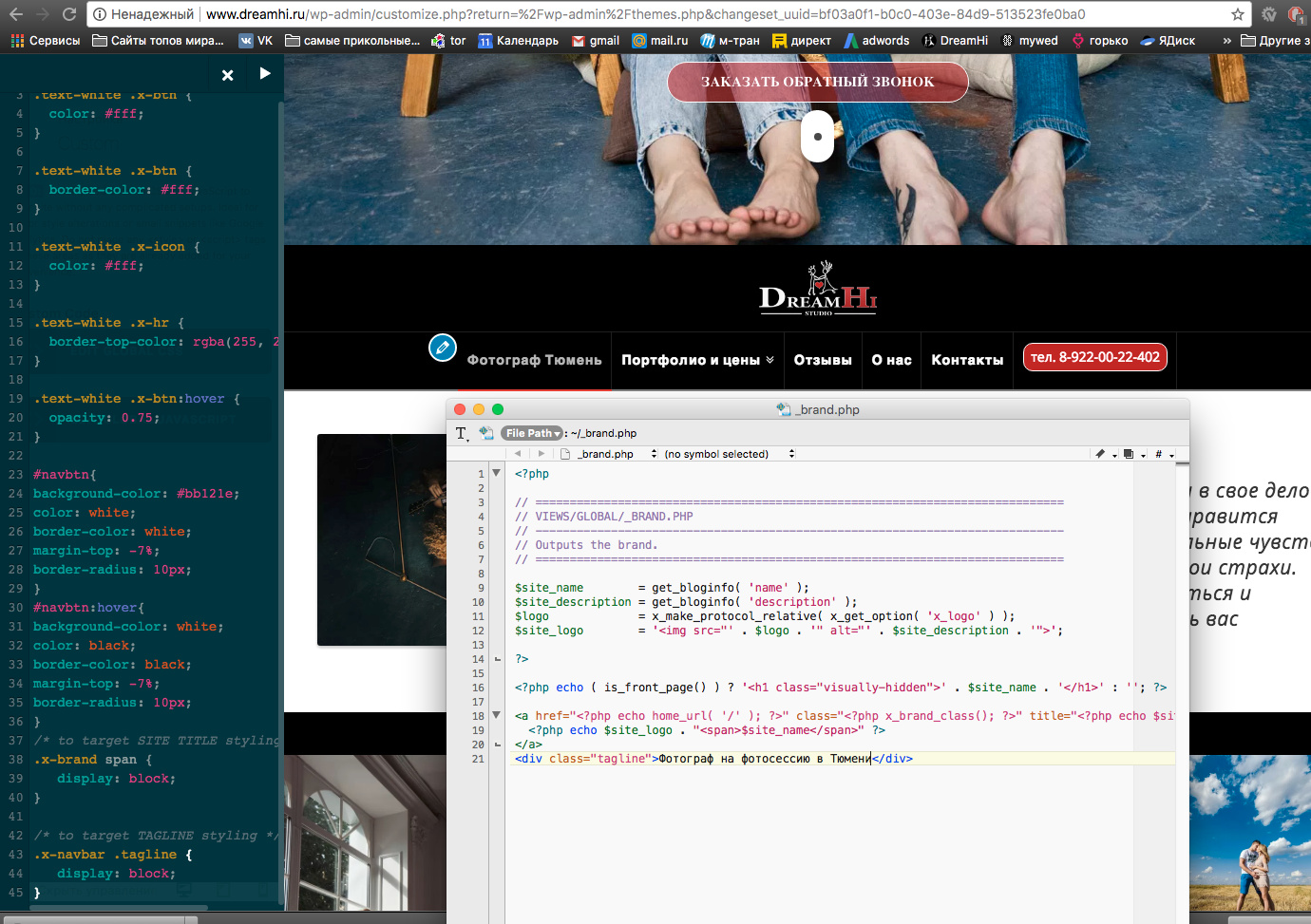
In my x-theme there is no _brand.php and _navbar.php. So I do it myself to insert into x-child. I copied what you had advised to other users, I’ve inserted css, but nothing works.

Hi There,

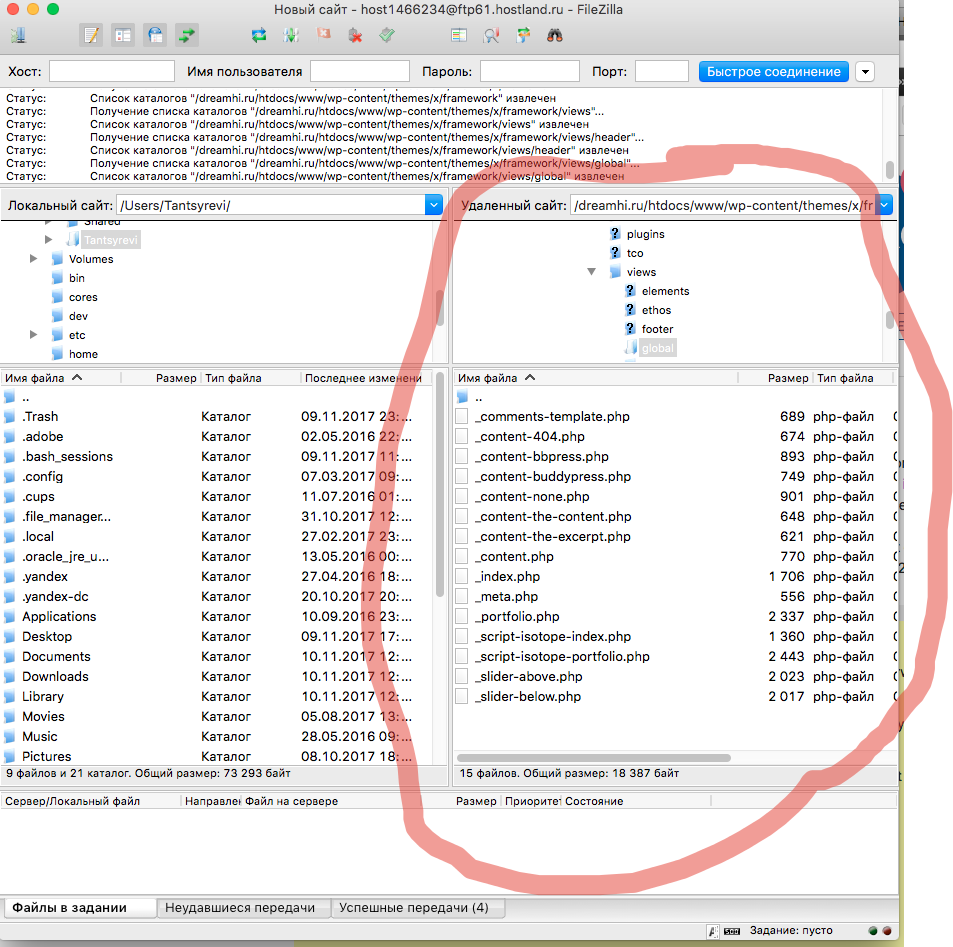
The _brand.php file should be under x/framework/legacy/cranium/headers/views/global.

Regards!

As you can see, it doesn’t work. Please, write me a codes, that I need to enter in my brand.php and custom css. Or may be you know another way to be in my header logo and text. My site is http://www.dreamhi.ru/

Hi,

The code should work, I have tested it in my test site.

Please make sure you have added the file in the correct directory.

It should be in /dreamhi.ru/htdocs/www/wp-content/themes/x-child/framework/legacy/cranium/headers/views/global/_brand.php

Please note that these folders does not exist by default in your child theme

legacy/cranium/headers/views/global

you will have to create it.

Thanks

You are right. Thanks. I found some code for brand.php, but I have a few question.
How I can move my image logo a little bit to left, and a text to right and down. There are an arrows at screenshot. I’m sorry for my english. And how a can change size and color of Tagline?

Hi There,

Did you already resolve it? This is how the logo and text look on my end.

screenshot

You can use the custom CSS below to adjust the tagline text color and size.

.x-brand.img + div {
	color: red;
	font-size: 16px;
}

Hope it helps,
Cheers!

Yes it helped me, thank you very much!

We are delighted to assist you with this.

Cheers!

This topic was automatically closed 10 days after the last reply. New replies are no longer allowed.