How to increase Submenu Font in Sidebar

Hi ThemeCo Team,

Could you please tell me how to increase the submenu font size? I’ve tried all combinations and I evidently am not targetting the object correctly. Here is a pic of what I need to increase.
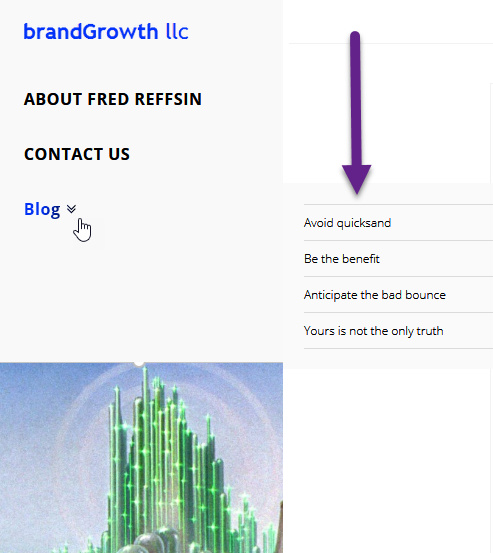
Credentials appear below.

Thank you for your help in advance.

Hi there,

Thanks for writing in.

To confirm, you just wish to change the sub-menu font styling right (independent from top-level menu items)? And since you’re not on Pro, then you can only do this through custom CSS.

But I checked and seems like you already did it,

/* THIS APPLIES FONT ATTRIBUTES TO THE SIDEBAR MENU */
.x-navbar .desktop .x-nav > li > a, .x-navbar .desktop .sub-menu li > a, .x-navbar .mobile .x-nav li a {
    
    text-transform: uppercase;
    font-size: 14px;
    line-height: 14px;
}

That’s the right way :slight_smile:

Thanks!

This topic was automatically closed 10 days after the last reply. New replies are no longer allowed.