How to increase image size

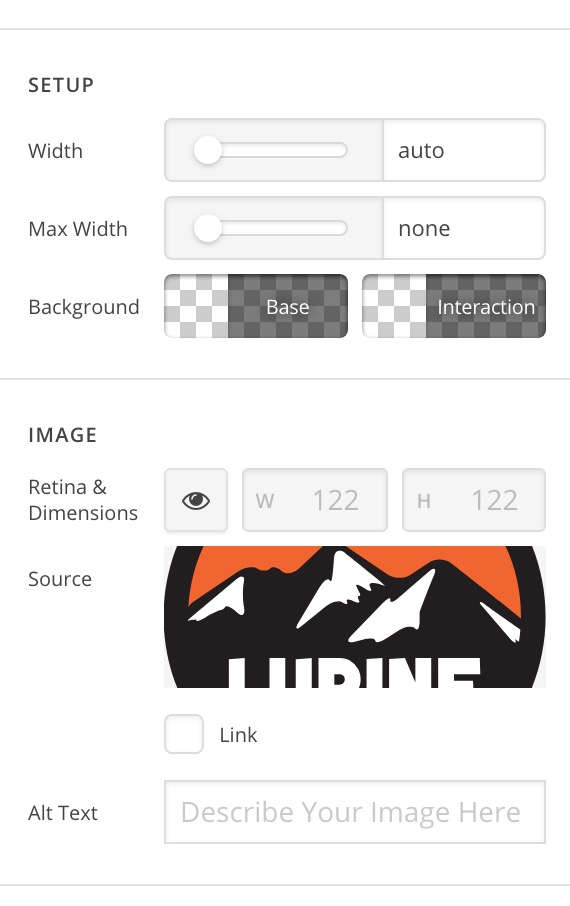
Hi. I’m using Pro, and struggling to find a way to scale images to fit their container. It looks as if images can only be scaled down, not up, is that correct? I’m working with an SVG.

The controls below don’t affect the upward scaling. Included link as a secure note - I am referring to the expeditions logo at the bottom of the site in the ‘new from’ section. Thanks!

Strangely, a quick google of ‘X Pro image size’ doesn’t bring up anything helpful.
Hi There,

Thank you for writing in, please add the following custom CSS to your Image element’s CSS area,

$el.x-image,
$el.x-image img {
	width: 100%;
}

This will make your image respond to the width of the container/column, use the max-width option to limit or manually define the width of the image.

Hope that helps,
Cheers!

Hi @friech, this worked perfectly, thanks.

It’s a little strange that we don’t have the option to manipulate the size directly in the editor but I’m guessing there’s a good reason for that :slight_smile:

Hi @doughballs,

Happy to hear that it helped you.

Yes, this option is already submitted as a feature request. Our developer is looking at it already… Probably soon if approved it could be added on the next updates.

Thank you so much

This topic was automatically closed 10 days after the last reply. New replies are no longer allowed.