How to get custom fonts to work

Hi,

I’ve tried to get custom fonts working on my X theme with Ethos stack in different ways. When I go into theme options > typography, I dont get some 600 options, I get 4: Inherit, and 3 others that I somehow appareantly made in the beginning, by doing so I might have erased the other 600 fonts or something? Anyhow I’m looking to get this section working again.

On top of that I cant install the Typekit plugin because of an error:
Parse error: syntax error, unexpected ‘[’ in /home/sites/site467/web/wp-content/plugins/tco-typekit/tco-typekit.php on line 114

I also cant cant find the google font plugin among your plugins, any idea how I can get any of these to work?
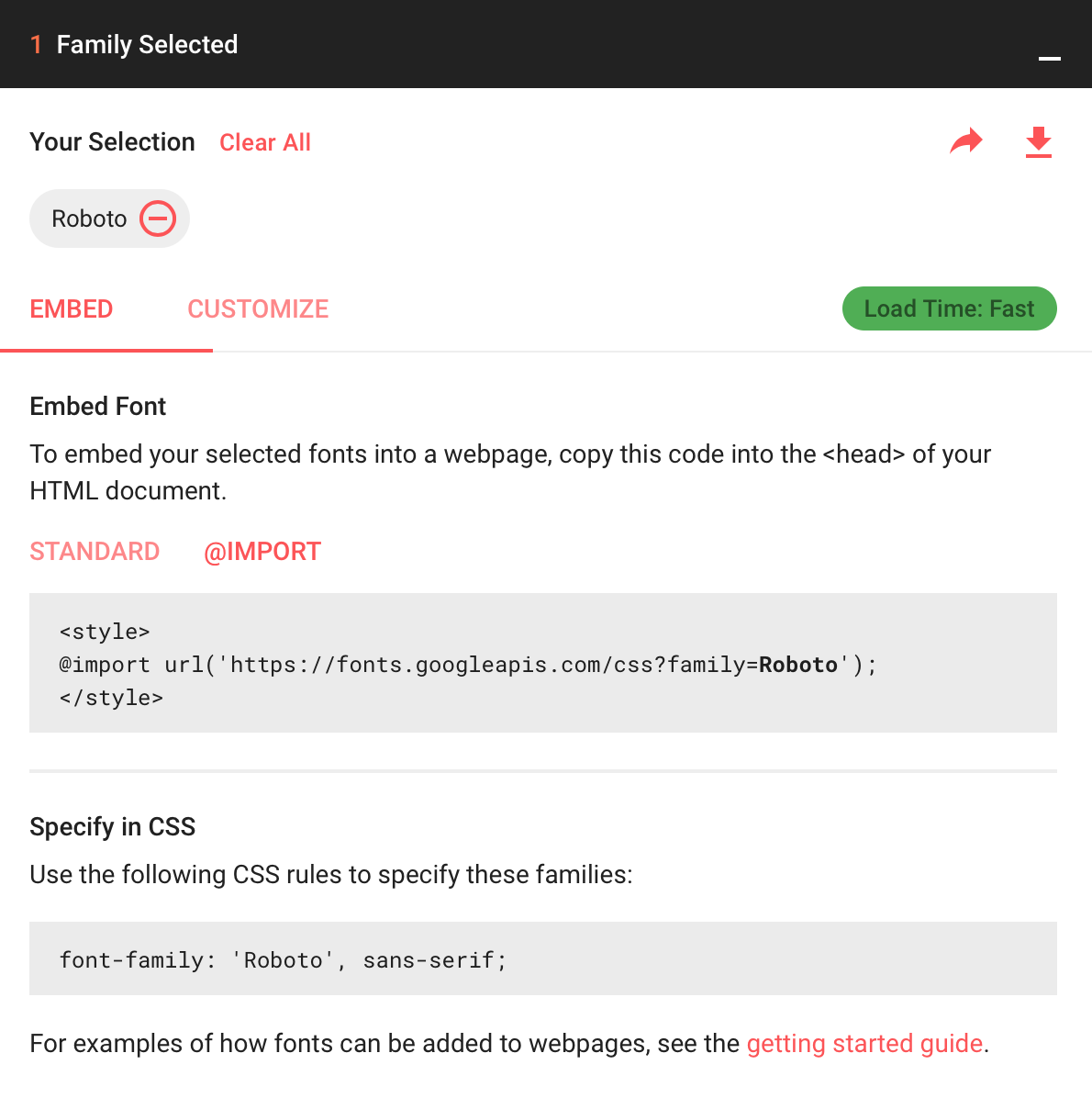
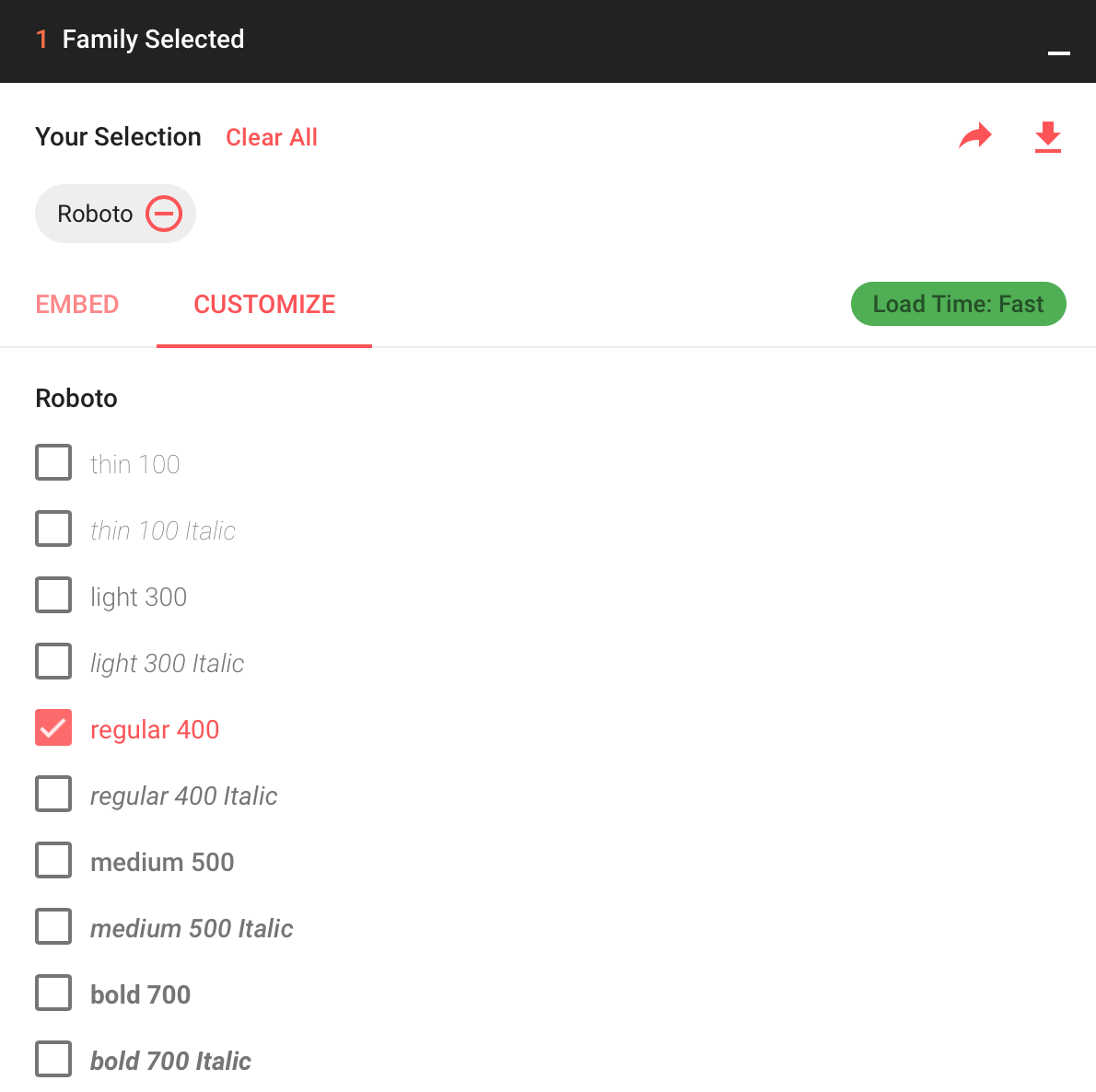
I had a few issues with Google Fonts at first. If you can’t solve them my recommendation is to select your font, and then under “customize” you can select the required font weights.

Then, go to the “Embed” tab and choose “@import”. Copy this line (leave out the tags) and paste them in your child theme’s stylesheet or under CSS in the Customizer. The fonts will then be loaded onto your site. You can then use CSS to asign them to your texts (font-family: 'Roboto', sans-serif;font-weight:400; in this example).

The best option is to use the integrated options in X though, although I’ve had some issues with the Font Manager myself and this is one way to work around them.

This topic was automatically closed 10 days after the last reply. New replies are no longer allowed.