How to edit those icons, or move some of them away, or completely get rid of them? Possible without coding?
Theme-X Integrity.
Hi Kim,
Thank you for reaching out to us. You can enable / disable footer social media icons via X > Theme Options > Footer > Footer Social (see screenshot)
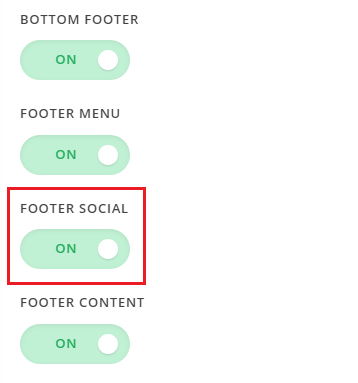
You can control the display of social icons by navigating to X > Theme Options > Social (see screenshot)
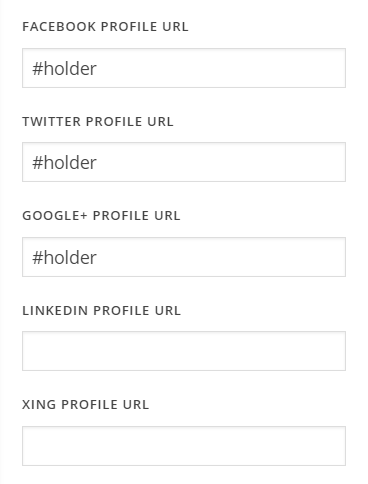
Simply empty the field which you don’t want to display. Hope this helps!
1 Like
Good morning! Yes, looks pretty simple. Many thanks.
You’re welcome.
This topic was automatically closed 10 days after the last reply. New replies are no longer allowed.