How to edit my button borders

Hi,

I am writing you because at this moment I can only find the way to add a border in the bottom of my button when you put the mouse over it but I would like to add a border in the bottom and in the left.

I send you below a photo of how it looks at this moment and how i would like it to look like:
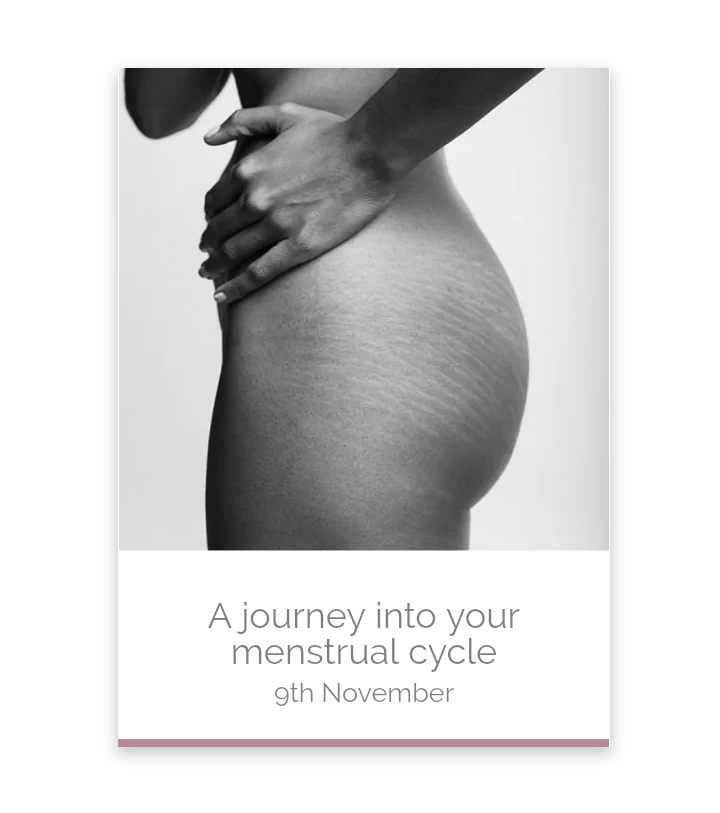
And here is the link to my website: https://inawomansbody.com/events/
How could I do it?

Thanks,
Marina.

Hi Marina,

Thanks for writing in.

To achieve that, add an element css to those buttons.

Insert this css there.

$el.x-anchor-button:hover {
    box-shadow: -10px 10px blue, 0em 0.15em 0.65em 0em rgba(0,0,0,0.25);
}

Hope it works.

Hi,

It haven’t work. I added in the button, where it says Secondary Particle Style- Incline CSS. Is that right?
What should I add or change?

Thanks,
Marina.

Hi Marina,

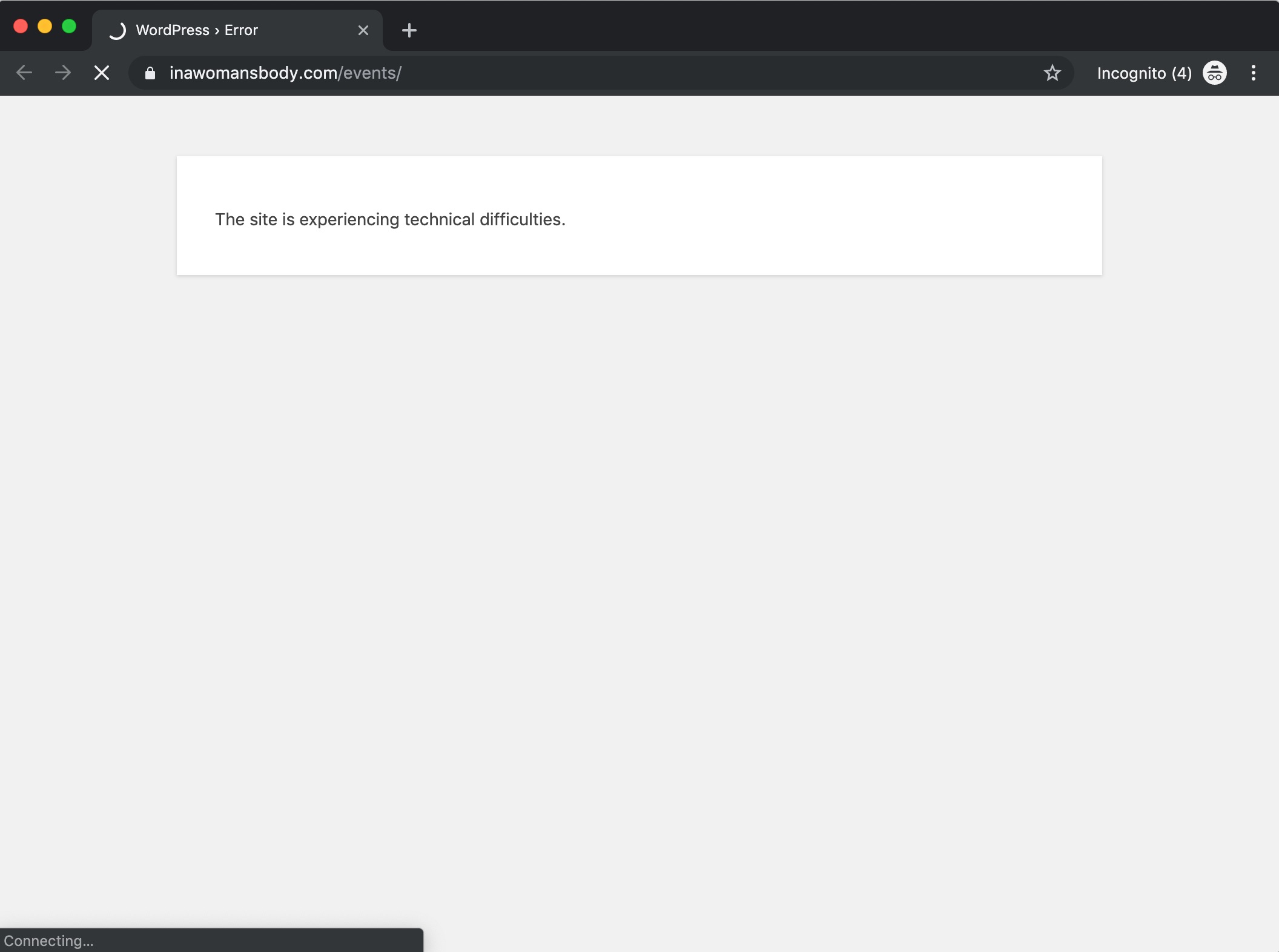
I tried to check the site your site but it seems to be down at the moment:

But the code previously given by @albrechtx should go to the Button element’s Element CSS.

Hope this helps.

Hi, it is back. I actually had a problem with the theme Pro and had to deactivate it, but the website it is working again.
About the code, it worked but the colour appears on the left and bottom, could could I put it in the right and bottom?

Thanks!

Hi Marina,

Please try:

$el.x-anchor-button:hover {
    box-shadow: 10px 10px #722233, 0em 0.15em 0.65em 0em rgba(0,0,0,0.25);
}

Hope this helps.

Yes! Thank you

You are most welcome. :slight_smile:

This topic was automatically closed 10 days after the last reply. New replies are no longer allowed.