How to duplicate X Theme Sales Header

Hi,

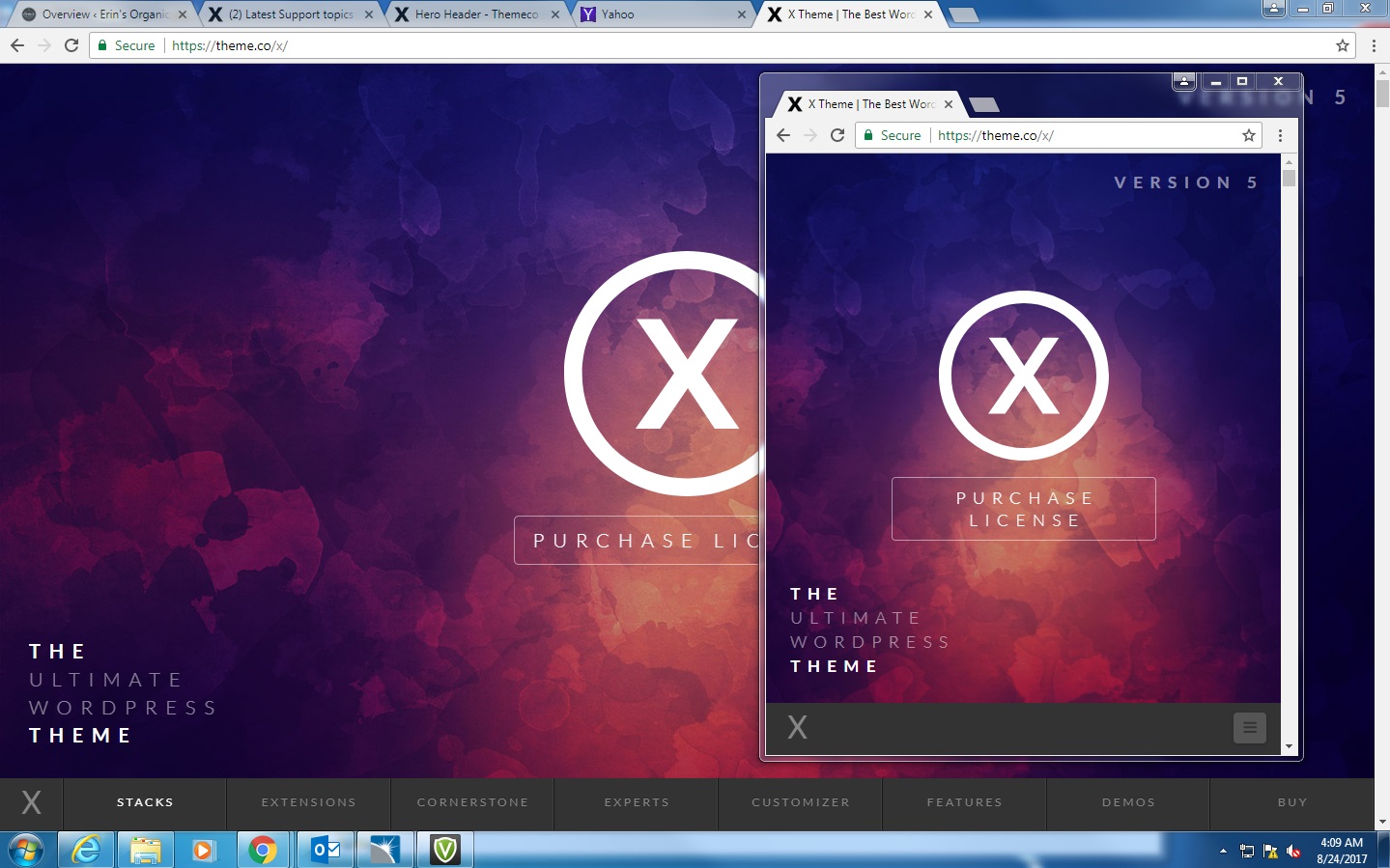
I purchased the X Theme because I absolutely loved the top of the sales page, specifically how the top image autosizes to any browser resolution. I have been playing around with the header but have been unable to successfully duplicate this effect. Prior to purchase, I reached out to the sales staff and was told that the sales page is a version of Ethos, and it was possible to duplicate the top of the sales page.

If possible, would anyone be willing to point me in the right direction on how to achieve this effect? I’d very much appreciate the help!

Thanks,

Kevin
Hi There,

You can use Ethos, with a inline menu for the navbar.

Go to WP > X > Install Revolution Slider.

Create your own full screen slider, with a background image and your logo in the center.

You can also use Slider revolution responsive settings to adjust the position of the elements across different devices.

After you have create your slider.

Go to your home page, click edit page, on WP Classic backend editor, select the slider you have created as slider above masthead.

Hope it helps

This worked perfectly! For others attempting to duplicate this appearance, don’t forget this to make the menu bar fit correctly:

It is located in the settings of the slider.

You are most welcome.:slight_smile: