How to delete a preset? How to rename a preset?
Hi There,
Thanks for writing in!
To delete or edit/rename a preset, please go to Dashboard -> X/Pro -> Template Manager in presets section you will find your list of presets.
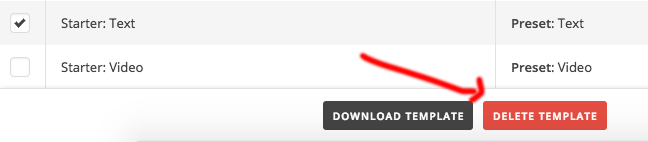
To delete a preset please click on the checkbox and the delete and download button will active. You can delete there.
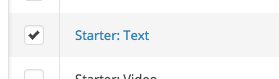
To rename a preset please double click on the reset, you can rename there.
Hope this helps!
This topic was automatically closed 10 days after the last reply. New replies are no longer allowed.