Hi there,
I am quite new using Cornerstone. I find it very intuitive, however I’m struggling to customize some elements.
For instance, I added the recent posts element on my home page and I would like to display 1 post horizontally on the first line and 2 posts horizontally on the second line.
On the demo stack I could find the code lines that correspond to this specific display :
http://demo.theme.co/ethos-1/shortcodes/recent-posts/
However, I don’t know where I am supposed to add these code lines with cornerstone :
[recent_posts count=“1” orientation=“horizontal”] [recent_posts count=“2” orientation=“horizontal” offset=“1”]
I am enclosing a screenshot of the available options that appear when I select the recent posts elements on page.
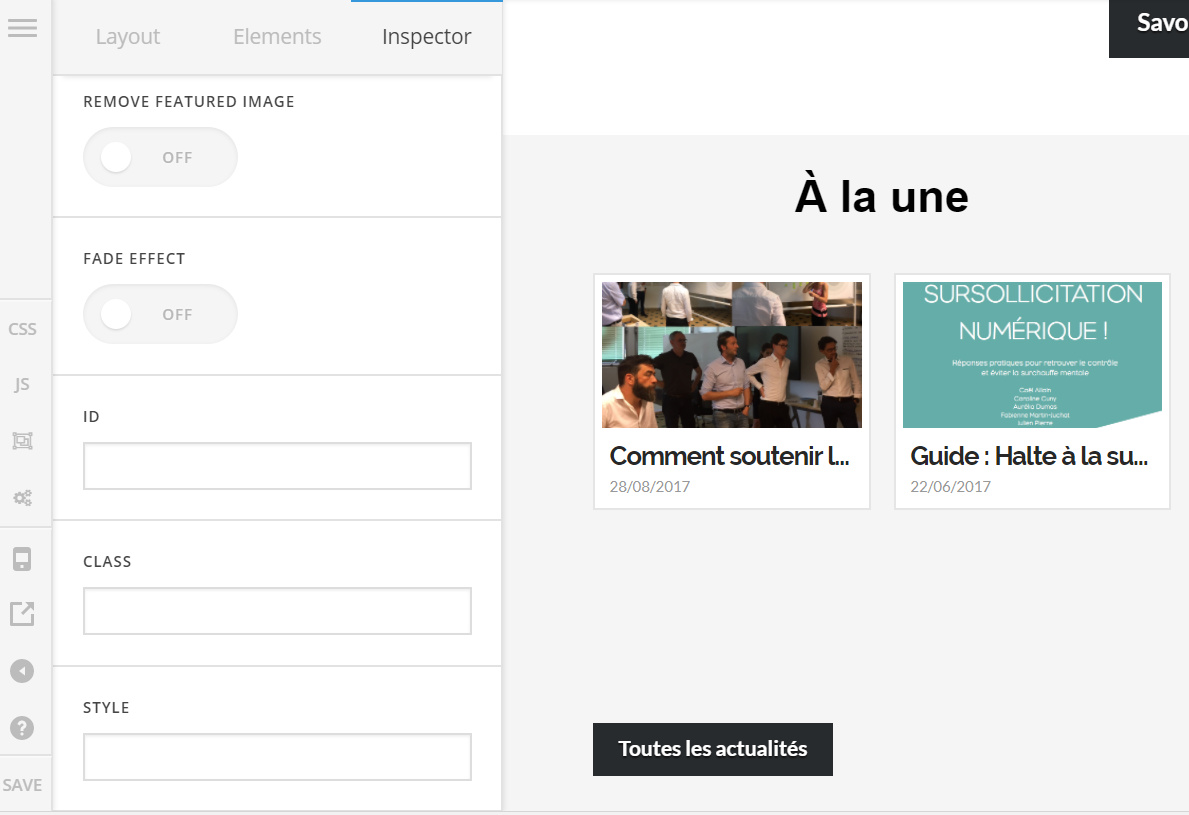
Thank you very much for you help,
Lucie

