How to create Integrity 1 demo (the bit where images slide from left and right as you scroll)

I really need to incorporate something what I see on the Integrity 1 demo.

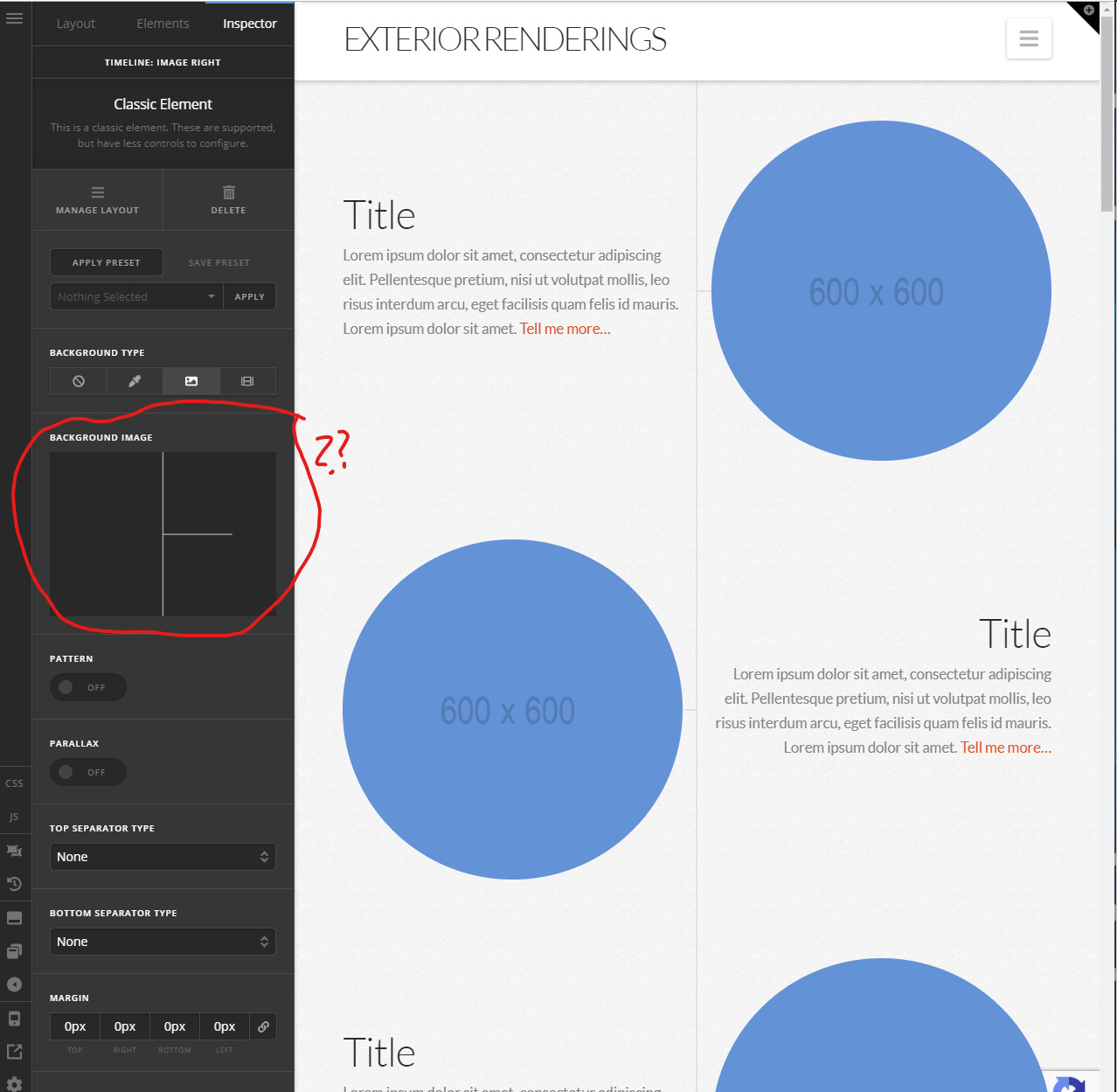
I’m not talking about the video but those images which slide in from left and right as well as those lines coming down through the centre.

I have imported the demo, but because it is a standard demo, pretty much nothing that’ll help me understand how this all works is set up ?

I’ve already created my website and so I just want to understand the slider and how that background ‘lines’ image is created so I can either use that one myself or make one up in Photoshop.

Please, I need some guidance on how to make Integrity-1.

Thank you.
Hello @JezUK,

Thanks for writing in!

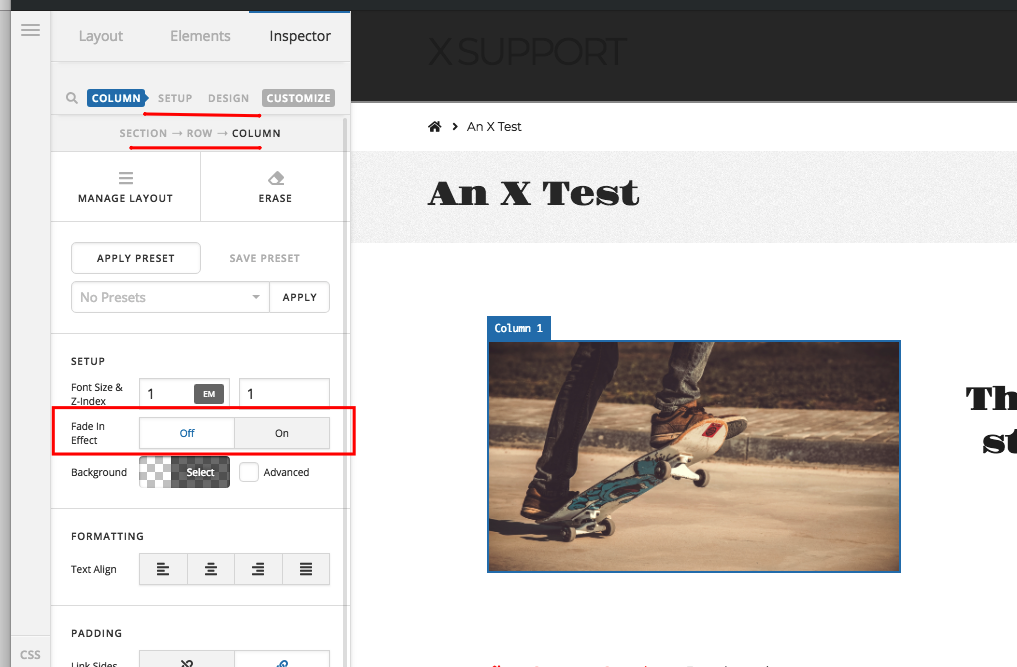
You are referring to the fade in animations which is available in the columns. Actually the columns were the ones that slides in to the left or right. And since the image is contained with in the column, it seems that the images were sliding but actually it is the columns. You can fade in the columns from top, from left, from right or from the bottom.

Please check out the fadein animations in your column settings:

If you need anything else we can help you with, please let us know.

Thank you for that :slight_smile:

In the demo though, those circles are switched off so it was hard to know what I had to do.

My last question is regarding that line background - I need to know more about it but cannot find it in the media library. How is it composed ? I need to make my own because I don’t understand where this line is coming from and how to replicate it in my website (I’m testing the demo in another area).

Many thanks.

Hi @JezUK,

Thanks for asking again!

That image is serving as Base 64 image data format, not a real image format, that’s why you are not finding it in the media library.

Base64 is a group of similar binary-to-text encoding schemes that represent binary data in an ASCII string format by translating it into a radix-64 representation. The term Base64 originates from a specific MIME content transfer encoding. Each Base64 digit represents exactly 6 bits of data. Three 8-bit bytes (i.e., a total of 24 bits) can, therefore, be represented by four 6-bit Base64 digits.

Here is a converter can convert image to base 64 data. https://www.base64-image.de/

You can change the image by uploading a normal image.

Hope this clear to you.

Thanks

1 Like

This topic was automatically closed 10 days after the last reply. New replies are no longer allowed.