How to create footer that stays at bottom of page

Hi,
I have a very minimalist site. It has very little showing in the content area, just a few buttons. So it doesn’t have much vertical height. I’d like to have a header at top of site, and a footer (could be a header, I don’t care) at bottom of site on all pages.

A sticky footer would be great, but I don’t see how to do that well in Pro. I made a sticky header for the bottom. This works. But I can’t seem to get both headers to display at the same time on pages. I made the top header Global, then I tried making the bottom header show on all pages, but I can’t get them both to display at the same time.

What’s the best way to accomplish this?
Hi There,

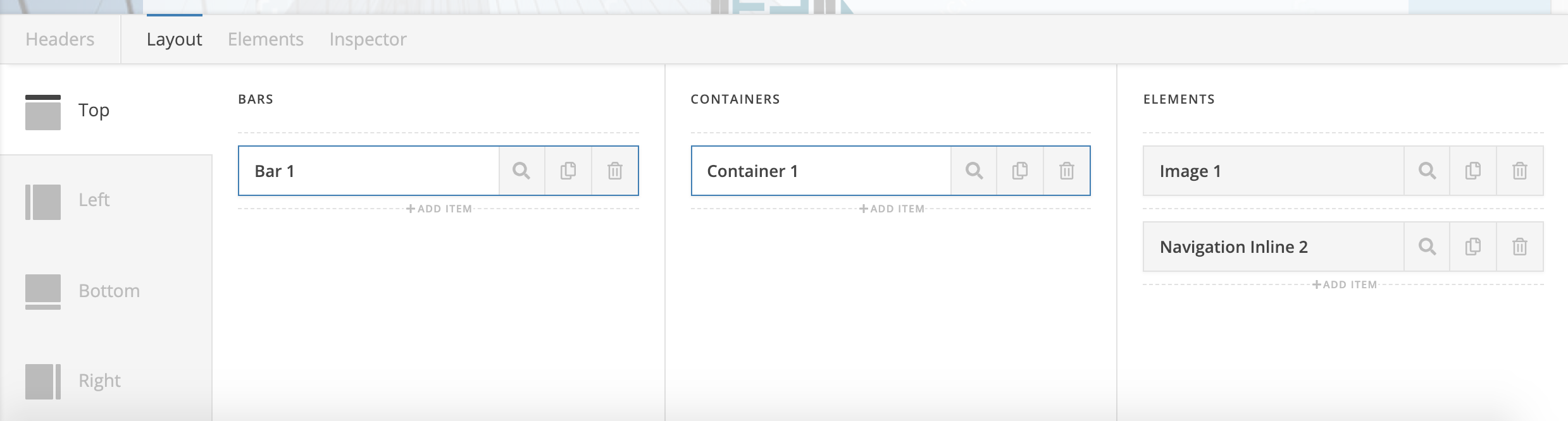
You can create a bar from the top of your header, then add an image for the logo and navigation inline element for the menu, something like these screenshots:

Hope it helps :slight_smile:

Soz where are these header options? Having hard time finding.

Hello @rabbler,

Thanks for asking. :slight_smile:

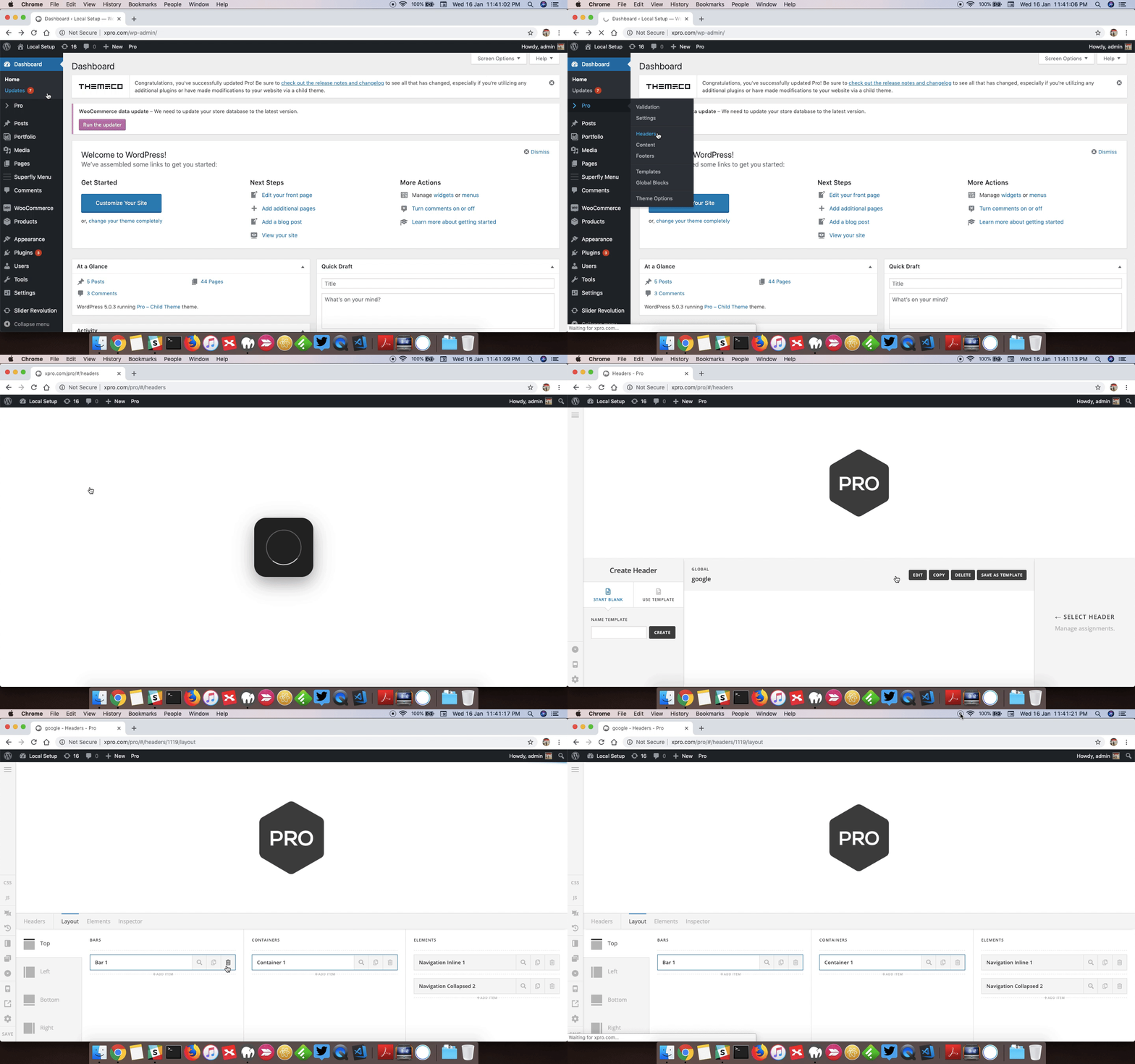
You can find the header options under Pro > Header. To help you get started, I have recorded a screencast that you can take a look.

Thanks.

Im not on pro, so what about the standard verrsion?

Thanks for the detailed response tho

Hello @rabbler,

With X theme, you will only need to add a custom css to accomplish a fixed footer at the bottom of the page.
You may use this code instead:

@media(min-width: 980px){
  .x-main {
    margin-bottom: 262px;
  } 

  .x-colophon.bottom {
    position: fixed;
    bottom: 0;
    width: 100%;
    z-index: 160009;
  }
}

We would loved to know if this has work for you. Thank you.

Wow, that should have been obvious that I can add both top or page elements and bottom of page elements in one header. Instead of trying to create two headers. Thank You.

No problem.
If you need anything else we can help you with, don’t hesitate to open another thread.

This topic was automatically closed 10 days after the last reply. New replies are no longer allowed.