What’s the best way to create a layout like this with clickable images? I’m am using the Ethos Stack. Thanks
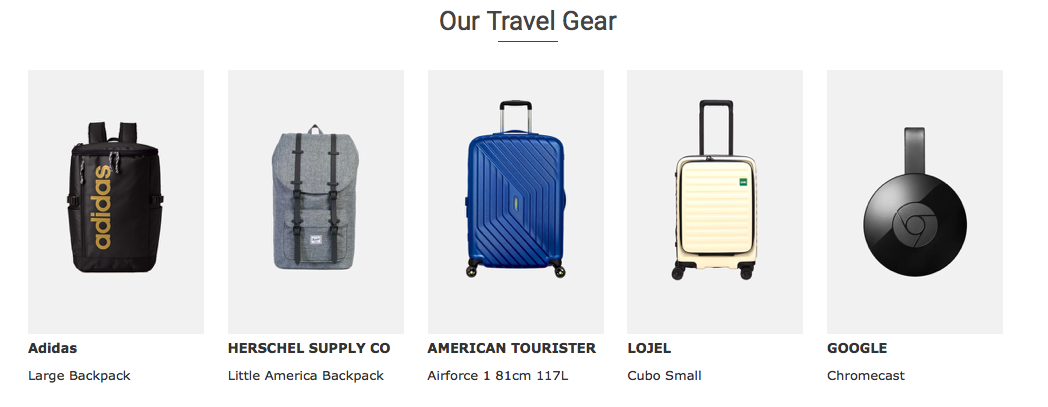
What’s the best way to create a layout like this with clickable images? I’m am using the Ethos Stack. Thanks
Hello Sheena,
Thanks for writing in! If you want this layout in your homepage which was built in Cornerstone, you can simply add a section with custom 5 columns (by adding 1/5 + 1/5 + 1/5 + 1/5 + 1/5) and then you may insert an image, headline and a text element in each of those columns. The image can be set to have a link so it would be clickable.
Hope this helps.
Thanks. When I add an image it looks like this:
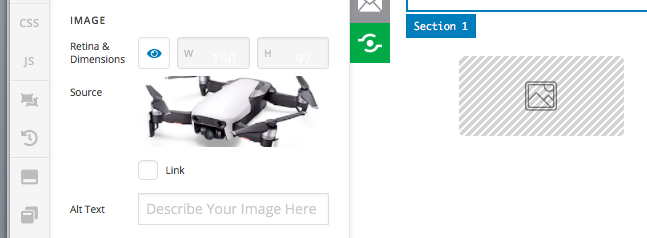
When I add a classic image it looks like this:
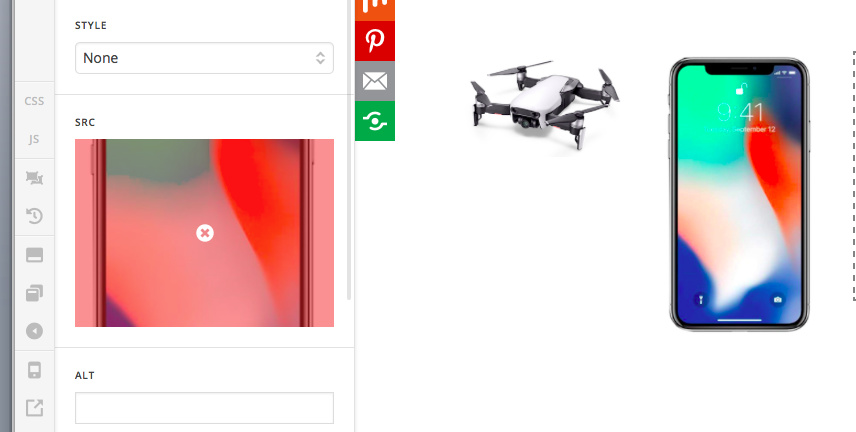
How can I make all images fit in boxes of the same size?
Thanks
Hello Sheen,
I would highly recommend that before you upload your images, please make sure that all of the images has the same image dimensions. You cannot simply rely on the builder or the boxes to display square images or the same height. Adding custom css also will complicate things. The best route to go with the equal height is to upload images with the same dimensions. Please edit them in Photoshop or any other photo editor to make sure that the images will have the same sizes.
Hope this make sense.
Yes that makes sense, thanks. After editing the image sizes, should I upload them as ‘Image’ or 'Classic Image"?
Hey Sheena,
You can make use of the image element because you will have much better control over the element. Just do not enable the retina option so that the original image size will be displayed.
Hope this helps.
This topic was automatically closed 10 days after the last reply. New replies are no longer allowed.