How to change the header to display all the time on site?

Hello X-Team,

I am using Icon on X.

I want to display my widgets in the header all the time of the site.
Is there a way to display the content of the header by default all the time on the site, instead of having it collapsible?

Thanks for your help.

Hi @Esperanz,

Did you mean show the left sidebar all the time?
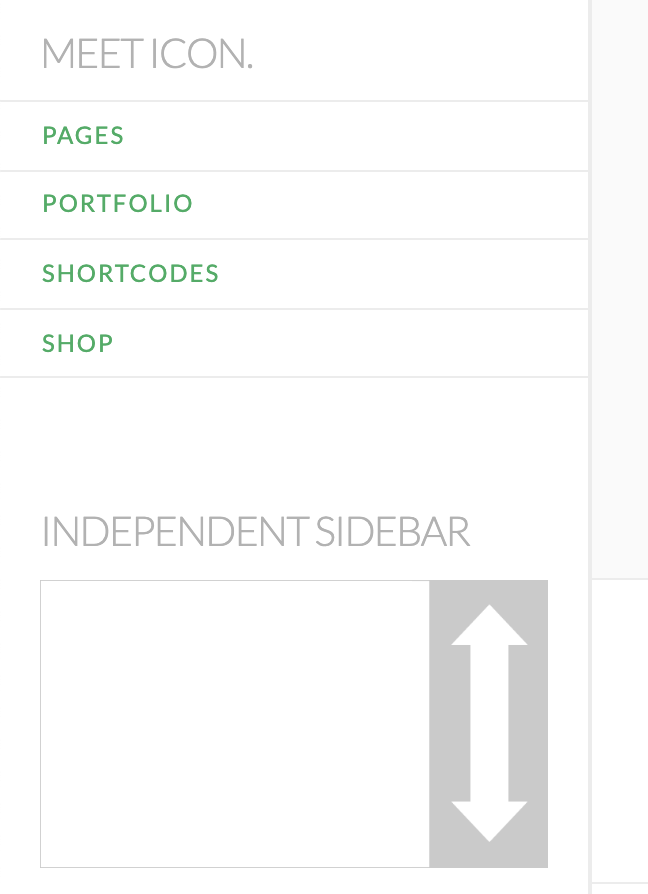
It could be done with the custom CSS. Please try adding this custom CSS under Theme Options > CSS:

@media (min-width: 768px){
    .x-sidebar {
        position: fixed;
        top: 0;
        width: 250px;
        height: 100%;
        margin: 0;
        border-top: 0;
        z-index: 1031;
        -webkit-transform: translate3d(0, 0, 0);
        transform: translate3d(0, 0, 0);
    }
    .x-sidebar-content-active .x-sidebar {
        left: 0;
        border-right: 1px solid #dfdfdf;
        border-right: 1px solid rgba(0,0,0,0.075);
        overflow-y: auto;
    }
    body.x-sidebar-content-active, body[class*="page-template-template-blank"].x-sidebar-content-active.x-blank-template-sidebar-active {
        padding-left: 295px;
    }
}

Let us know how it goes!
Hi Thai,

Thanks for your reply. It does not work. I mean the ‘’+’’ at the Top of the site rights (Header widgets area).

Would you have any other suggestion?

Thanks

Hello @Esperanz,

If you want to display the header widget at all times, that might not be a good idea because it will cover some parts of the navigation or top of your page or posts.

Well anyways, you can test it out by adding the following CSS code in the X > Theme Options > Global CSS (http://prntscr.com/evui3r)

 #x-widgetbar {
    display: block !important;
}

Hope this explains your issue briefly.

Thank you RueNel,

You’re right. It covers the top of my page. It’s not a good idea.

Thanks for your help!

You’re welcome!
We’re glad we were able to help you out.

This topic was automatically closed 10 days after the last reply. New replies are no longer allowed.