How to change sidebar background color in Ethos Stack

Here is the link to my website blog: http://artveer.com/blog/ and here is the screenshot link: http://prntscr.com/g2y14p

I wanna change my sidebar background color to white completely. For now, I have used white text and black background but I wanna reverse that to black text and white background. I can change the text and headline color from ethos stack options, but can’t change the background.

I have used one code from theme.co forum, but that didn’t work perfectly as shown in the screenshot link above. Please help.

Thanks

Hey @alessandrorussino,

Thanks for writing in!
It looks like you already have figured it out. I can see white background with black text. Please share your solution so It can help other users :slight_smile:

Cheers!

I need to do the same. Could you please share the solution?

Hi There,

The thing is the sidebar background-color depends on whatever background-color you select from the BODY BACKGROUND COLOR, that option is under Theme Options > Layout and Design.

Cheers!

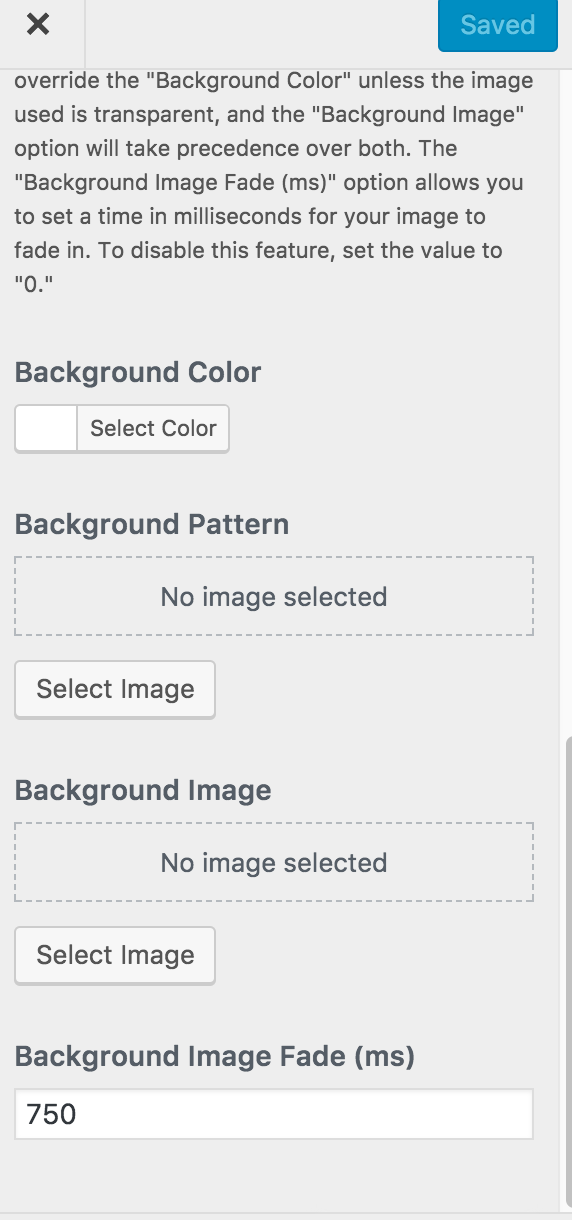
I only see BACKGROUND COLOR and I don’t see the option for BODY.

Hi There,

Sorry for not being specific, yup that is what I mean BODY BACKGROUND COLOR. That is the background-color that will be applied to the <body> which will be see-through from the sidebar.

Thanks,