Hello, I installed your Gym extended demo but cannot find where to change the background image of the “Creative CTA” element. My site is jiujitsuroswell.com
Thanks!
Hello,
Please, I can`t find the Creative CTA element. Could you provide to us the website link with this element?
Hello, I’m not sure I understand your question. I already added my website link in the original support request. Here it is again: jiujitsuroswell.com.
Also, please see the attached image

It shows the Creative CTA element that is there right in the middle of my home page. It has text “Conntact us for your one week free trial”.
Please note: I am using X Theme Gym Extended Demo content. So you can look it up there as well.
I just need to know where can I change the background image?
Thanks!
Hi There,
The background image is set on the section where the CTA is placed.
Hppe it helps!
Hello, sorry but it did not help. Maybe I am missing something? Could you please be more specific. Here is what I mean:
The Creative CTA has 2 images:
- the full width background image that is shown when the user scrolls down. This is the image that I want to replace. See the attachment.
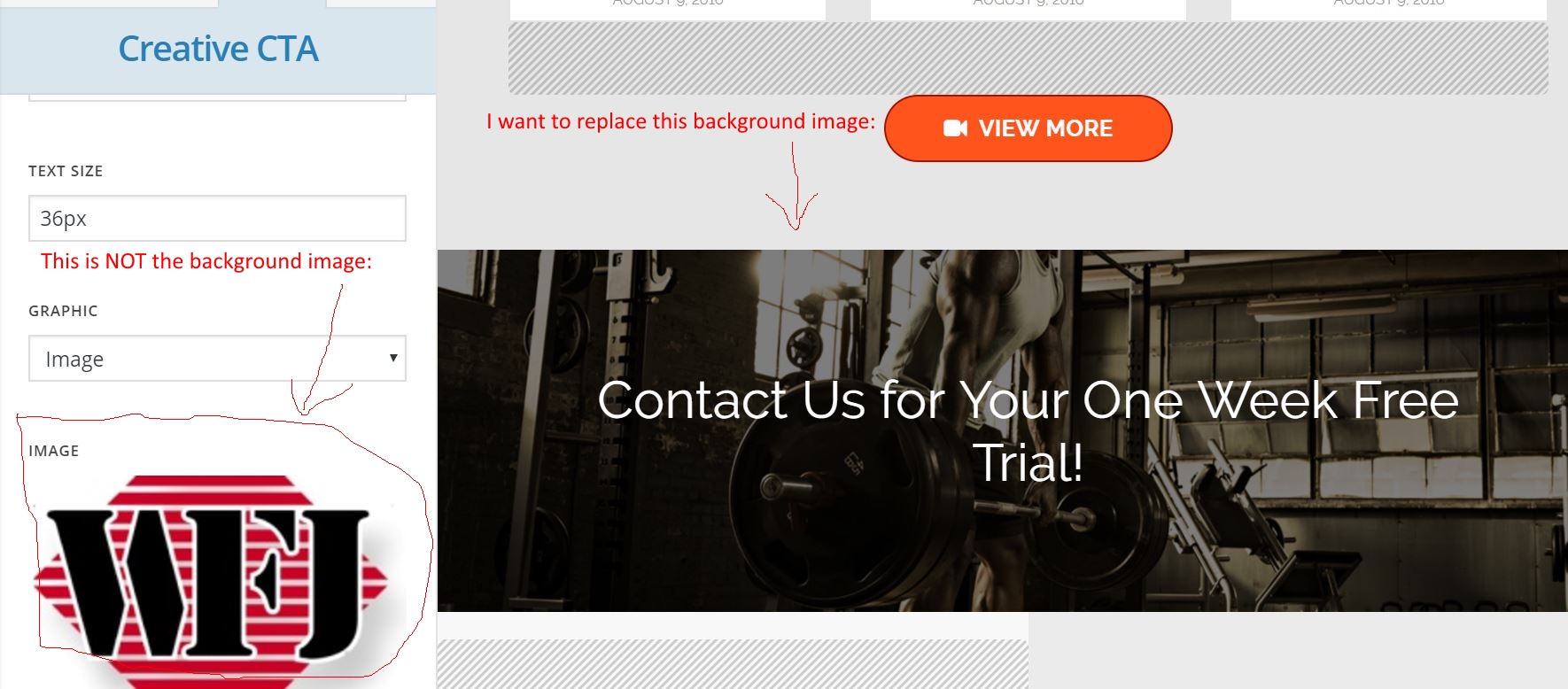
- There is also a small image that is shown when the user hovers over the background image, this is our logo and I have replaced this using the “Image” section.
Could you please provide me the specific steps so that I can find the place to change the background image?
Thanks!
Hi There,
That’s the section #5 background image.
Please change the background image of that section instead.
Regards!
Hello, I do not understand your instructions. Could you please be more specific. Where do I change it? How?
Thanks!
Hello There,
Please check this screencast on how to access section’s background image: https://screencast-o-matic.com/watch/cbiqXflOrr
Hope this helps.
That helped.
Thanks!
You are most welcome. 