How to change Accordion styling?

Hey guys,

I think the Accordion is actually quite useful but it’s very frustrating that so many of the styling elements are hard coded and quite hard to target correctly with CSS to adjust any further.

Can you please advise what the correct selectors are to achieve the following:

  • Remove box-shadow on the accordion
  • Remove the line separator between Heading and Content
  • Change the body text size of the expanded content

Additionally, how can I ensure that the expanded accordion content stays on top and doesn’t get mysteriously lost behind other elements/sections that follow?

Many thanks for the help!
Chris

Hello Chris,

Thanks for writing in!

Please make use of the v2 accordion element. Make sure that you have enabled the advance mode in X > Settings > Permissions > User Preferences > Advance Mode. When the advance mode is turn on, you will have more element controls like the shadows, paddings, margins, and a lot more.

Hope this helps.

Hi there,

I already had these setting available however they didn’t have any affect on the styling of the accordion?

Can you please advise the appropriate selectors to target the elements I mentioned above?

Thanks,
Chris

Hi Chris,

Can you provide us the url of the page so we can check why it is not working.

If you would like to do it in css, you can add a unique class to your accordion element.

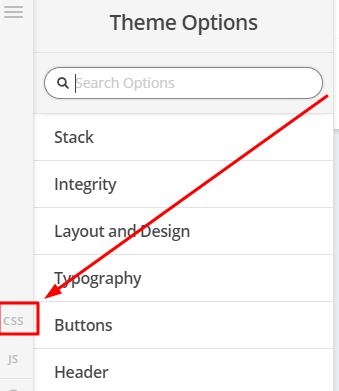
Then add the code below in Theme Options > CSS

/* remove box shadow */
.my-accordion {
   box-shadow:none;
}

/* remove line separator and adjust font size */
.my-accordion .x-acc-content {
    font-size: 15px;
    border-top:0;
}
   

Just note that we highly discourage using Custom CSS, please always use the theme’s native function whenever possible.

Thanks

This topic was automatically closed 10 days after the last reply. New replies are no longer allowed.