Hi there,
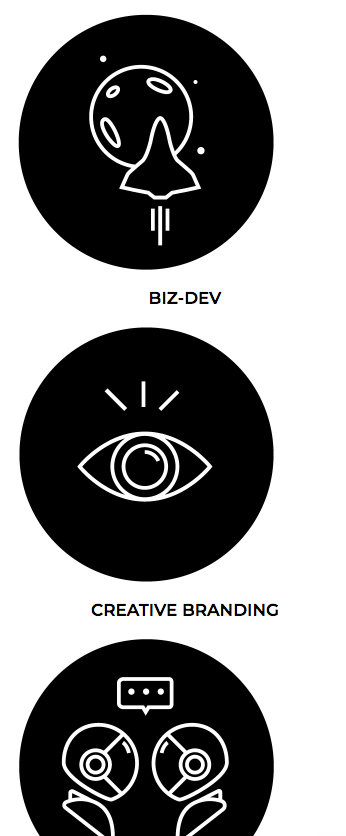
Is there any way we can center the text under the icons when opening the website on mobile devices?
Please find the link to the site as a private note.
Many thanks in advance for your support!
Hi there,
Is there any way we can center the text under the icons when opening the website on mobile devices?
Please find the link to the site as a private note.
Many thanks in advance for your support!
Hey there,
Thanks for writing in! Go to each of your column’s settings in Cornerstone and under Formatting > Text Align select Center (see screenshot)
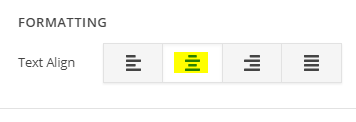
This will centralize your content even in mobile devices.
Let us know how this goes!
Hi again,
I checked your page in content builder and I see you’ve not followed the above solution (see screenshot)
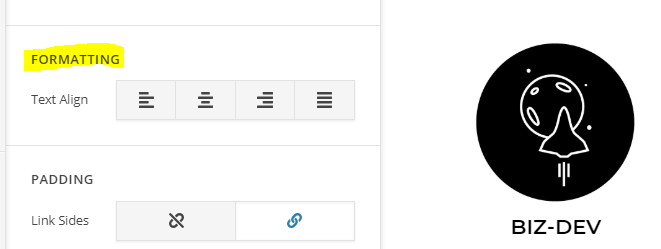
I went ahead and have done it for your first column and it works as expected (see screenshot)

Please do it for the rest of your columns by going to each of your column’s settings in content builder and under Formatting > Text Align select Center
Cheers!
You are most welcome. 
Glad to hear it’s sorted.
This topic was automatically closed 10 days after the last reply. New replies are no longer allowed.