Under recommended products I set this page to full width to disable sidebar. How do I go about adjusting image so it’s aligned on the page?
Thank you!
Under recommended products I set this page to full width to disable sidebar. How do I go about adjusting image so it’s aligned on the page?
Thank you!
Hello @TeddyJames23,
Thanks for writing in!
I have check your page and I found out that you have uploaded an image of 766 by 399 in dimension. It is displayed as 344 by 379 because you have enabled the retina. Please disable it and adjust the image of the image to 100%.
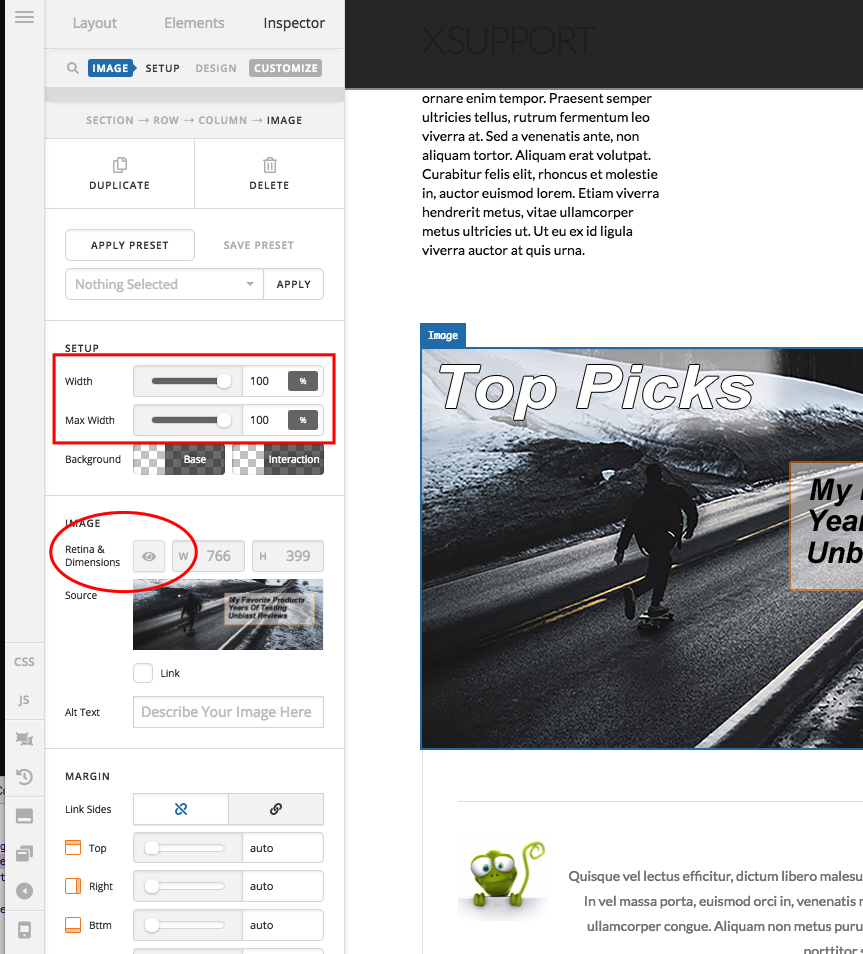
And then if the image is not that centered, please click the column settings and align the image to the center.
And also, since you have used the Jetpack plugin, please disable the Photon module or the image CDN.
Hope this helps.
Thank you! I just don’t have the margin option to adjust image. How do I then adjust it?
Hi again,
To turn on the advanced options for all the elements including the image element, go to X > Settings > User Preferences > Advanced Mode and select Always On (see screenshot)

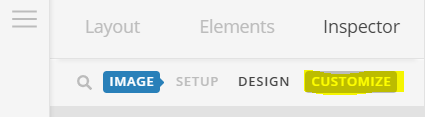
Then you should see all the options to adjust the image. If you need to make the image fullwidth, click on Customize tab first:
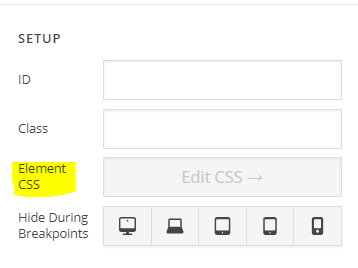
In Element CSS field, enter the following CSS:
$el img {
  width: 100%;
}
Hope this helps!
Yesss!!! Works perfect! Thank you guys!
You are most welcome. 
This topic was automatically closed 10 days after the last reply. New replies are no longer allowed.