Hello! How to add custom HTML / JS code to the page?
I know that’s easy to do that with WP bakery Page Builder. Is it possible to do it the same way?
I want to put JS to the and to the place where my VK comments widget will be 
Hello! How to add custom HTML / JS code to the page?
I know that’s easy to do that with WP bakery Page Builder. Is it possible to do it the same way?
I want to put JS to the and to the place where my VK comments widget will be
HI Konstantin,
Thank you for reaching out to us. If you’re using Cornerstone then you can add your HTML in a Classic Raw Content element and JS to the page custom JS section (see screenshot)
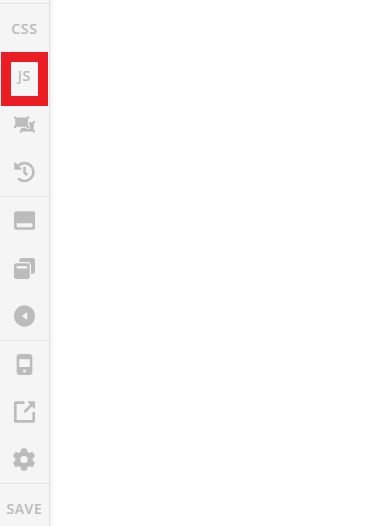
However if you’re using Classic WordPress editor then you can add your HTML in the Text editor and JS in the Theme Options > JS but this will be applied globally.
Hope this helps!
Thank you very much! =)))))) I’ve added the whole code via text block and it works! :))))
Magic!
You’re most welcome, Konstantin.
This topic was automatically closed 10 days after the last reply. New replies are no longer allowed.