How to add downloadable images to page

Hi there,

I am using the X-theme, Renewal and create most of my pages with Cornerstone.

I would like to create a general page where people can download our logo’s.
This is a good example: https://atlassian.design/guidelines/marketing/resources/logo-files

How can I achieve this?

Cheers,
Stefaan
Hi Stefaan,

First, compress the image files to zip files then upload it in the Media section in the Wordpress admin.

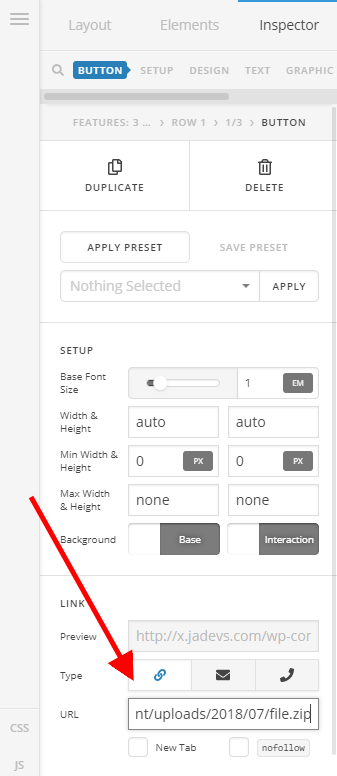
Then go to Cornerstone and add a button element to the page and set the URL of the uploaded zip file to the link field of the button element.

Once the button is clicked, the zip file will be automatically downloaded just like the sample link you provided.

Hope this helps.

This topic was automatically closed 10 days after the last reply. New replies are no longer allowed.