
Hey, as with the picture above, I’d like to put something, maybe an Instagram carousel or whatever, into the footer of our website where the red outline indicates. Does anyone know how?
Thanks
Hey, as with the picture above, I’d like to put something, maybe an Instagram carousel or whatever, into the footer of our website where the red outline indicates. Does anyone know how?
Thanks
Hi Kambiz,
Thanks for writing in! First of all, head over to X -> Theme Options -> Footer area and then you can select how many footer widget areas that you require.
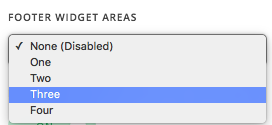
Then head over to Appearance -> Widgets section and you can place your widgets into your Footer areas.
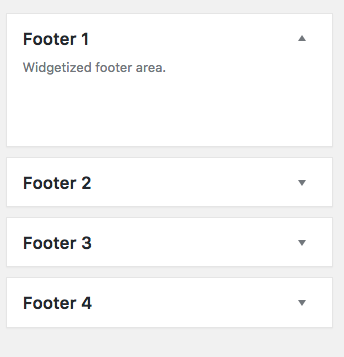
Hope that helps.
This topic was automatically closed 10 days after the last reply. New replies are no longer allowed.