Hi I want to stop these items wooshing in from the sides how do I do that? evcarshop.com

Hello Emily,
Please edit the column settings of each column that is in that area then disable the Enable Fade Effect option.

Hope this helps.
Sorry I can’t see how to do this " Please edit the column settings of each column that is in that area"
Have you got a link or page to share to help?
Hey Emily,
You may click on any of the elements that are in each column and you should see this in the inspector panel:

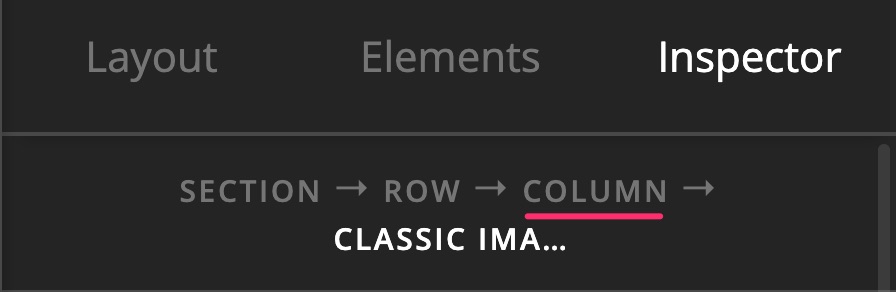
You just have to click Column. In some cases, that might show up as 1/3 depending on the column area but they should be the same.
Hope this helps.
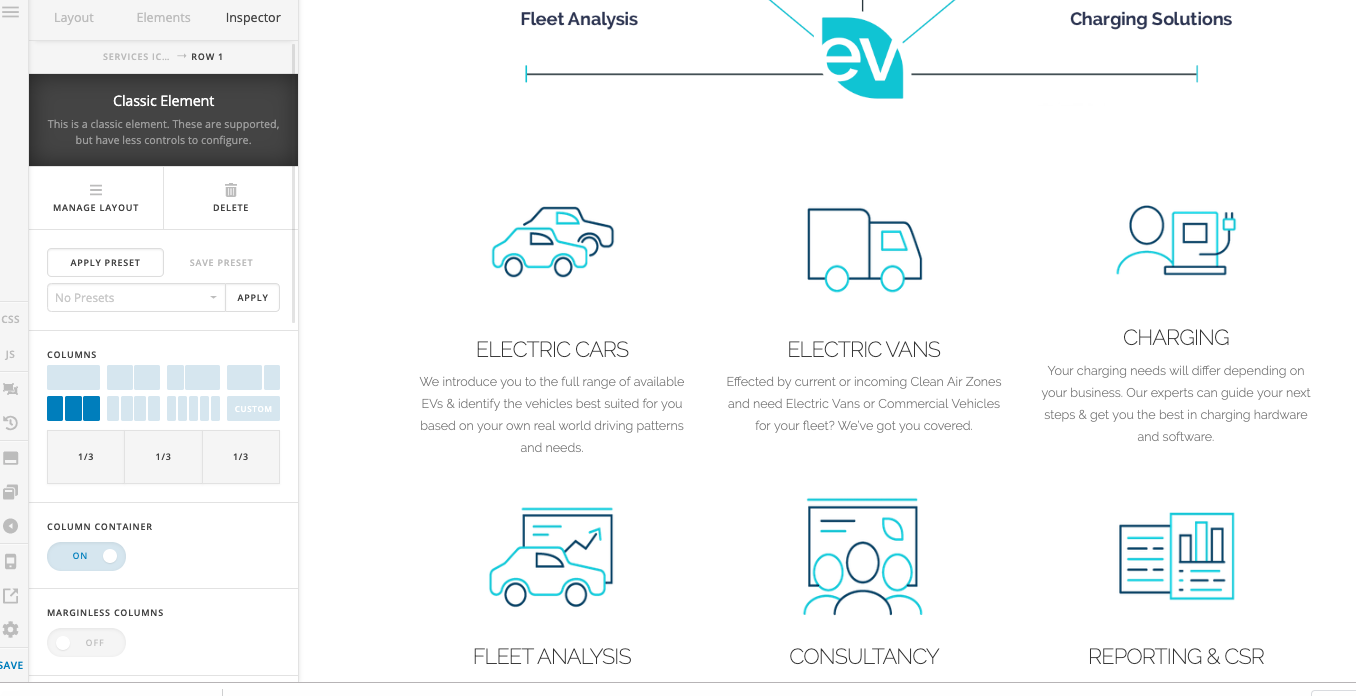
I’m not getting the column option.
Hello Emily,
You will have to click on any of the element content first that is in the column as mentioned in my previous response so that you could find the setting that is shown in the screenshot I previously attached.
To make it more clear, here is a screencast:
Hope this helps.
You’re the best. That really did help. Thank you!!
You are most welcome. 
This topic was automatically closed 10 days after the last reply. New replies are no longer allowed.