How do I remove the ethos carousel from the top of custom 404 page?

Hi,

I am trying to remove the carousel from the top of the custom 404 page. On all other pages on the site on which I don’t want the carousel, I have used the code:

.x-post-carousel {
display: none;
}

This does not seem to work on the custom 404 page. Is there a way I can change this?

Thanks in advance
Ben
Hello Ben,

Thanks for writing in!

Can you please share website URL for us to take a closer look? Please use secure note while sharing sensitive informations.

Thanks.

Thanks, it’s

Hello There,

Thanks for sharing website URL.

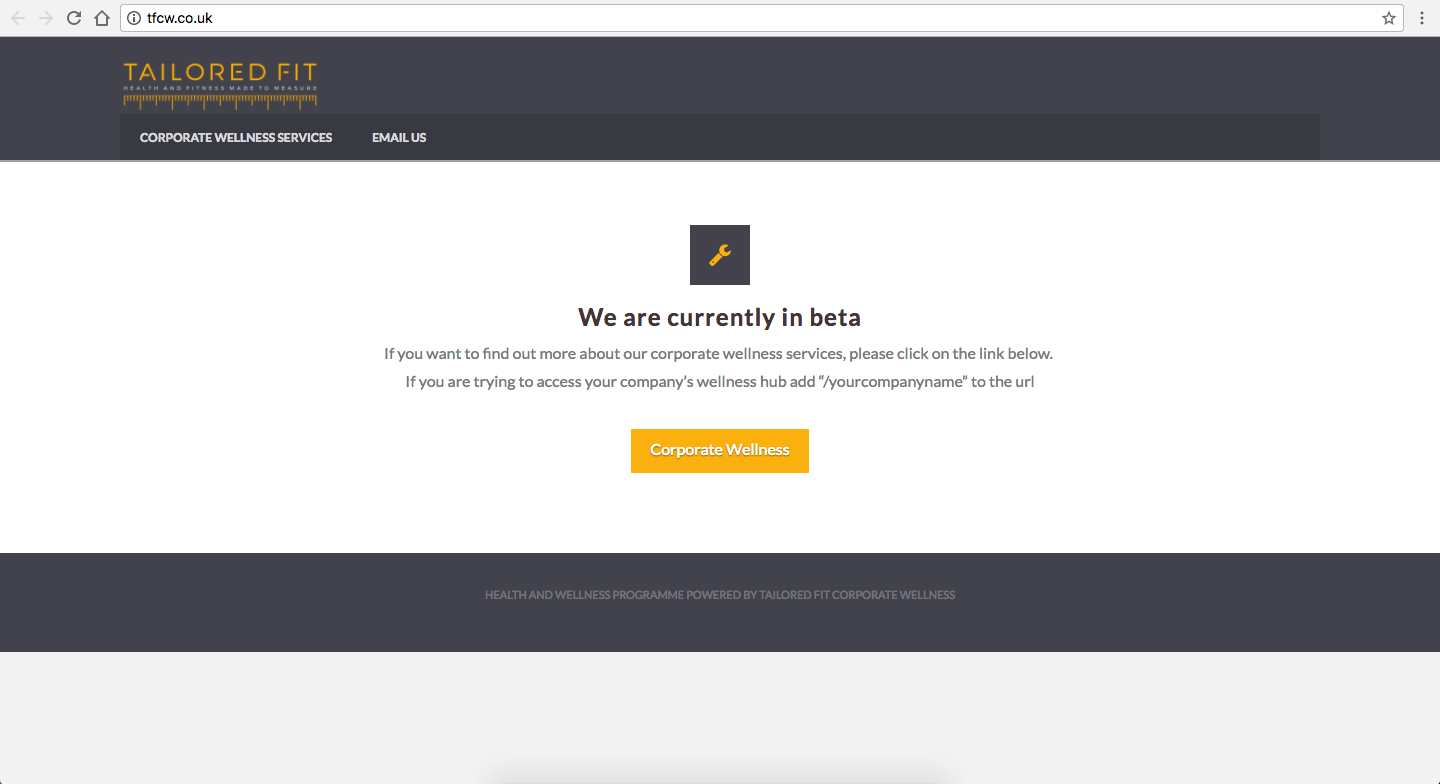
Looks like your website is under construction. Upon clicking on navigation links it take me to a page that doesn’t seems to be build with WordPress. Can you please try adding following code and let us know how it goes:

.search-no-results ul.x-post-carousel {display:none;}

Thanks.

That has not worked unfortunately. Yes it is under construction but you can access the custom 404 page still just by going to any non-existent link.

Hi there,

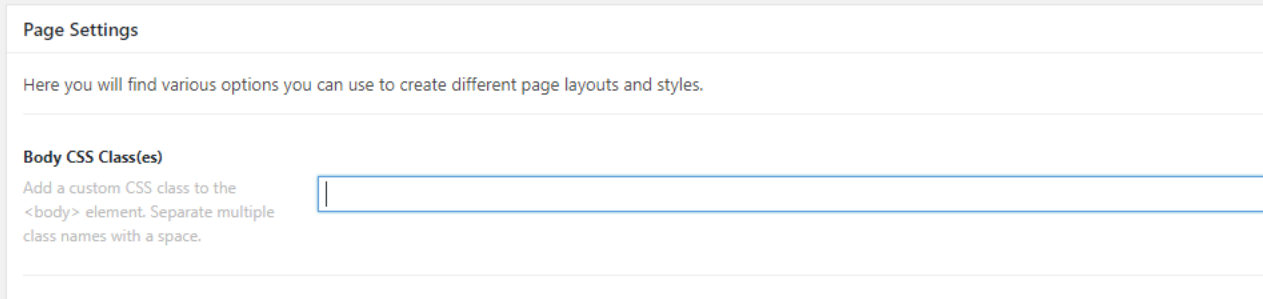
If your 404 is a custom page, please try to edit the page set a body class to the Body CSS Class(es) settings.

Then add this code in the custom CSS (assuming that the class you added in error-404):

.error-404 .x-post-carousel {
    display: none;
}

Hope this helps.

Perfect! Thank you!

Glad we were able to help :slight_smile:

This topic was automatically closed 10 days after the last reply. New replies are no longer allowed.