How do I move Woocommerce product's thumbnail on Integrity to a different location?

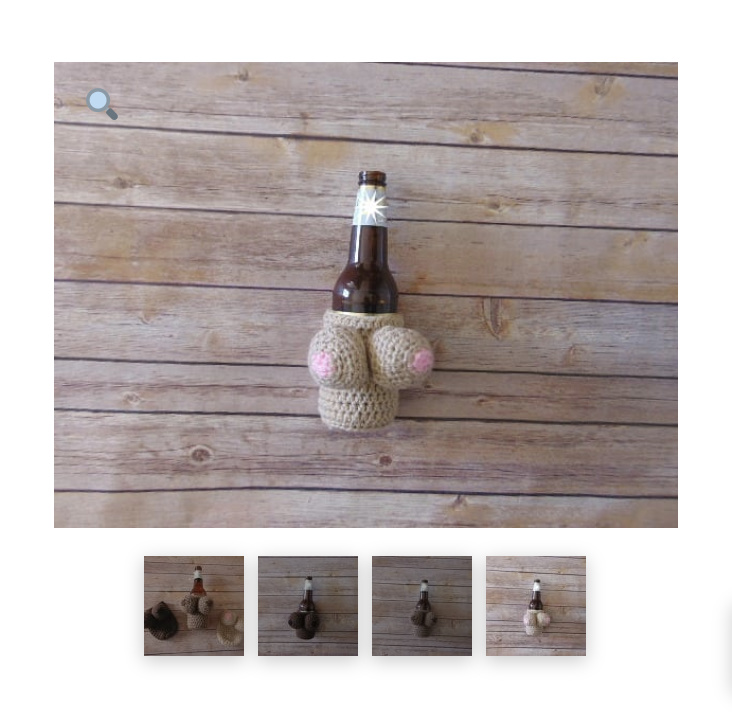
How do I move the product’s gallery thumbnails right below the main image and make the main image larger?

https://crochetbykarina.com/product/boobie-cozy/

I added this code to my Global CSS

@media(min-width: 980px){
.flex-viewport {
margin-left: 100px;
}

.flex-control-nav.flex-control-thumbs {
right: auto;
left: 0;
width: 100px;
height: 100%;
padding: 0;
}

.flex-control-nav.flex-control-thumbs li {
float: none;
display: block;
background-color: transparent;
margin: 5px auto !important;
border: none;
box-shadow: none;
}

.flex-control-nav.flex-control-thumbs img {
height: auto !important;
max-width: 50px;
}
}
Hello Sotto,

Kindly remove the custom code you have added and try this:

.single-product .flex-control-nav.flex-control-thumbs {
    position: relative;
    padding: 0;
}

Hope this helps.

Hi, thanks for your help. That code works great but only on desktop view. When looking at it on mobile the thumbnails are still on top of the main image. Also, how do I change the size of them once I move them all?

Hey @sotto,

Please find and remove this line: @media (min-width: 767px) {

After that add this custom CSS also:

.flex-control-nav.flex-control-thumbs img {
    width: 50px;
    height: auto;
}

Hope it helps :slight_smile:

Excellent! Thank you!

You’re welcome, Sotto.

This topic was automatically closed 10 days after the last reply. New replies are no longer allowed.