I have a menu structure with one bar, one container and multiple elements
It looks like this: https://screenshots.firefox.com/k9iebZCLxIjOBcBF/wordpress-85855-529249.cloudwaysapps.com
How do I put the logo image on the far left of the container, and all the other elements to the right?
Here is a screenshot showing what I am seeing, and I annotated what I need in red. Move the “Navigation Inline” to the right: https://screenshots.firefox.com/VlpvNNdL8hCwWJbP/wordpress-85855-529249.cloudwaysapps.com
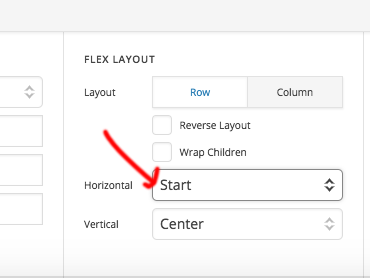
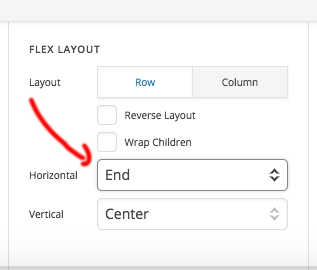
I have tried playing with the flex box container settings but can’t get it to work as needed.