After desktop view is hidden (using hide during breakpoints), and then I need to go back and edit the item (from desktop), how to I find that mobile item that I hid from the desktop view?
Hello @KyleMac,
Thanks for writing in!
You can use the skeleton mode to edit the page for faster response and easy access of the elements on the preview area.

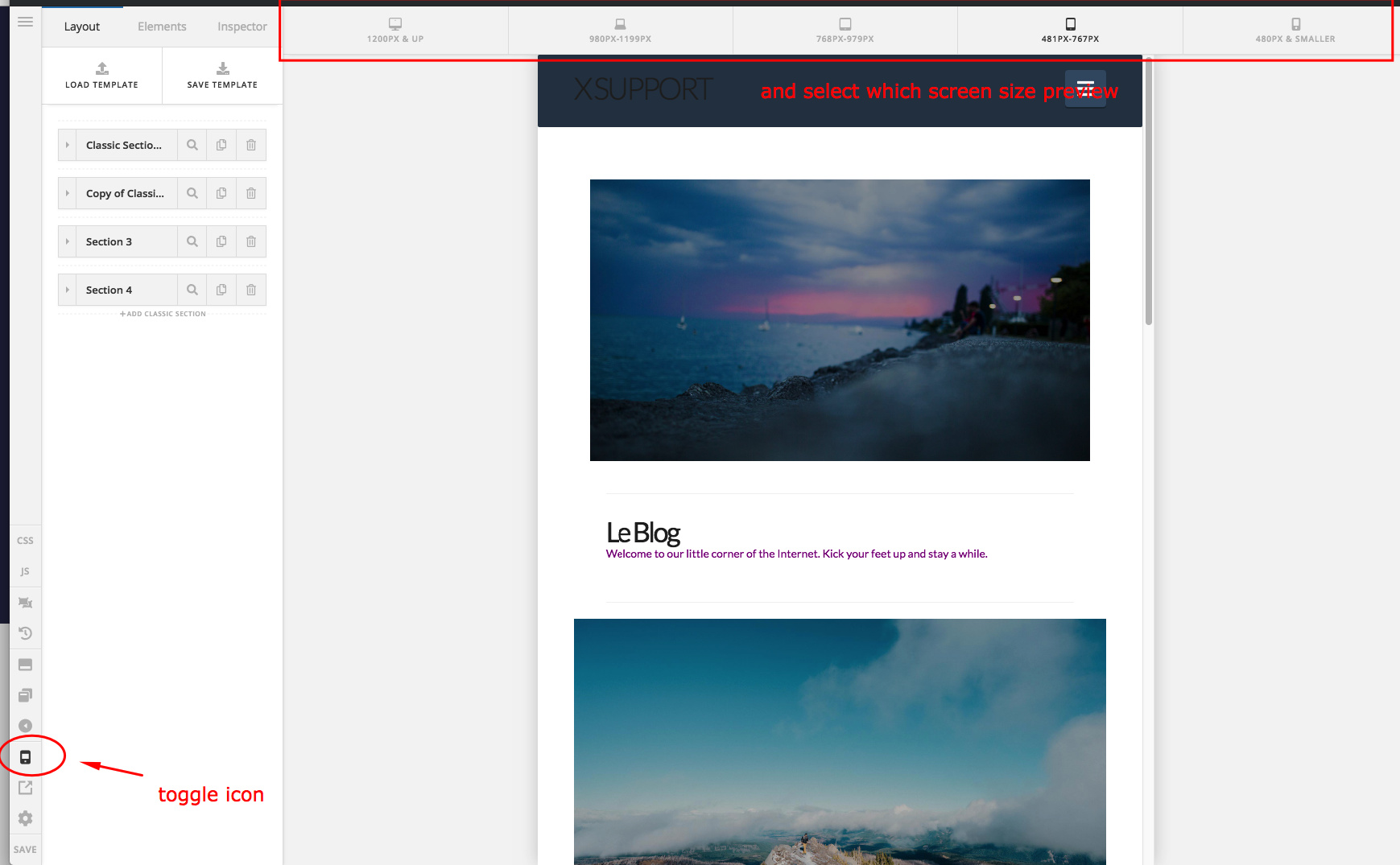
And you can also make sure of the responsive preview. The mobile phone icon can be toggle to see the different screen size and the preview area screen will change.
Hope this helps.
This topic was automatically closed 10 days after the last reply. New replies are no longer allowed.