Hello, yet again,
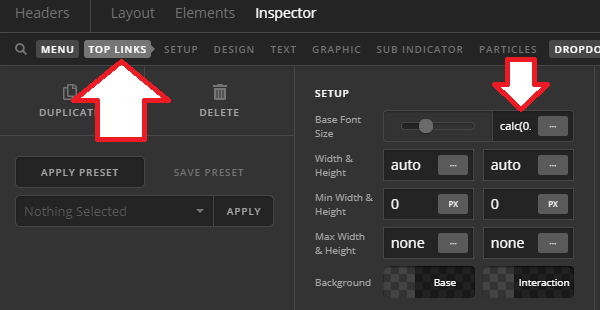
I have one last problem I hope you can help me with. I’ve revamped my site (www.DisturbedUniverse.com) and I’m really happy with how easy it was, for the most part, to do. However, I’m having a problem with the menu text. It remains the same size no matter what sized screen is being used, which makes for a heck of a mess on cellphones etc.
I’m using the Integrity stack and have set the root font size to stepped, which works perfectly for body text and posts etc, but it doesn’t change the menu font size. The menu is part of a header which is hidden until you scroll down the page.
Any ideas would be welcome.
Thank you.