Hello
So, I have messed up and have been using H3 and H4 headers instead of H2 and H3. I have been told that I can put a piece of CSS on the site which will change all of these automatically for every post on my site. I am very new to this and have no idea how to do this. Can someone help me please.
The easier the instructions the better.
Thank you.
Hi Bryan,
CSS can only change how the heading elements can look like but it cannot change the actual tags on the page if that is what you are aiming to do.
If you want to change the actual heading tags, you will have to edit the posts but if you want to change how the headings look like, we can help you with the CSS.
It would be something like:
h1 {
   /*Add the CSS codes here */
}

h2 {
   /*Add the CSS codes here */
}
You will have to write the CSS up to h6.
Hope this helps.
We would like a good snippet to resolve our h2 tags on posts using the Gym layout, ours is extreme in size as shown in the screenshot below, without altering the homepage layout styles.
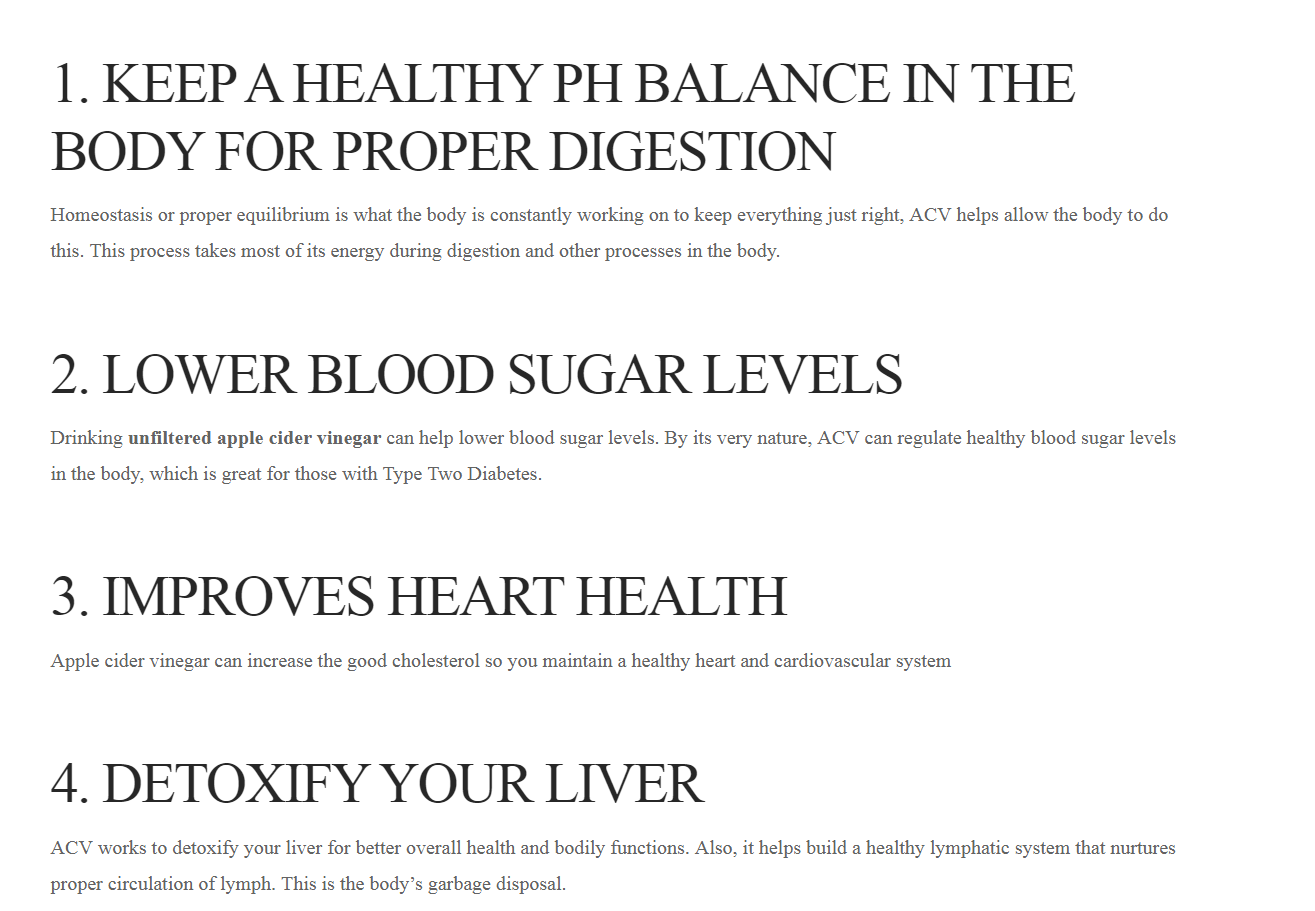
Hey Bryan,
Please try this code:
.single-post .entry-wrap .entry-content h2 {
    font-size: 25px;
}
Hope this helps.
This topic was automatically closed 10 days after the last reply. New replies are no longer allowed.
I have removed your log in credentials in the secure note you’ve posted as the original poster could see it. Please open a separate thread for your questions.
Thanks.