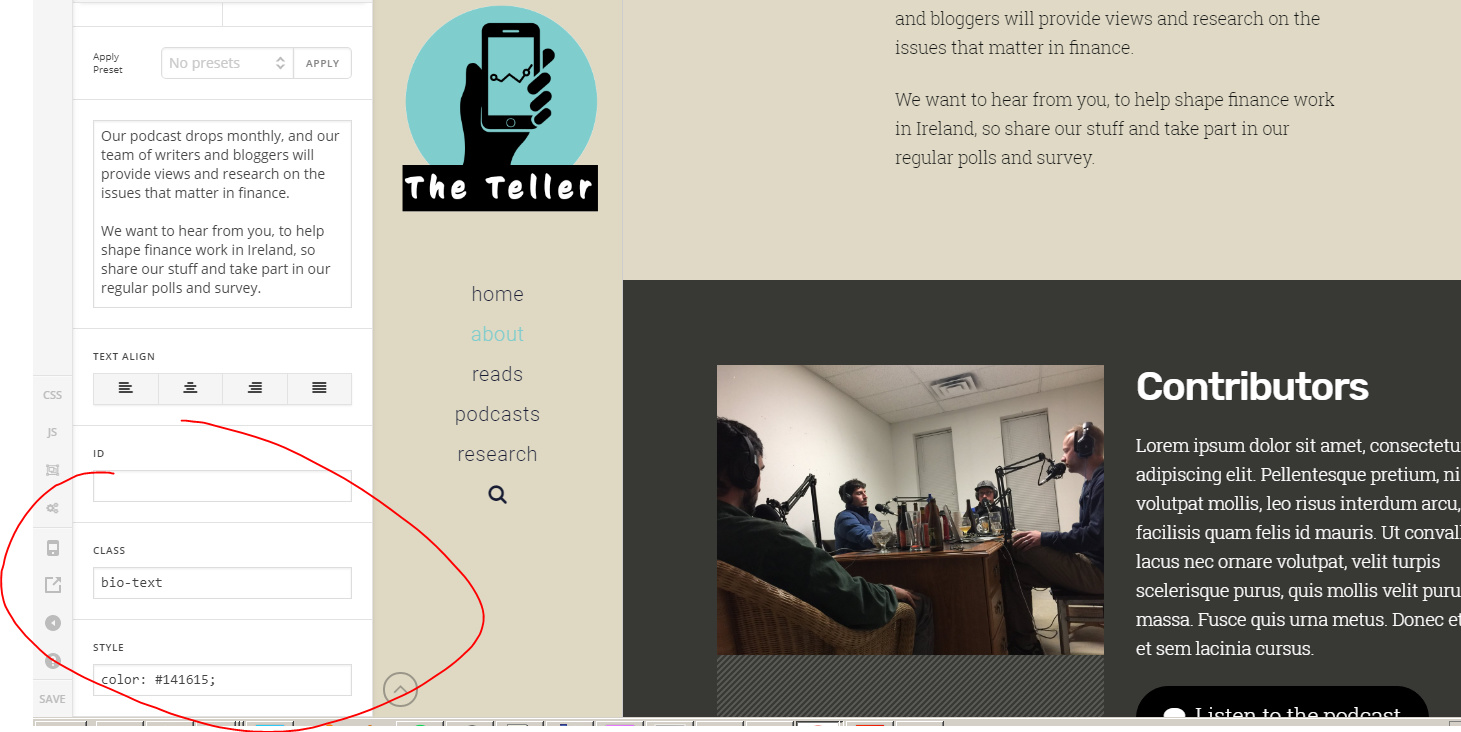
Hi, im trying to replicate a style of layout on my home page from some of the stuff thats in the integrity theme demos.
The What To Expect Column here seems to be using classic column 1
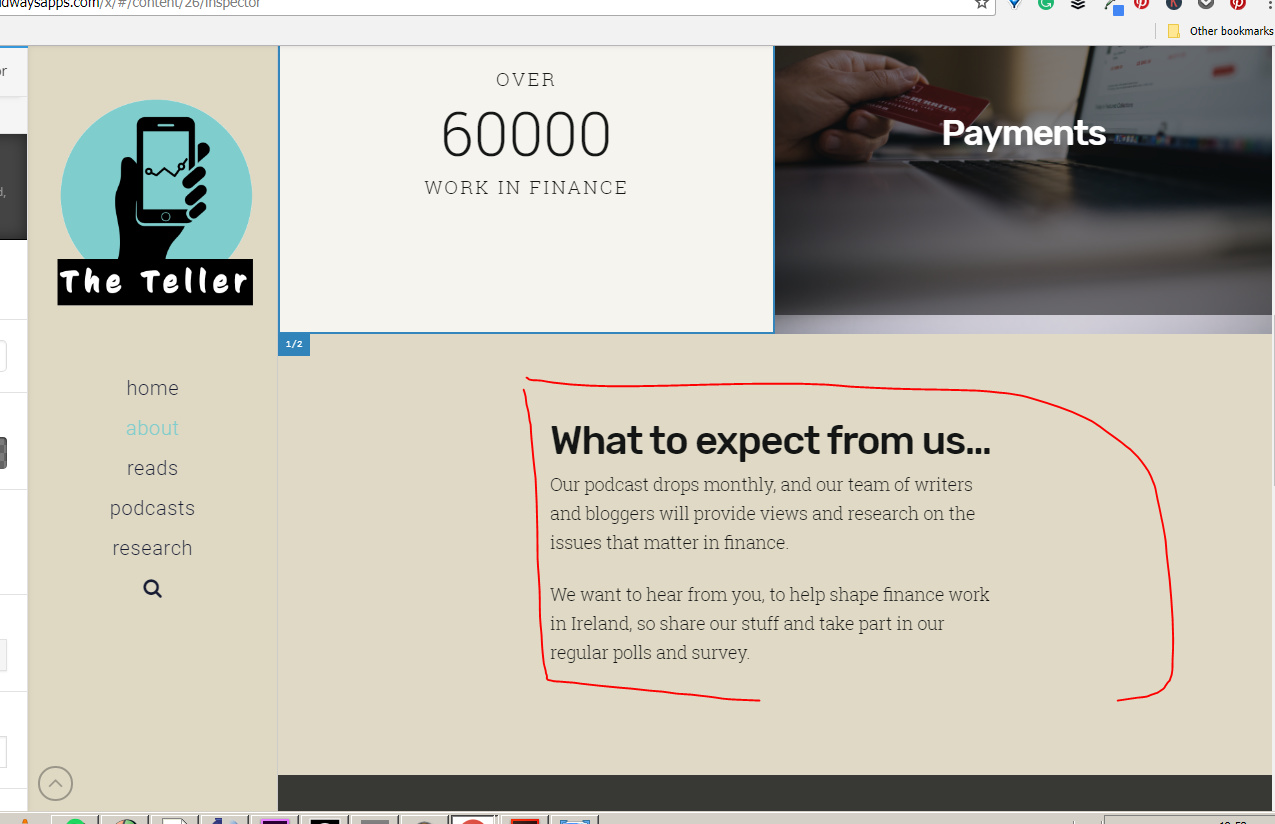
http://wordpress-137779-398956.cloudwaysapps.com/about/
Im trying to insert a similar chunk of text on the home page, above a mailchimp sign up box.
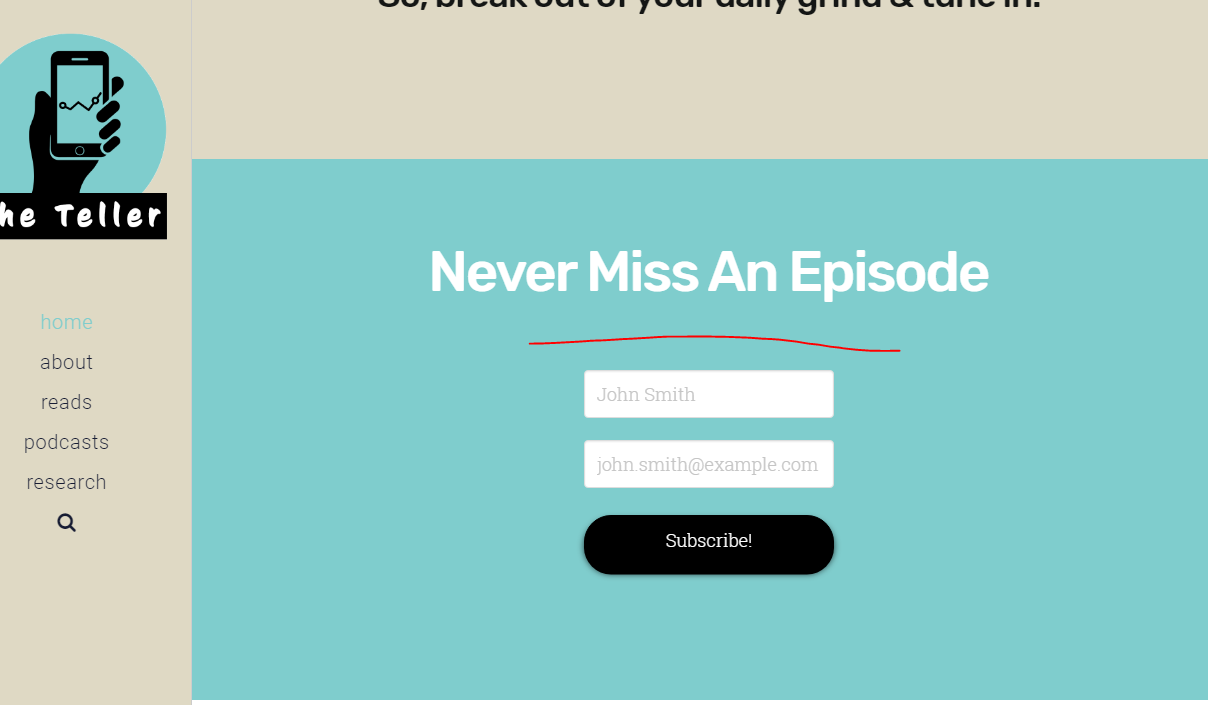
http://wordpress-137779-398956.cloudwaysapps.com/
I just cant figure it out. It doesnt seem to an element?
Any advice.
Like I know how to insert the standard text box etc, but I want to replicate that exact spacing and typography thats there using the same class etc as in that classic column1