How can I change the font size of the Header>Miscellaneous> Top Bar Content Font?

Hi,
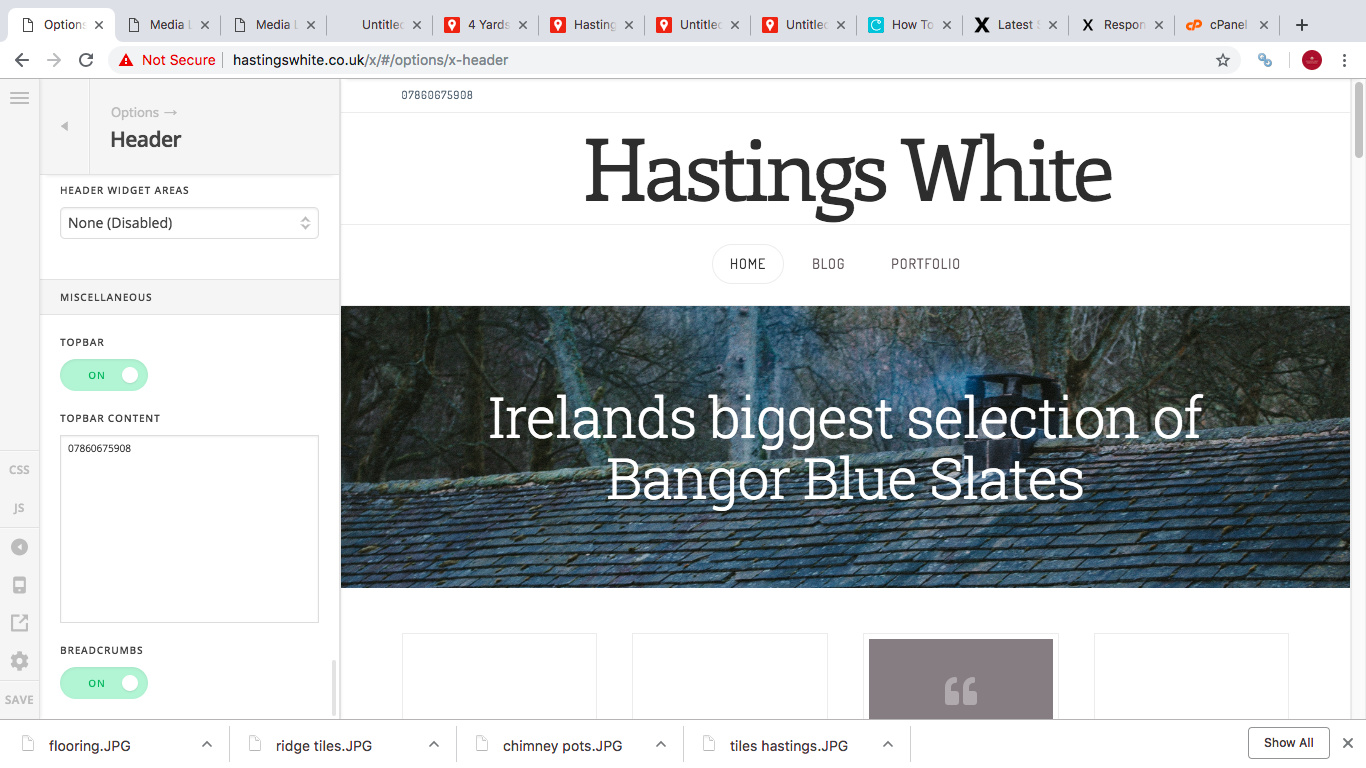
Sorry if this is a super easy one, but Im stuck. Eeek. How can I change the size of the font in my Header > Miscellaneous > Top BAr Content. I have popped a phone number in here and would like it to look a tad bigger. It would be extra lovely if I could tel: that number also?

Thankyou in advance, you will have made my day!!

Gareth
Hi,

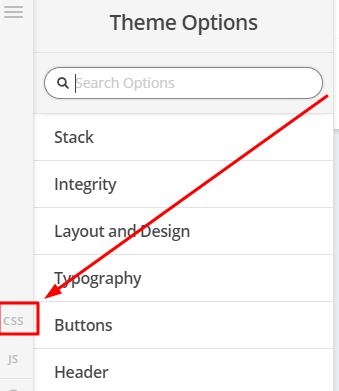
To adjust the font size, you can add the code below in Theme Options > CSS

.x-topbar .p-info {
         font-size: 11px;
}

Change 11px to adjust

Hope that helps

Absolutely brillant. Thankyou. I really appreciate you taking the time. Ta

You’re most welcome!

This topic was automatically closed 10 days after the last reply. New replies are no longer allowed.