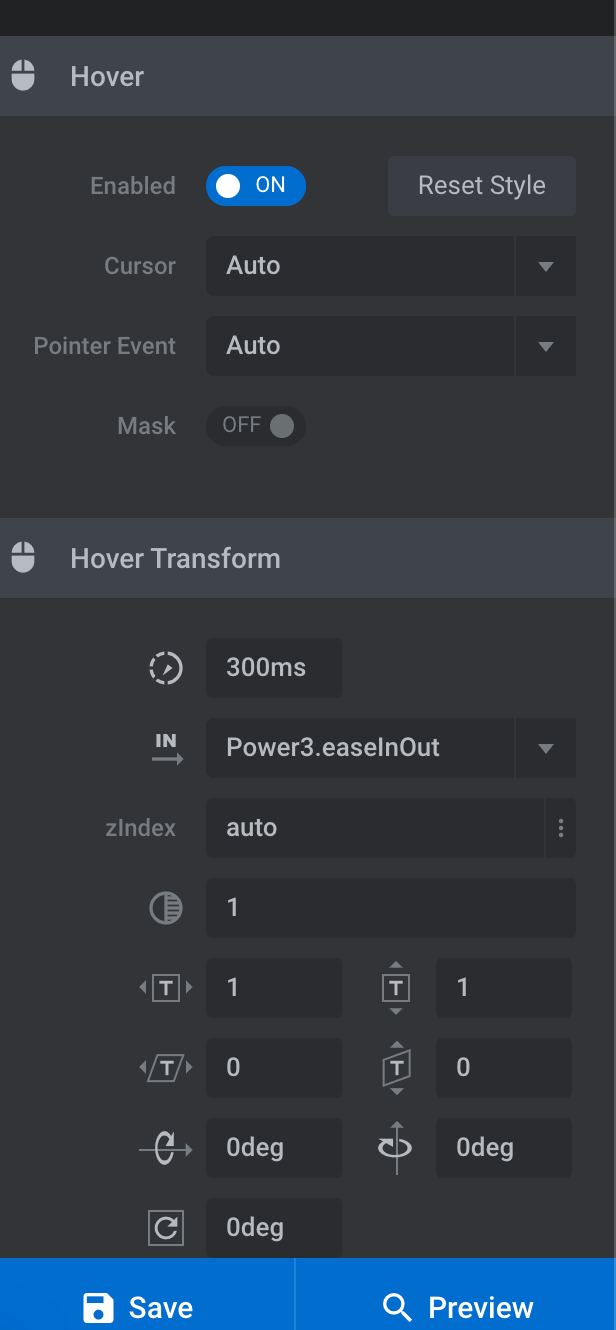
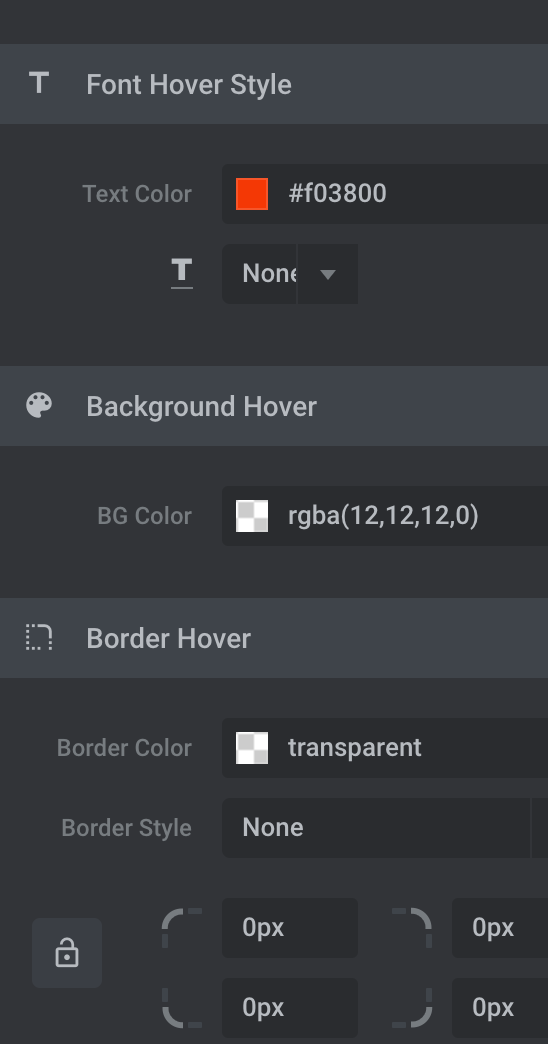
Hover attributes not working in Rev Slider

Hello,

I have a slider on my homepage which all works fine except the hover attributes do not. The hover action is supposed to use a red font color just like in the navbar, which does display correctly in the revslider editor in the backend, but not after publishing on the site.

Any thoughts? Client really wants this.

Thank you!

Hey @shughesd,

Thanks for posting in! Are you referring to the link in your slide which is “Terry O’Neill Photography”? I have inspected it and it has the same color for both the active and hover link. You may need to edit your slide and change that. If nothing is helping, provide us access to your site so that we can check your settings. Please create a secure note with the following info:
– Link to your site
– WordPress Admin username / password

To know how to create a secure note, please check this out: https://theme.co/apex/forum/t/how-to-get-support/288

Regards.

Yes, that is it. But the hover criteria are different in the back end.

The back end has changed a lot since I created this slider, but as far as I can tell I have all the settings correct for it to be red on hover.

Hello @shughesd,

I have temporarily disabled Autoptimize and W3 Total Cache plugins. It turns out that you are just experiencing some caching issues. The red color when you hover works.

Please finish first all your edits and site changes. Caching and other optimization plugins are best to turn ON when you are done with your site and ready to go live.

Best Regards.

This topic was automatically closed 10 days after the last reply. New replies are no longer allowed.