Homepage images won't align with text

Evening

Simply trying to replace old homepage images but the image and text won’t align.

Scroll to Gemma, Bowie, Craig - Gemma text is lower than the rest.

Using the same image dimensions as last images so not sure why it won’t work this time?

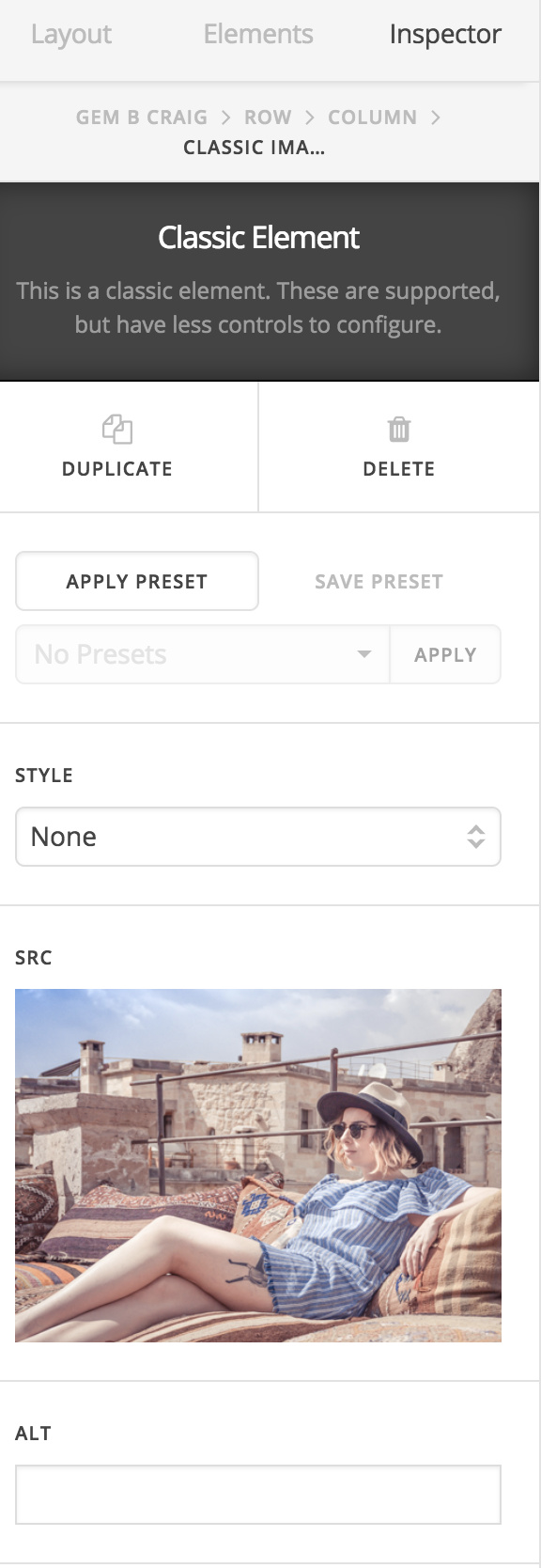
Have asked the FB group and it was suggested padding, margins etc but the classic image and classic text don’t have that option.

Row padding grabs all three images/texts and column just makes the image smaller.

Another member said CSS which is a frustrating answer - I invested in X so I could avoid CSS and this is what X is marketed as.

Very frustrating.

Have tried margin-bottom: 0 !important; in inline CSS but no luck

Thank you,
Gemma
Hi Gemma,

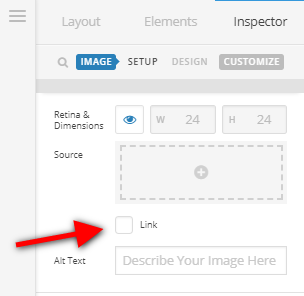
The Gemma text headline is not aligning with the other texts because the column content structure of the Gemma column is different from the other two columns.

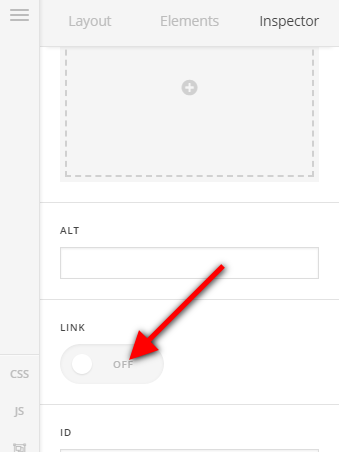
The images above Bowie and Craig columns are both linked while the image above the Gemma headline is not.

Try enabling the link option for the image element of the first column like the other two images.

Hope this helps.

Thank you for the reply.

My dashboard options doesn’t look like above.

All three images are classic image and classic text and set up the same as far as I am aware - I selected element from the elements tab and dragged over to column then added text and dragged to same column.

Any other solutions appreciated.

Hi Gemma,

Kindly double check the Classic Image element as it also has the link option.

Another option would be to try to add the class mbn to the class field of the image element.

You can find more information about ready classes in X here:

https://xthemetips.com/css-helper-classes/105/

Hope this helps.

This topic was automatically closed 10 days after the last reply. New replies are no longer allowed.