Hiding Sort on certain portfolio template pages

Hi there

I’ve got a couple of pages that i’m using the layout-portfolio template for. On these pages I’m showing only one category, so I’d like to remove the sort at the top of the page, but only on these specific pages.

Is there a way to do that?
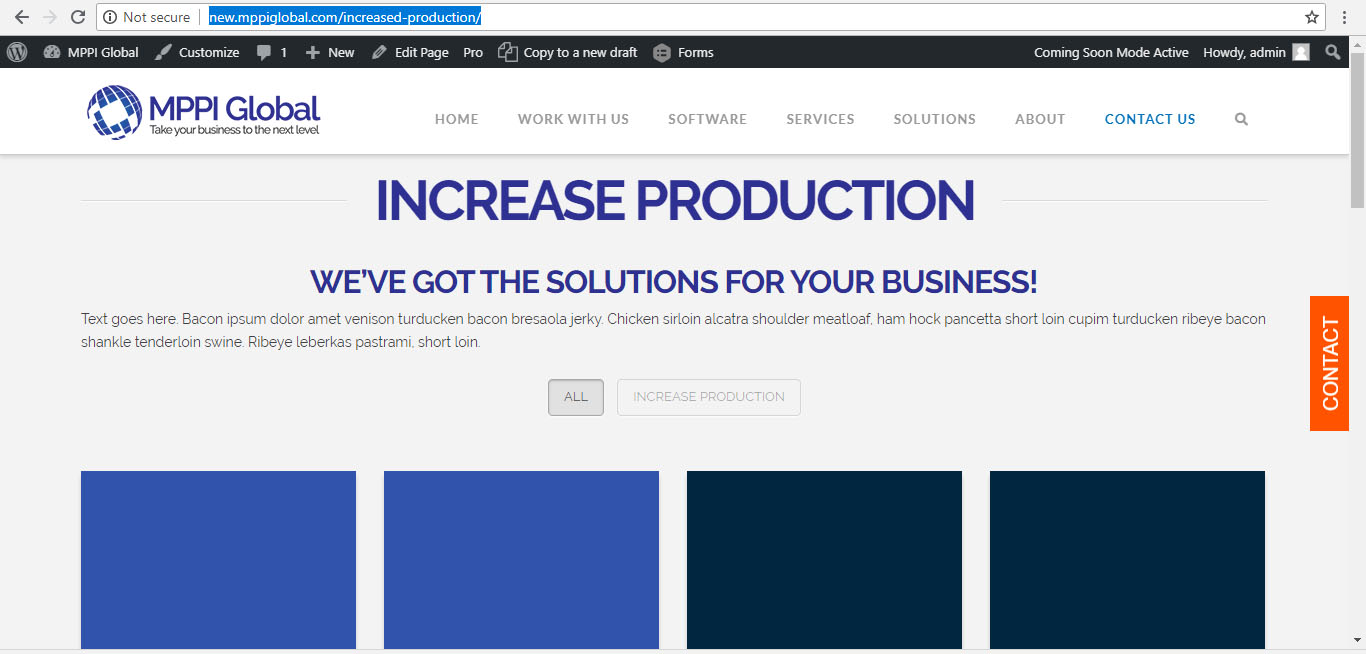
Thanks.

Hi there,

You can remove the filter option through custom CSS and targeting the specific portfolio pages like:

.page-id-575 .option-set,
.page-id-344 .option-set {
    display: none;
}

The code above will remove the filter option on the pages 575 and 344.

Please check this video on how to determine the Id of the page:

Once you have the page ID, you can just substitute the number after .page-id- in the code.

Hope this helps.

Great thanks.

You’re most welcome!

This topic was automatically closed 10 days after the last reply. New replies are no longer allowed.