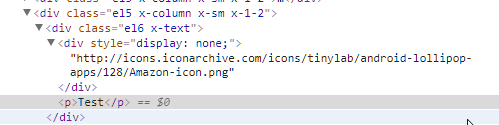
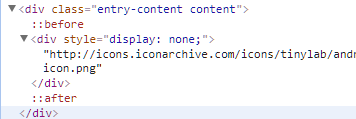
I want to insert a hidden image that can be used by people when they share my URL on Pinterest.
Normally it is done like inserting an image and wrapping it in a hidden div like this:
<div style="display: none;">ADD YOUR IMAGE URL RIGHT HURR</div>
This way the image does not show on the page, but when people share my link on Pinterest they can select that image.
This works fine when using the normal WordPress text editor, but not when using cornerstone. All the extra divs created by Cornerstone are somehow stopping the image from appearing on Pinterest shares.
Is there anyway I can insert that code at the bottom of the post, outside of all the Cornerstone divs?