Help with Shop

Hi There

I am currently setting up a woo commerce shop using an essential grid plugin and am wanting to know how I can change the category order on my front end page. I can drag the categories in different orders on the back-end but thats not following through to the live site.

Secondly, I have no idea how to add correct shipping details. When I enter an address to calculate postage it just tells me to enter another address. Any info would be appreciated.

Thanks so much in advance

Suzy

Hi Suzy,

Thank you for writing in, would you mind to clarify what option do you mean you can drag the categories in different orders

In the meantime, please make sure that All Product Categories that you want to show as the filter are selected on the Source option.


Regarding the shipping, please watch the following tutorial.

Shipping Options - WooCommerce Guided Tour
How to Setup Shipping Charges in Woocommerce

Hope it helps,
Cheers!

Thank you, I will check out that video for shipping.

It was within woocommerce or main x theme menu somewhere I can’t seem to find it now, that I could drag them in different order but perhaps because it wasn’t done through essential grid that’s why it didn’t work.
Yes, I have all the product categories selected.

On another note, would you know how to set up a static product box through essential grid? I have played around with skins and skin settings but they all seem to have hover effects only…I’m wanting the product to appear on the page with the title description and price underneath it.

Thanks again
Suzy

I have one more question actually. I feel like I have a shop page created through woocommerce main menu and then a shop page I have developed through cornerstone using essential grid. When I select a product and go back to “shop” on the breadcrumbs at the top, it takes me to the woocommerce one - how do I delete this and change the path?

Thank you
Suzy

Sorry for all the messages; I’ve taken some screenshots…

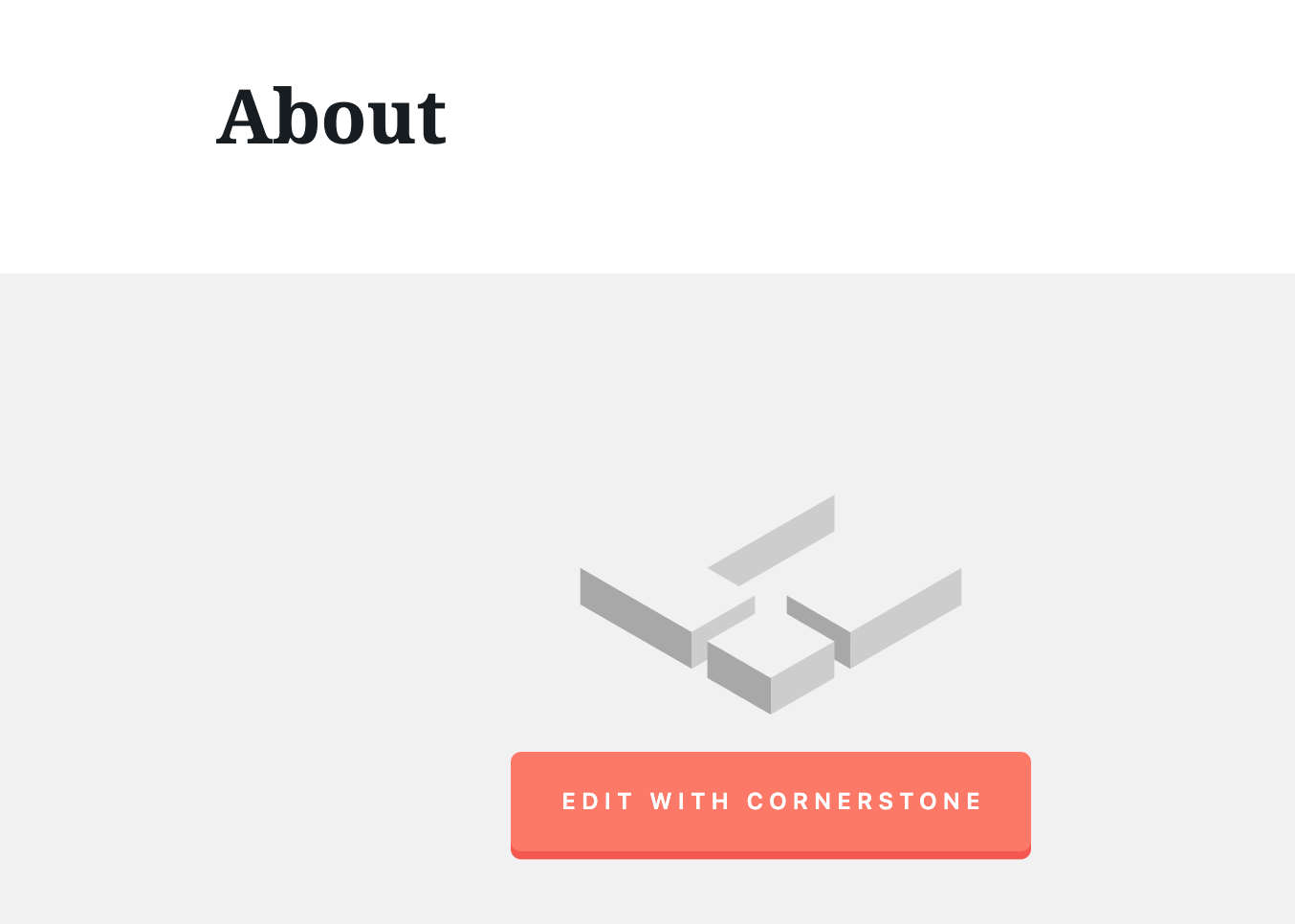
This is one of my “normal” pages - see how I have the option to edit with cornerstone…

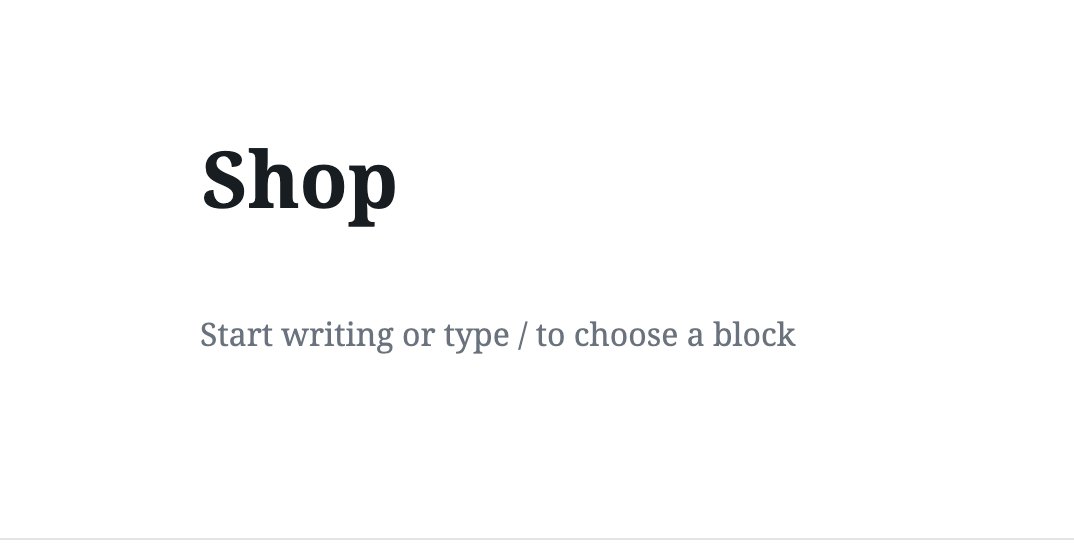
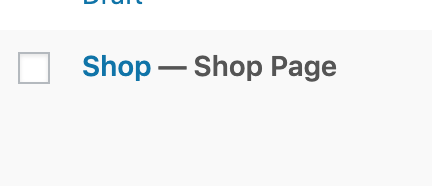
And this is how my Shop page is appearing in the pages menu and then when I select the page - no option to edit with cornerstone


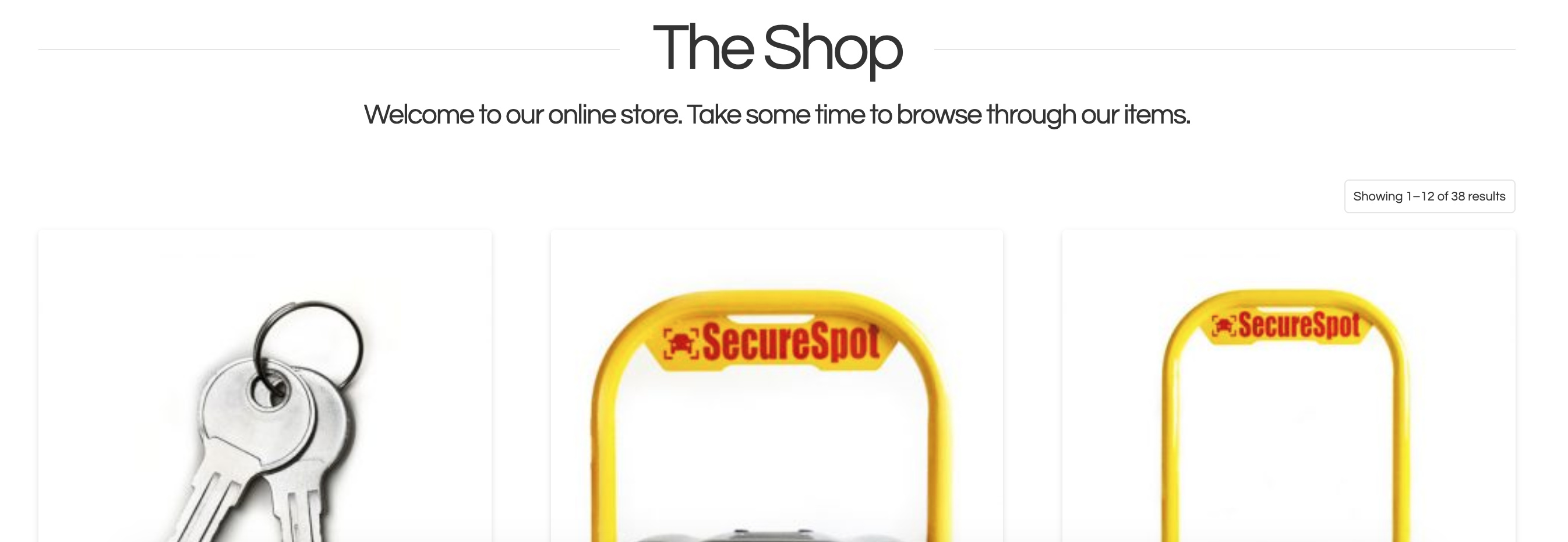
This is how my shop is currently looking like from my website - WHERE is this page to edit or remove??
I just want to use my essential grid skin on my shop page so I can customise it how I like, but I also need the breadcrumbs at the top to go back to this page and not the one that is currently there. I’m tearing my hair out!!!

Hello @SecureSpot,

Thanks for writing in!

When you assigned a page as your shop page. You can no longer edit that page with Cornerstone or Pro editor. The shop page is a special archive that lists your products. You can read more about this here:

To add the grid to the shop page, please take a look at this:

https://www.themepunch.com/faq/creating-woocommerce-product-grid/

Hope this helps.

1 Like

Thank you for the information.

I will try and look through archived posts as I am wanting to delete the current archived shop page and then change the breadcrumbs through yoast.

I understand how to create a woocommerce grid although disappointed I can’t find any “static” boxes which will show the product image then title and price underneath; all of them seem to be with hover function only.

I will have another play tonight and let you know how I go.

Great!
Our staff will be standing by.

1 Like

This topic was automatically closed 10 days after the last reply. New replies are no longer allowed.