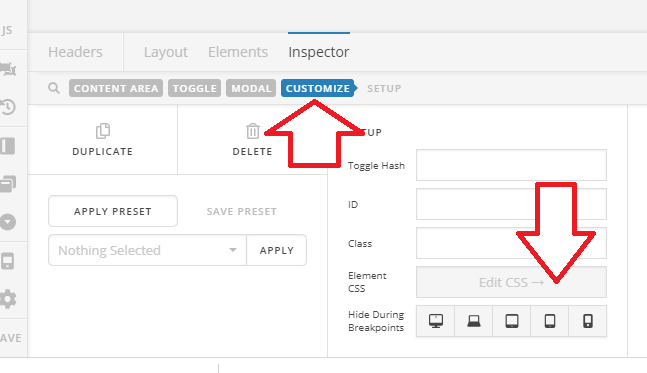
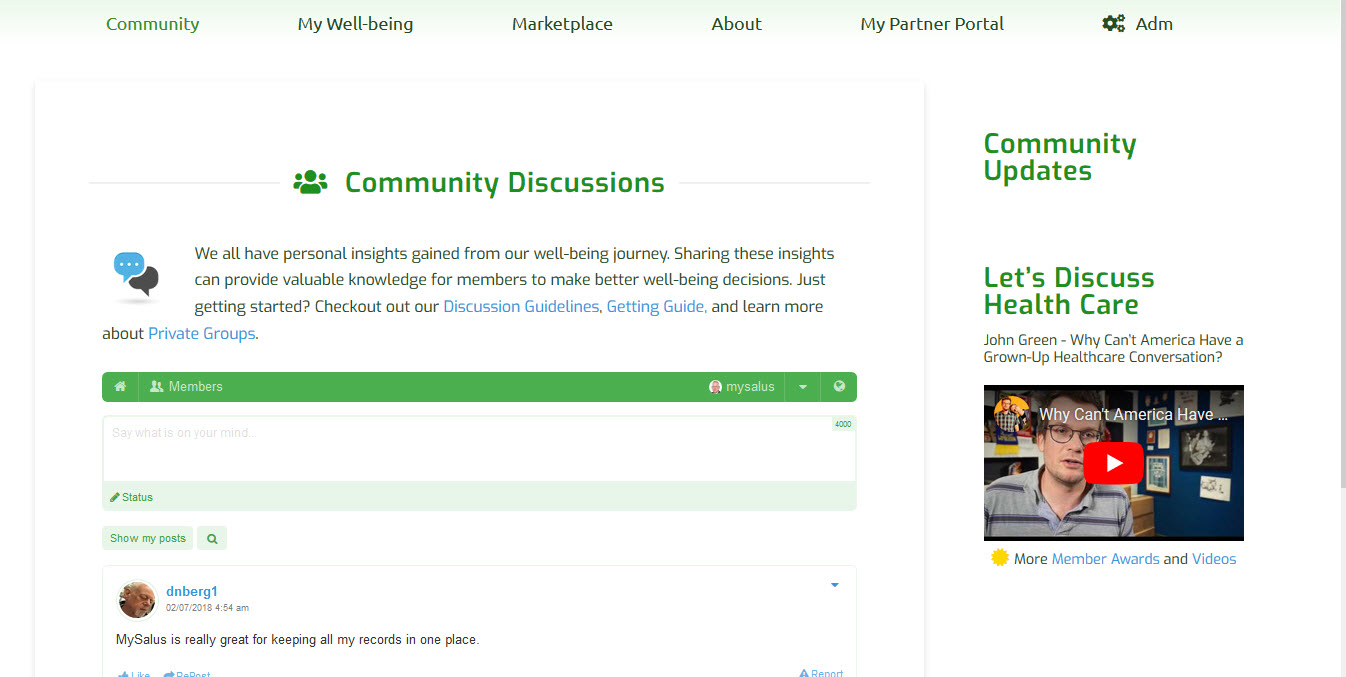
Help with Pro Header Nav Modal

Hi. I am trying to establish a simple login icon/kink in my pro header. The approach I am using is:

Element - Nav Modal, Menu set to Member-Login which has only one item and contains the following shortcodes so that I can control the appearance for only logged out users using the menu settings

[x_icon type=“signin” style=“padding-right: 5px;”][frmmodal-content label=""][container style=“width: 300px; padding: 5px 0 5px;”] [miniorange_social_login shape=“square” theme=“default” space=“4” size=“32”] – OR – [gap size=“1em”] [frm-login label_username=“Username” label_password=“Password” label_remember=“Remember Me” value_remember=1 class_remember=“remember_me” label_log_in=“Login” label_logout=“Log Out” layout=“v” username_placeholder=“Username” value_username="" password_placeholder=“Password” show_lost_password=“1” redirect=“https://mysalus.org/community/profile/” class=“frm_style_logon-pw”] [/container][/frmmodal-content]

My Issue is that I get a “Create Menu Message” rather than the menu itself. I have tried other approaches and nav modal seems to be the best solution, but not sure why it’s not recognizing the menu set?

Screenshot attached and site is https://mysalus.org
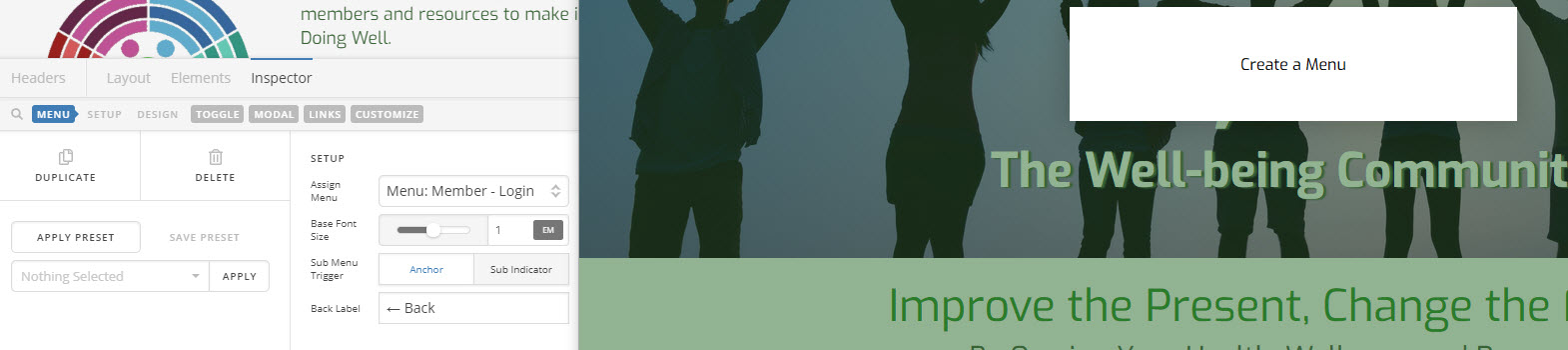
Thoughts? Thank you
Hello @DSThompson,

Thanks for writing in!

Did you already created the menu in Appearance > Menu? To assist you better with this issue, would you mind providing us the url of your site with login credentials so we can take a closer look?

To do this, you can create a secure note with the following info:
– Link to your site
– WordPress Admin username / password

I asked for the credentials because the given information in your previous post no longer works. I want to check your settings because I am curious how did you set up the menu and the modal.

Thank you.

Hello @DSThompson,

Thanks for providing the information. I have logged in and checked your header and menu set up already. Please be advised that the navigation modal element will only display a menu created in Appearance > Menu. Any custom menu might not be displayed correctly. I would recommend that you replace navigation modal element with content area modal instead and insert your code in the content modal area:

[x_icon type="signin" style="padding-right: 5px;"][frmmodal-content label=""][container style="width: 300px; padding: 5px 0 5px;"] [miniorange_social_login shape="square" theme="default" space="4" size="32"] – OR – [gap size="1em"] [frm-login label_username="Username" label_password="Password" label_remember="Remember Me" value_remember=1 class_remember="remember_me" label_log_in="Login" label_logout="Log Out" layout="v" username_placeholder="Username" value_username="" password_placeholder="Password" show_lost_password="1" redirect="https://mysalus.org/community/profile/" class="frm_style_logon-pw"] [/container][/frmmodal-content]

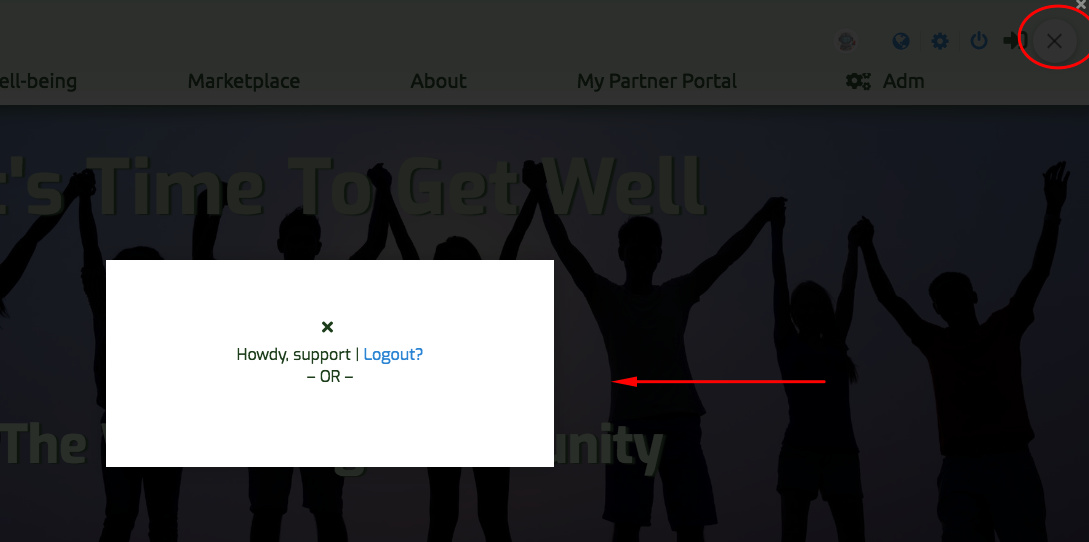
I made a test in your header and this is how it looks like:

I did not save my changes by the way. I am afraid I might ruined your current header settings.

Thanks for the reply. The element in the home page does use a menu created in Appearance > Menu named Member-logon. that’s whats not working. The Member -login menu has one item that includes the short codes you mention. I have done it this way in that I needed to use the menu functionality to only show to logged out users and hide the menu - and hopefully the header icon for the menu for logged on users.

The header modal element works great but does not have a way - that I can tell anyway - of only showing to logged out users and being hidden for logged in users.

If there is a way (css perhaps) of hiding the header element for logged on users then I could use the modal element.

I look forward to your thoughts on how best to proceed but the provisioned menu I had setup for this purpose is not being displayed in the header for some reason.

thanks

Hi @dsthompson,

Sure, you could do that by adding this to your content area modal’s Element CSS

body:not(.cs-preview).logged-in $el.x-anchor-toggle{
display: none !important;
}

Thanks!

Thanks much Rad. Worked perfectly!

You’re welcome!
We’re glad we were able to help you out.

Follow up here. It appears I spoke too soon and think my caching gave me a false positive on desired results. After clearing cache the applied css totally changed me page layout and some elements as can be seen in the attached screenshot. I have the css applied in my staging site https://staging.mysalus.org/community which can be compared to the actual page layout at https://mmysalus.org/community.

Thoughts?

Thanks

Hi @dsthompson,

You added it without a closing bracket.

body:not(.cs-preview).logged-in $el.x-anchor-toggle{
display: none !important;

It should be like this

body:not(.cs-preview).logged-in $el.x-anchor-toggle{
display: none !important;
}

And that results to corrupted custom CSS.

Thanks!

Thank you. Missed that.

You’re most welcome!

This topic was automatically closed 10 days after the last reply. New replies are no longer allowed.