I have a few problems that i couldn’t find the answers to.
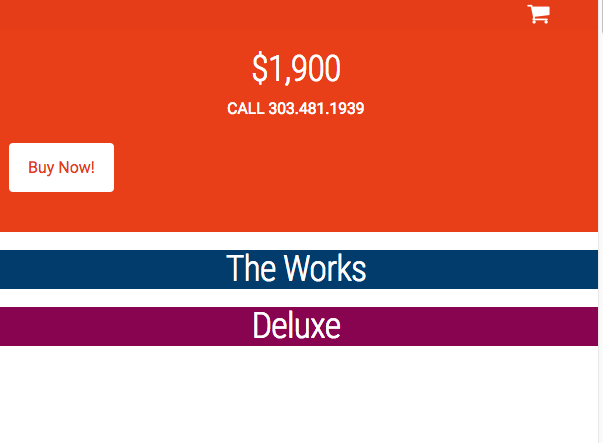
- I have a button that I cant center in the column. I tried text-align: center; and using the class center-text, but I cant seem to get it centered.
- I created a text box it has the word “ONLY” in it and it is above a custom headline “$1900”. There is a margin in the
that I cant seem to remove, I tried using the “mbn” class and even adding a margin-bottom: none; in the style box.
- When resizing the browser window I seem to have margin space between my columns and I cant figure out how to remove this as well. (see attached image)