Help with Ethos Theme Titles

Hey Support,

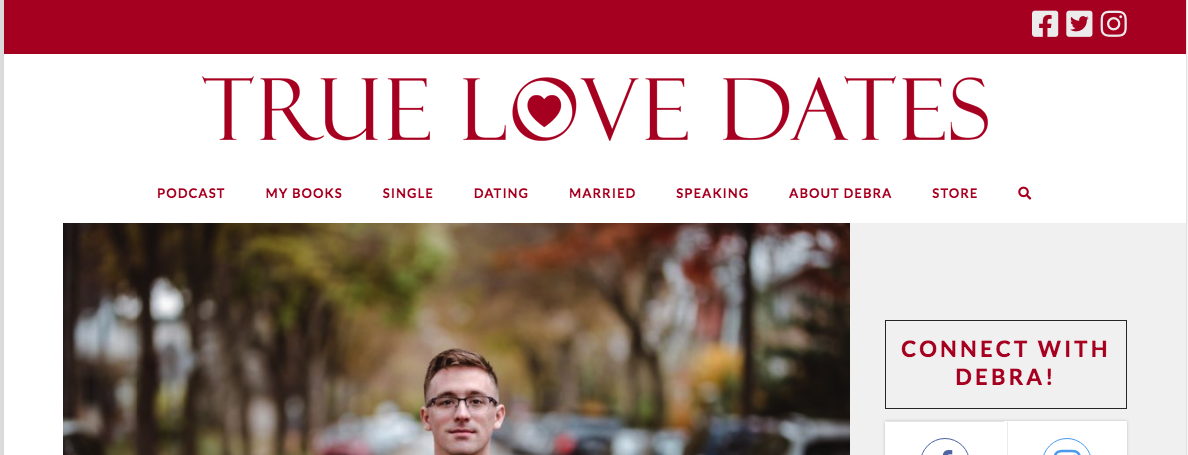
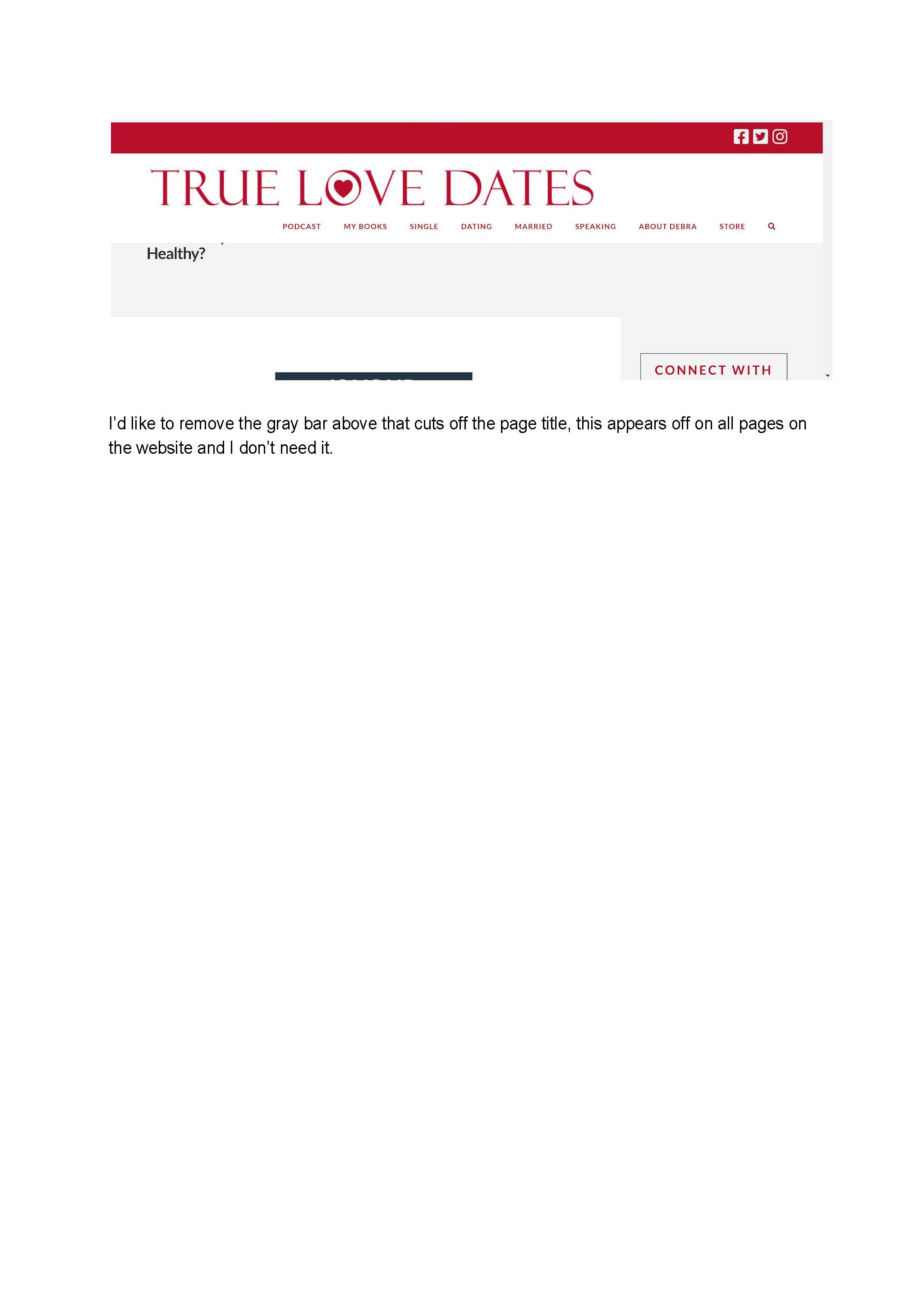
I’m having some trouble with the page name appearing on my pages. On the Mobile version it looks ok, but with a lot of dead space. On the desktop version it is often cutoff and looks odd.

I’m ok with it not showing up at all, is that an option? If not, is there a way to make the dead space smaller on the mobile version and have it show up properly, but small on the desktop version?

Thanks for your Help!
Hello John,

Thanks for writing in! I have logged in and checked your site. Your logo image is way to wide for the logo space in your navbar. This has made the navigation menu to go in the next line expanding the height of the navbar which then covers the post/page titles. To resolve this, please go to X > Theme Options > Navbar > Logo and Navigation and then set it to “Stacked”.

Lastly, find this custom css in your Custom CSS section:

.x-container.main {
    margin-top: 100px;
}

You can remove this to eliminate the dead space or simply adjust the value to minimize the space.

Hope this helps.

This topic was automatically closed 10 days after the last reply. New replies are no longer allowed.