I’m trying to add a video to a page text button, but I want it to be a pop-up. Here is a screen share to show you what im talk ing about. https://www.useloom.com/share/d2a1c7d6c1b74083920e6f1a772a29ba
Hello Jonathan,
Thanks for writing in!
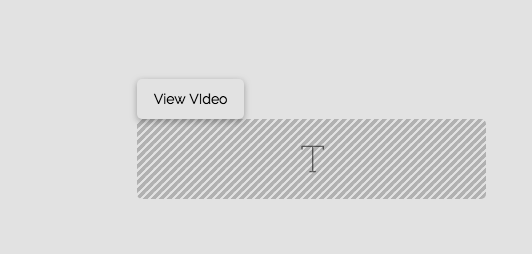
To achieve what you want, you will need to apply responsive video lightbox in the button element. Please do the following:
- In your button settings, find the “Customize” tab and insert a custom
my-video-buttonclass - And in your button url, you will have to insert the video url. If you are using youtube, use the iframe source like
https://www.youtube.com/embed/iyuxFo-WBiUas an example - And then, add a text element next to your button and insert this shortcode:
[lightbox selector=".my-video-button"]
Hope this helps.
All i can get it do is open a new tab with the video but not have the video open on the same page in a box? Can you example more in detail
Hi Johnathan,
Instead of a Button element, please utilize the Content Area Modal, you can style this element like a button, but it will open a Modal box on click.
If you use this element to put a video pop up, enable the Load / reset on element toggle option so it does stop the video when the modal is closed.

Hope it helps,
Cheers!
This topic was automatically closed 10 days after the last reply. New replies are no longer allowed.