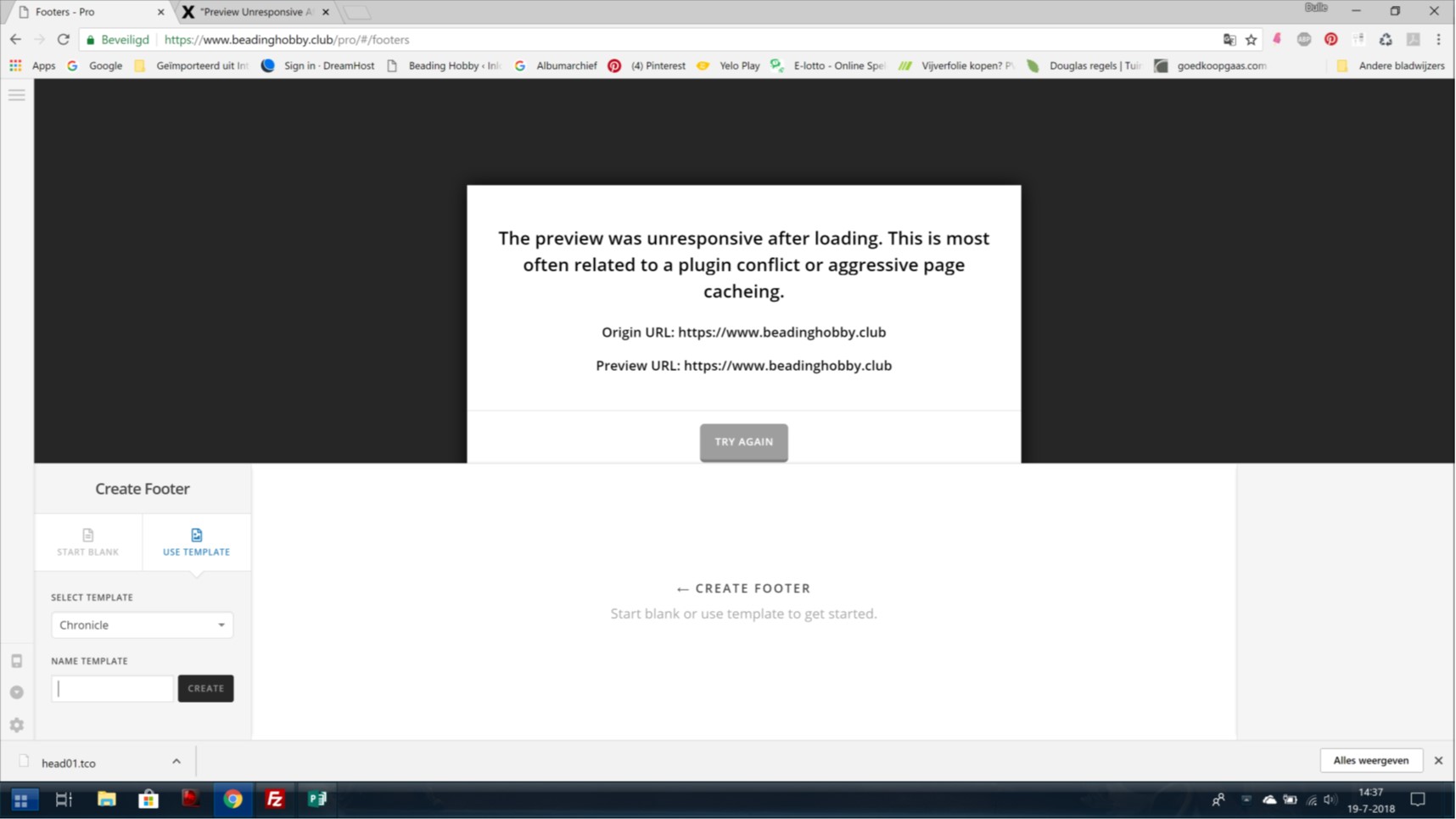
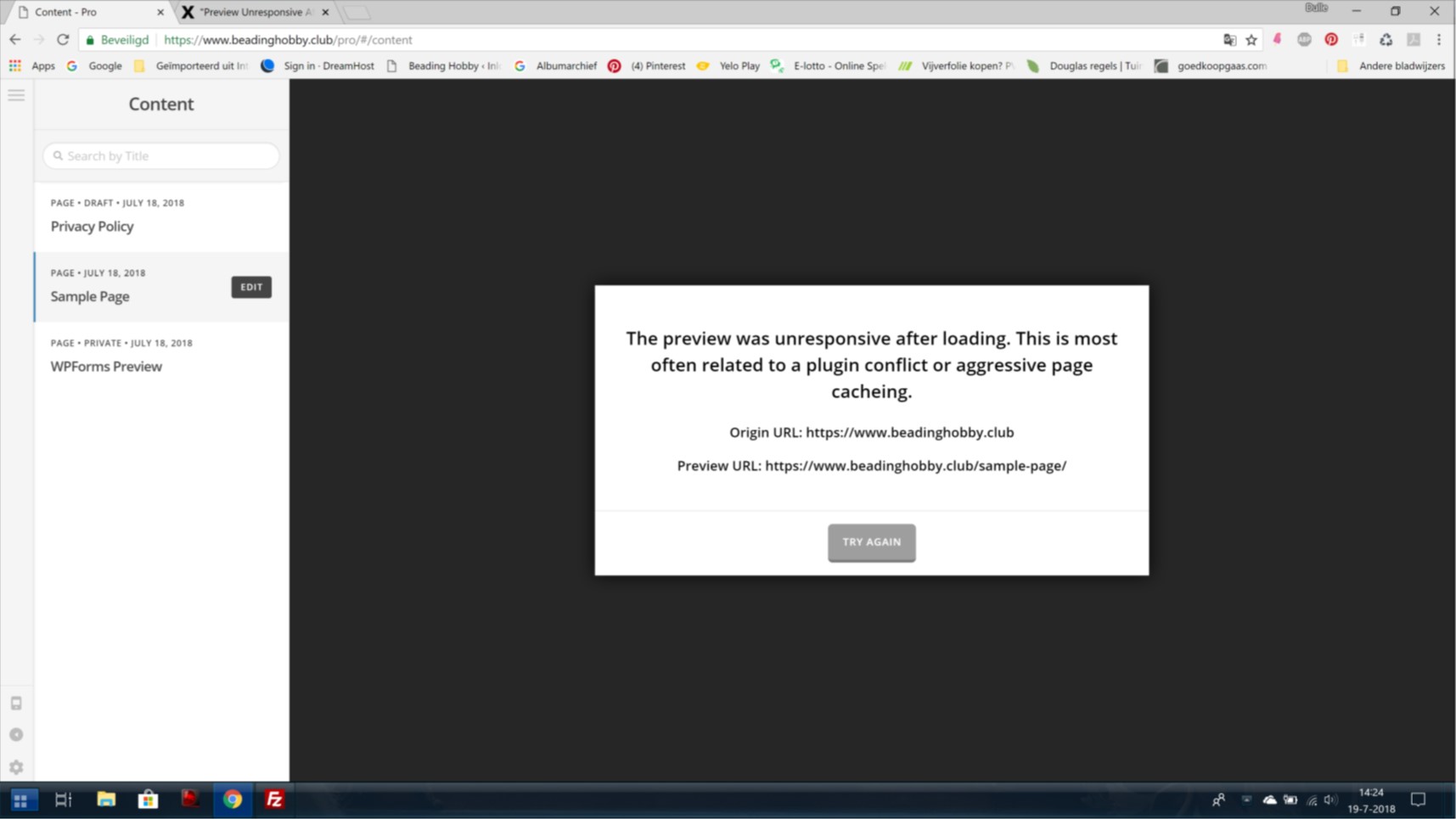
Help: The preview was unresponsive after loading

Hello to all,

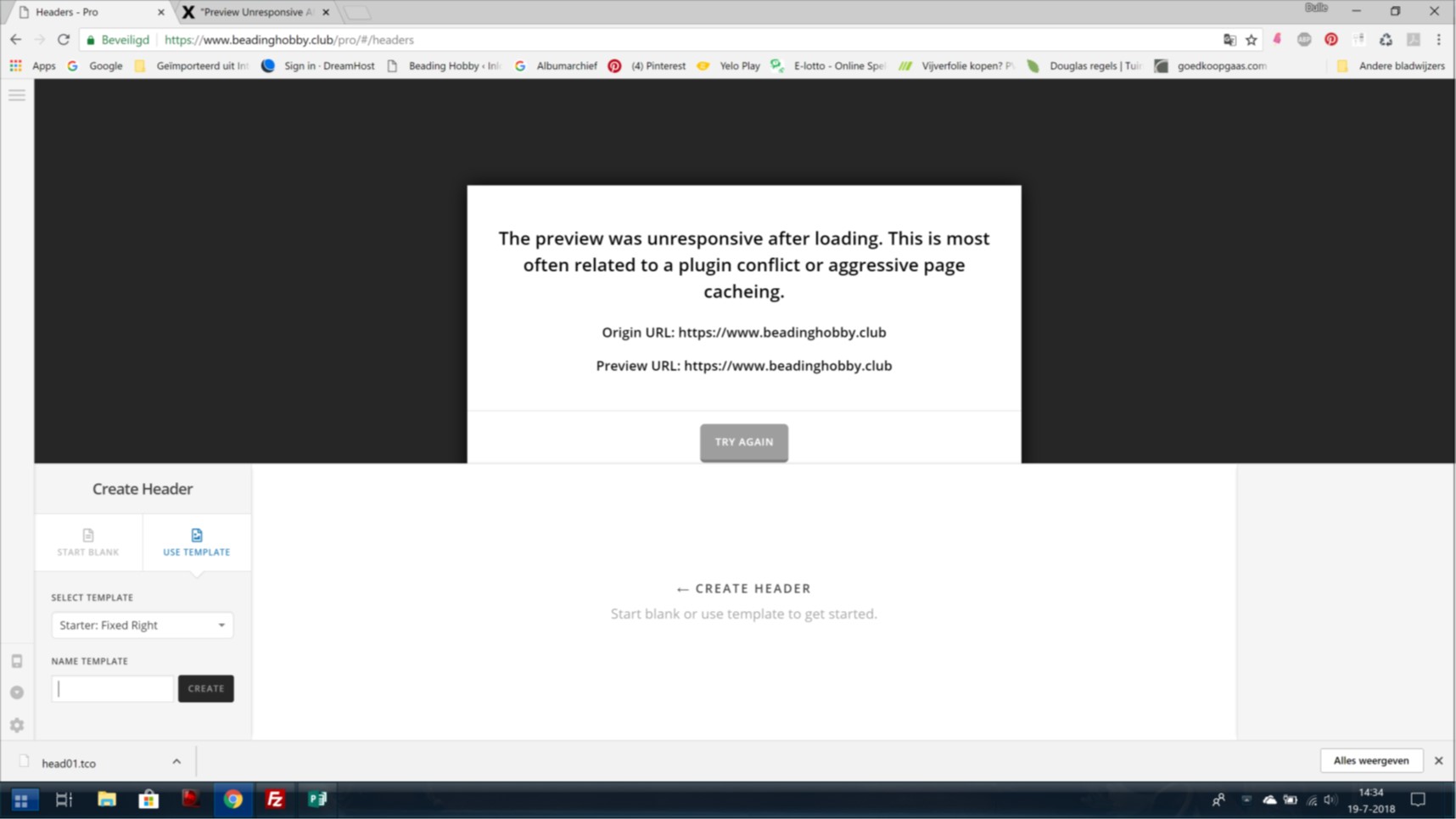
I installed Pro a couple of day ago. The first day it worked fine for a while. Then all I would get when trying to make my webpage is the error: “The preview was unresponsive after loading. This is most often related to a plugin conflict or aggressive page cacheing.
Origin URL: https://www.beadinghobby.club
Preview URL: https://www.beadinghobby.club

I disabled all the plugins, I increased the memory limit, all installs are the latest, new htaccess, cleared the cache… as said in the other topics. Nothing works, I still get the error. I have no knowledge of coding.

I took 3 screenshots:
Please help me, thank you.
Nicole.

Hello @DulleGriet,

Thanks for asking. :slight_smile:

I tried creating test header and test page and I don’t see the error message you are getting. I have recorded a screencast, please take a look. Please try clearing cache and see how it goes.

Thanks.

Hello Prasant,

Thank you for the quick response … I watched the recorded screencast and indeed you have no trouble at all.
So, I guess the problem lies with my laptop. In the mean while, I have been bussy trying to cleaning cache. I cleaned cache in chrome by deleting all history, files, cookies etc. I cleaned the cache of my computer with Wise care 365 and Advanced uninstaller. Still I don’t get any preview, and as a result of this I can not edit my header and other stuff.

Any thoughts?
Greetings,
DulleGriet

Okee, was still trying to fix the preview not loading … when I found this on www.mhthemes.com :

" In case troubleshooting and disabling your plugins doesn’t help and if you are desperate because you also can’t find other reasons for your issue, then you could try to add the code snippet below to the file wp-config.php of your WordPress installation and it may resolve your issue:

define(‘CONCATENATE_SCRIPTS’, false); "

I tried it and it worked.

Maybe this can help others too.
Thank you for all the help !!! Great job.
DulleGriet.

Glad to hear that you got it working and thanks for sharing the solution. :slight_smile:

This topic was automatically closed 10 days after the last reply. New replies are no longer allowed.