Help removing white space on multiple places

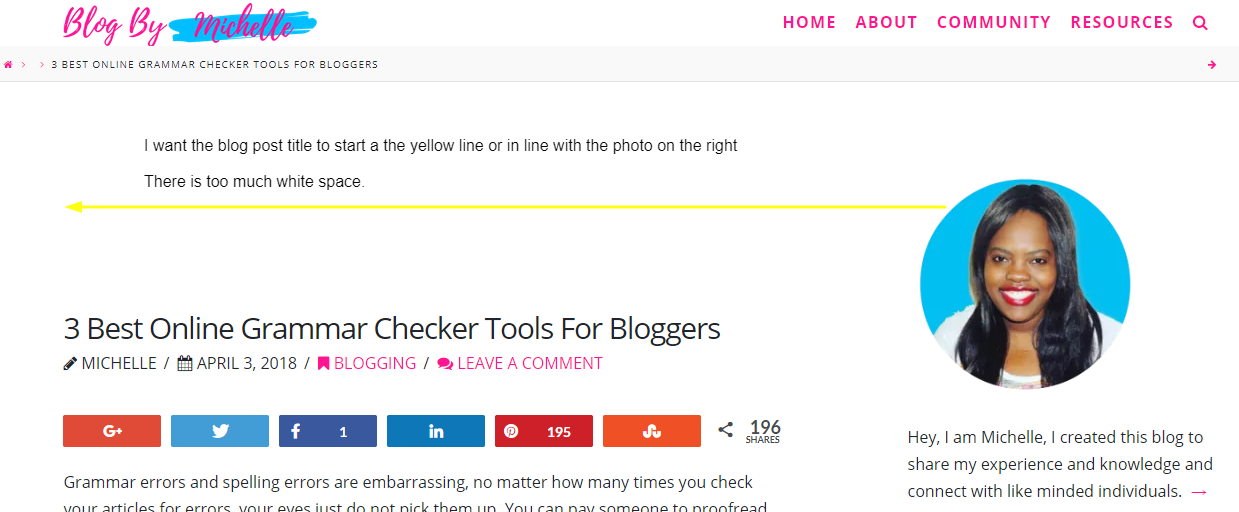
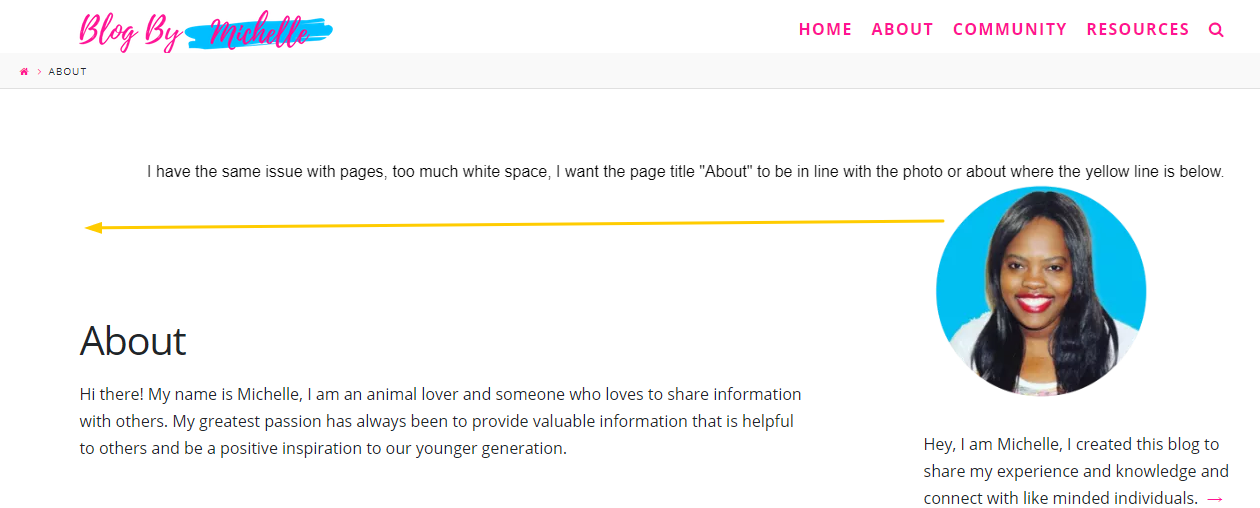
I have too much white space on 3 areas of my blog, can you help me to fix, please

  1. Above all my blog post
  2. On the home page
  3. On pages

I want the post headlines and page headlines to be where the yellow line is, I want it to be aligned to the image on the right.

The side bar is perfect, I do not the need to change the hight of the sidebar

Please see images below for full details
Hi There,

Thanks for writing in!

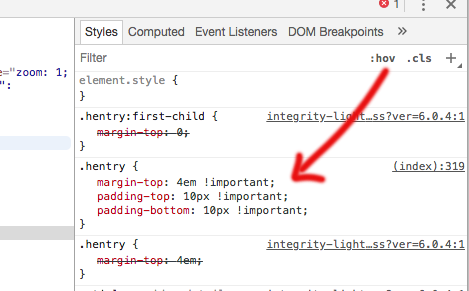
I can see there is few custom CSS on your page which causing the issue. I am not sure if this is added by you or any third-party plugins.

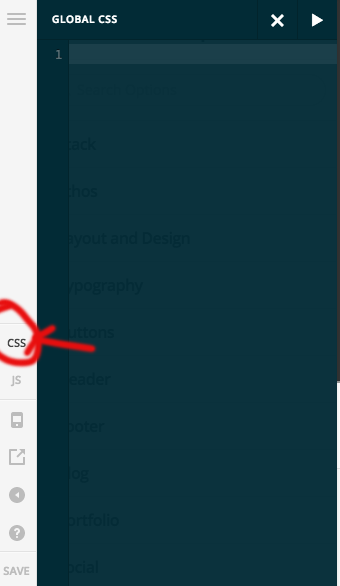
To fix it you can go to Theme option-> global CSS search for the CSS as in the screenshot, and change the value as below. if you won’t find the CSS then please add it there.

.hentry {
    margin-top: 0em !important;
    padding-top: 0px !important;
    padding-bottom: 10px !important;
}
.entry-wrap {
    padding-top: 0px !important;
 }

Hope this helps!

Thanks

1 Like

The extra white space was removed from blog post, home page and pages

New issue: The posts are now too close together

Hello there,

Thanks for updating in! Kindly update the code given by my colleague to this:

.hentry {
    margin-top: 0em !important;
    margin-bottom: 60px;
    padding-top: 0px !important;
    padding-bottom: 10px !important;
}
.entry-wrap {
    padding-top: 0px !important;
}

Hope this helps.

1 Like

This topic was automatically closed 10 days after the last reply. New replies are no longer allowed.