Hello there!
We’ve been having the Cornerstone issue “The preview was unresponsive after loading. This is most often related to a plugin conflict or aggressive page cacheing.”
I tried removing the cache, but it doesn’t seem to work…
There might be some plugins that are causing the issue. To check that, please try testing for a plugin conflict. You can do this by deactivating all third party plugins, and seeing if the problem remains. If it’s fixed, you’ll know a plugin caused the problem, and you can narrow down which one by reactivating them one at a time.
If the issue persists, you might need to have the PHP memory limit of your site increased.
To do this, please edit your wp-config.php file and insert these lines:
Hey!
Thanks a lot for your quick reply. We tried what you suggested, but it did not work.
I spent some time searching for an explanation, do you think the update of WP to its 5.3.2 version could be the reason causing this bug?
We also updated the X theme and Cornerstone to their latest version.
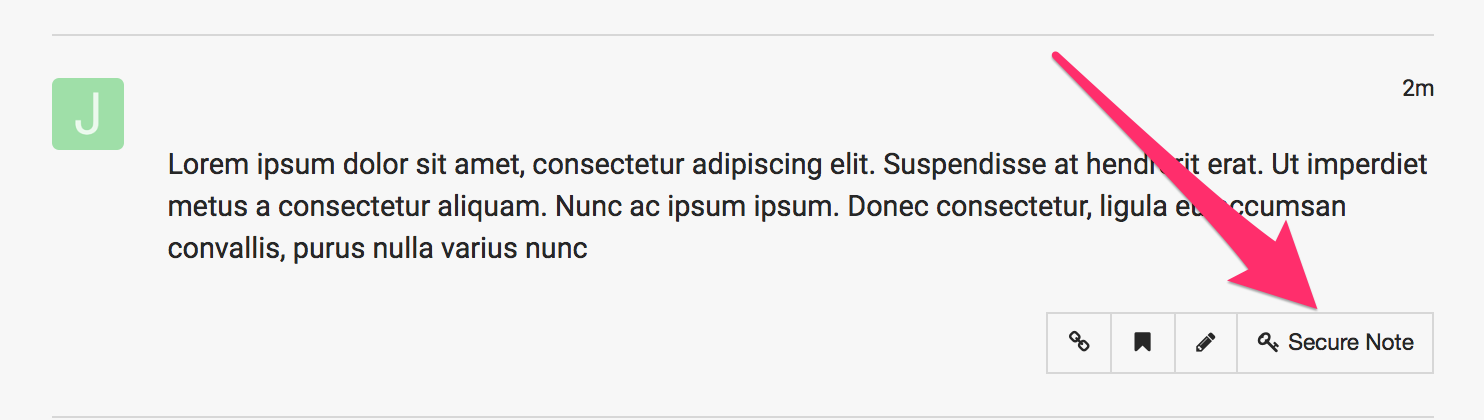
Please go to X > Status. Copy the results and paste it in your next reply. Or if you wouldn’t mind, kindly provide us access to your site so that we can check your settings and investigate further. Please create a secure note with the following info:
– Link to your site
– WordPress Admin username / password
To know how to create a secure note, please check this out: https://theme.co/apex/forum/t/how-to-get-support/288
Version - 5.3.2 Debug is on - No Language - en_US Is Multisite - No Memory Limit - 256M
Web Server Configuration
Software - Apache/2.4.29 PHP Version - 7.2.19-0ubuntu0.18.04.2 MySQL Version - 5.7.27-0ubuntu0.18.04.1
PHP Configuration
Post Max Size - 8M Time Limit - 30s Max Upload Size - 2M
Active Theme
Name - X – Child Theme Version - 7.1.2 Folder - //data/northgard/wp-content/themes/x-child/ Parent Theme Name - X Parent Theme Version - 7.1.2 Parent Theme Folder - /data/northgard/wp-content/themes/x Cornerstone Status - Enabled Cornerstone Version - 4.1.2
Thanks for providing the credentials. The cause of the issue is script conflict with Slider Revolution. Turning off Include libraries globally option in Slider Revolution’s Global Settings fixed the issue.