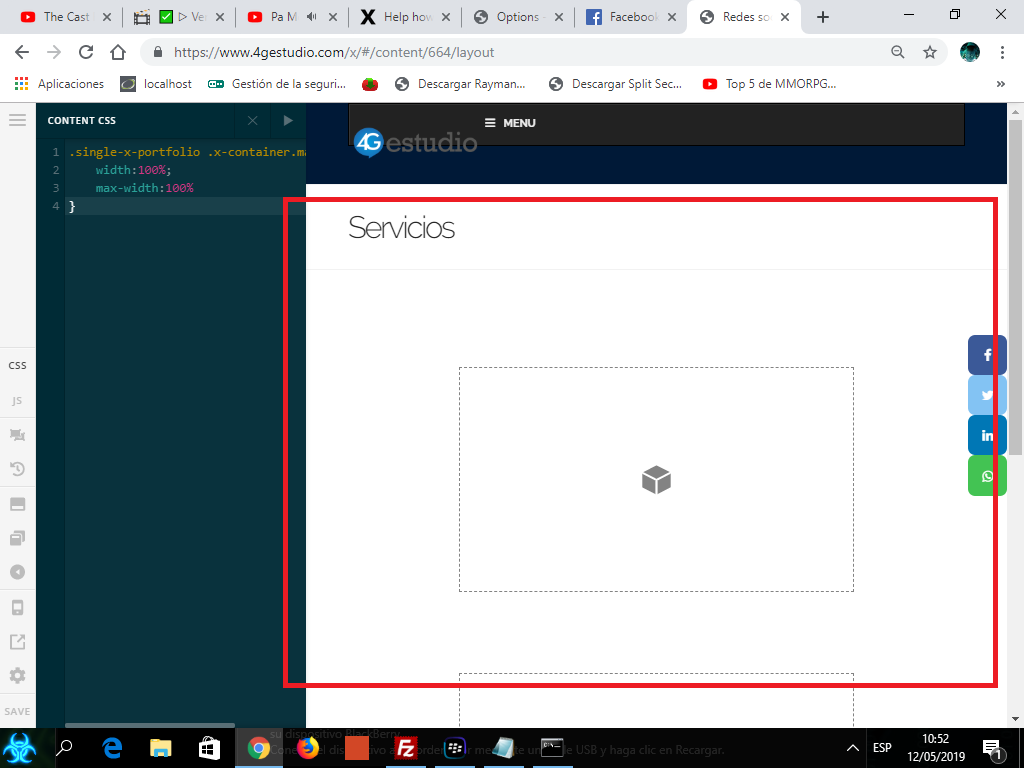
hello friends help please, I need to increase the width of this section that occupies the whole page (the whole width) as the one of the home page
in this way thank you
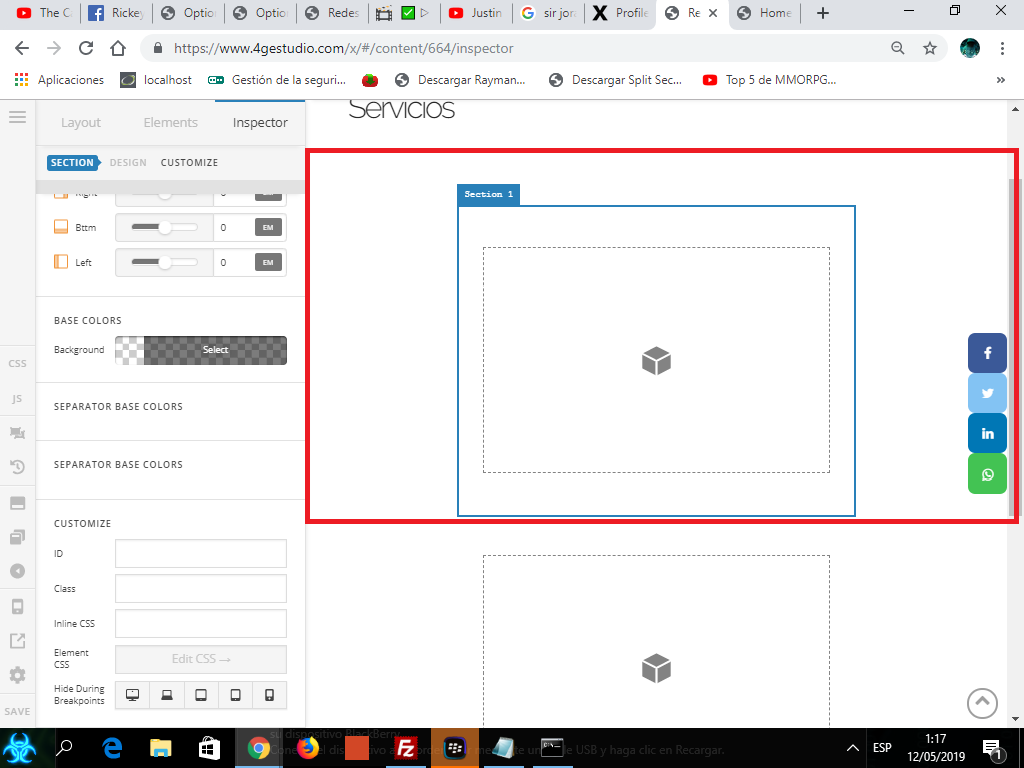
in this way thank you
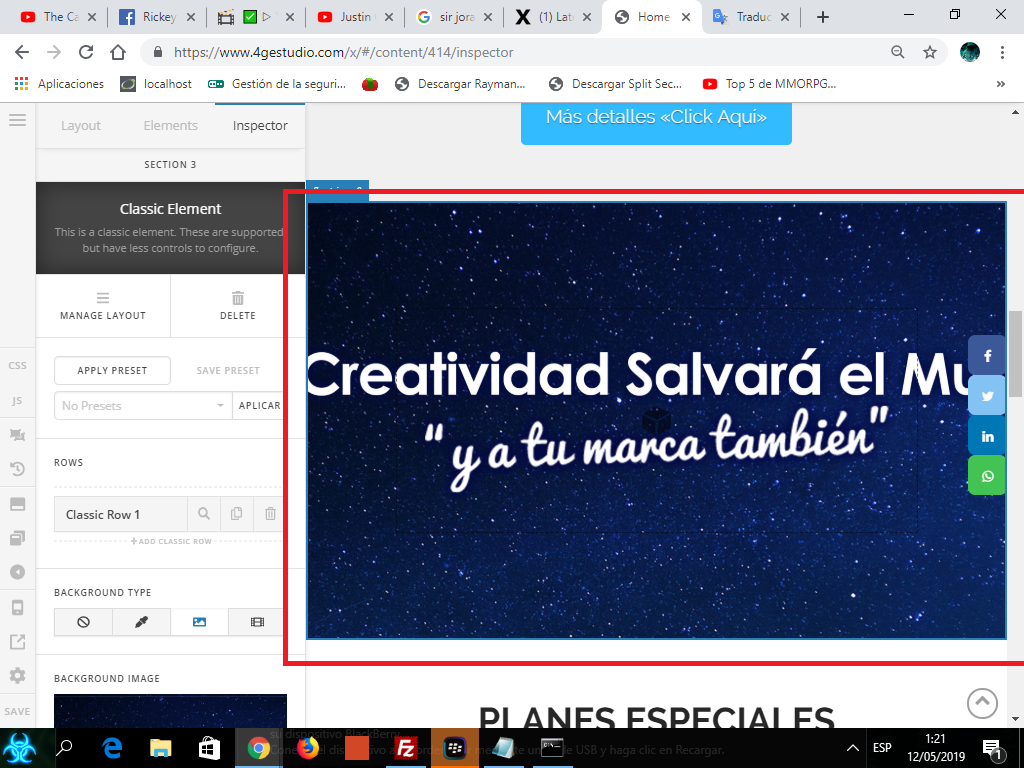
hello friends help please, I need to increase the width of this section that occupies the whole page (the whole width) as the one of the home page
in this way thank you
in this way thank you
Hi Alberto,
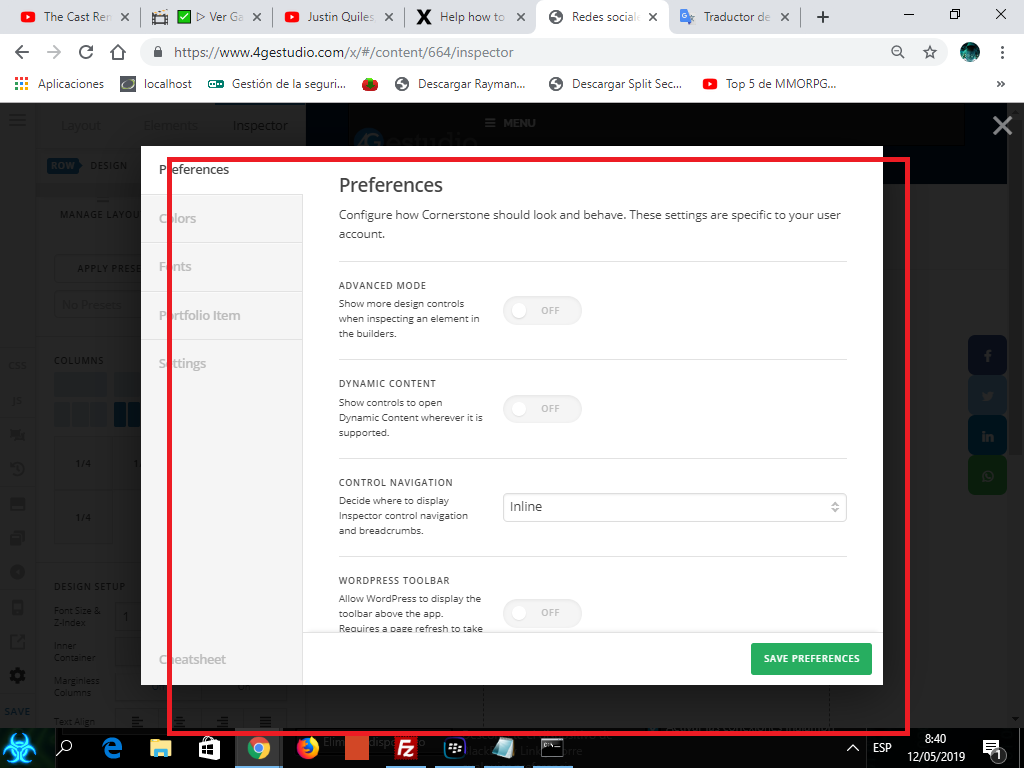
Please go to the page in question using Cornerstone. Click the settings buttons at the bottom left section of the screen:

In the Page Settings tab of the pop up set the Page Template to one of the No COntainer blank ones:

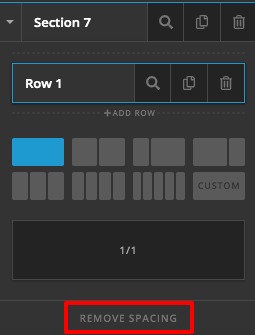
Save and close the pop-up and then add a new section. The new section will have a full-width functionality. Altenatively, if you want to have no spacing between the columns of the sections, expand the section and select the Remove Spacing option:
Thank you.
hello friend that option does not appear to me available, this is the internal page of the friend portfolio.
Hey Alberto,
Regretfully, Page Templates are not available for portfolio items. It would need custom CSS to make the portfolio items fullwidth and you need to be sure that you’re not going to use the Portfolio sidebar like in our demo. See http://demo.theme.co/renew-1/portfolio-item/51-10/.
With that said, please add this code in Theme Options > CSS.
.single-x-portfolio .x-container.max.width.offset {
    width:100%;
    max-width:100%
}
Hope that helps.
hello friend did not work 
Hello Alberto,
Please have the code given by @christian_y updated and use this code instead:
.single-x-portfolio .x-container.max.width.offset {
    width:100%;
    max-width:100%
}

.single-x-portfolio .entry-info {
    width: 100%;
}
Please let us know if this works out for you.
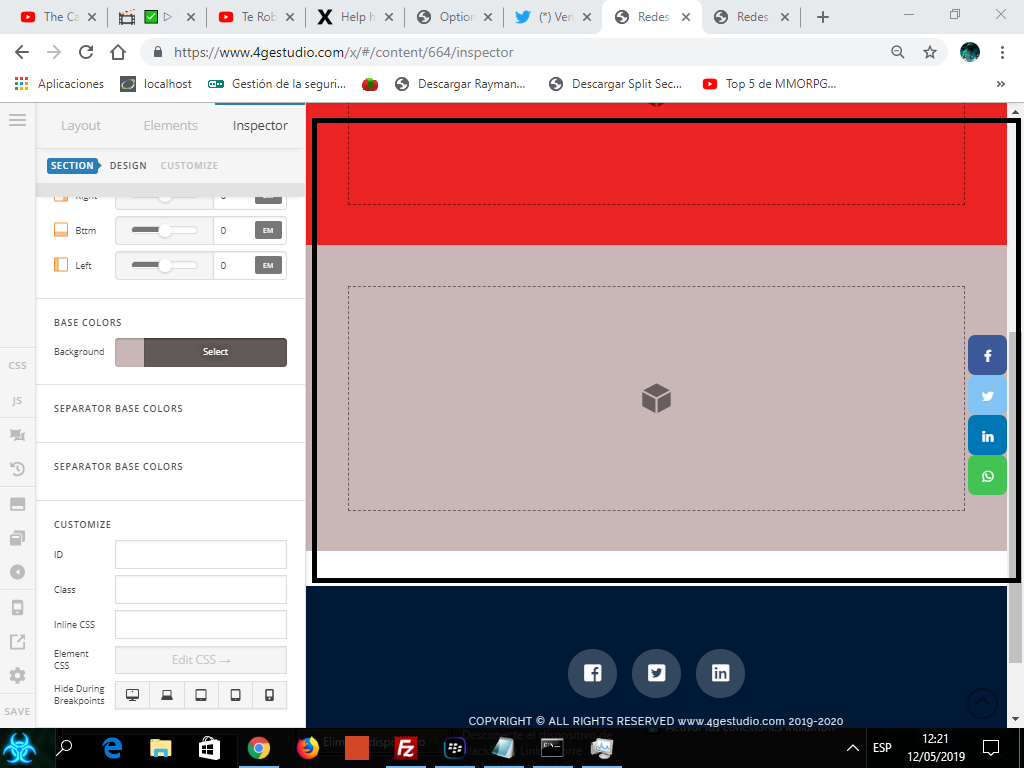
it worked thank you very much friend 
You’re welcome!
Thanks for letting us know that it has worked for you.
This topic was automatically closed 10 days after the last reply. New replies are no longer allowed.