hello, friends please help how to remove this item from the portfolio thank you.
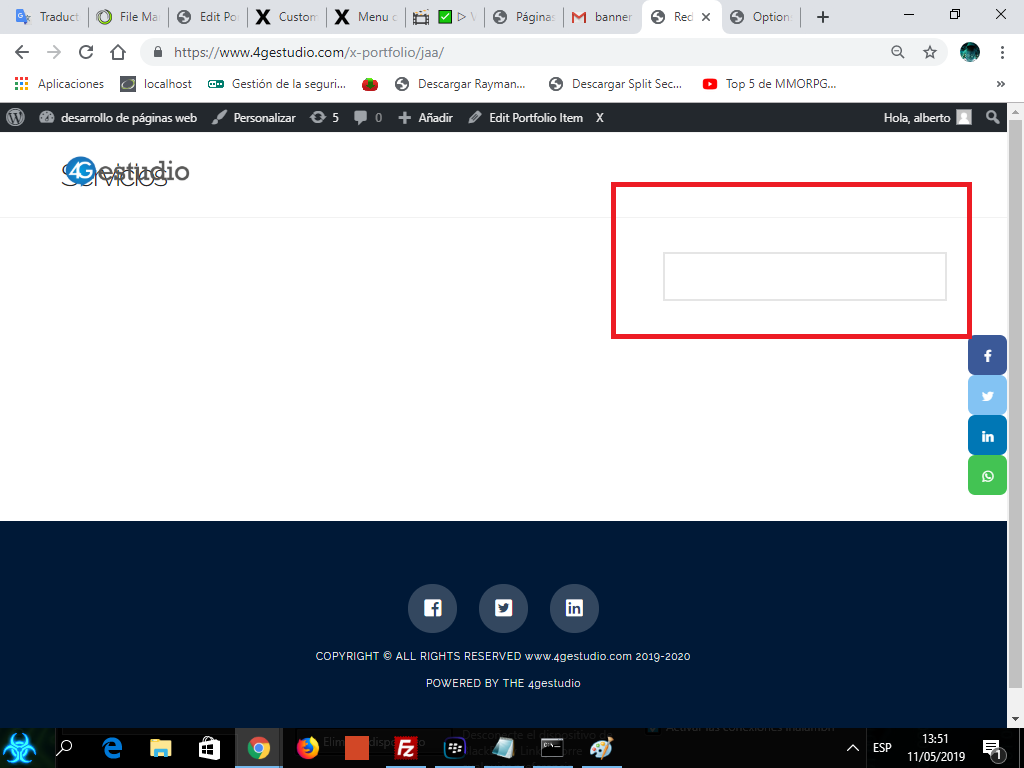
hello, friends please help how to remove this item from the portfolio thank you.
HELP PLEASE 
Hey Alberto,
Thank you for reaching out to us. To remove the box, please add the following code in the Theme Options > CSS:
.x-portfolio .entry-extra {
    border: none;
}
Don’t forget to clear all caches including your browser’s cache after adding the code. Let us know how this goes!
friend I do not need to hide it, it is to eliminate it, I still occupy the same space as if it were that element, I need the page to be clean
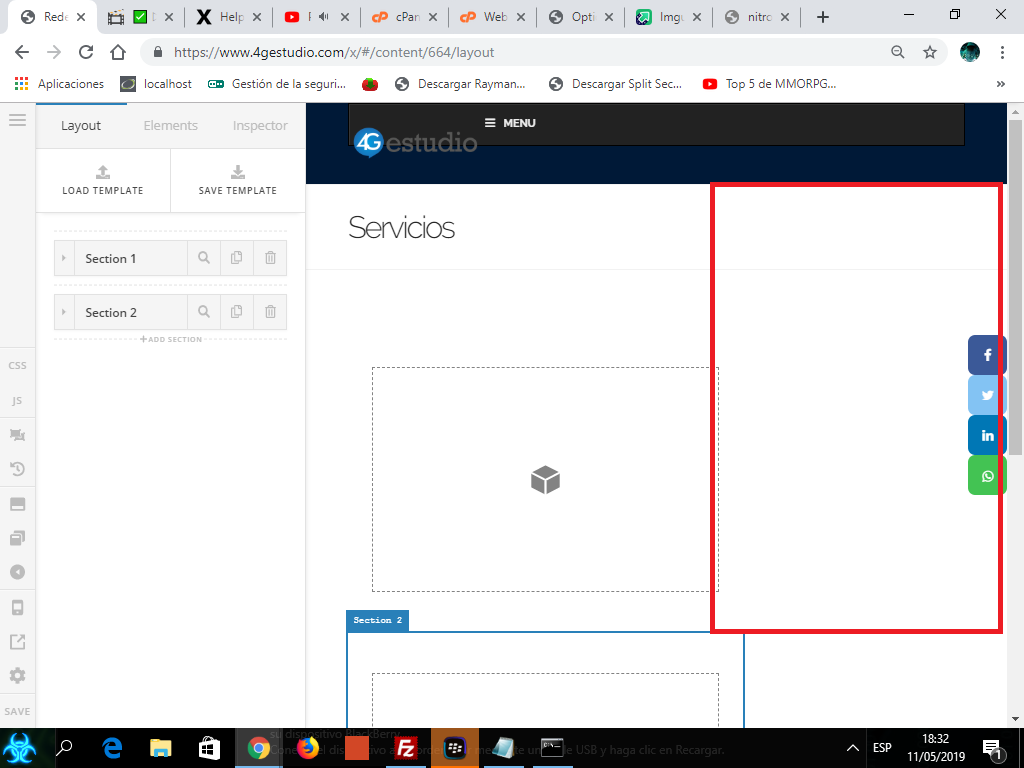
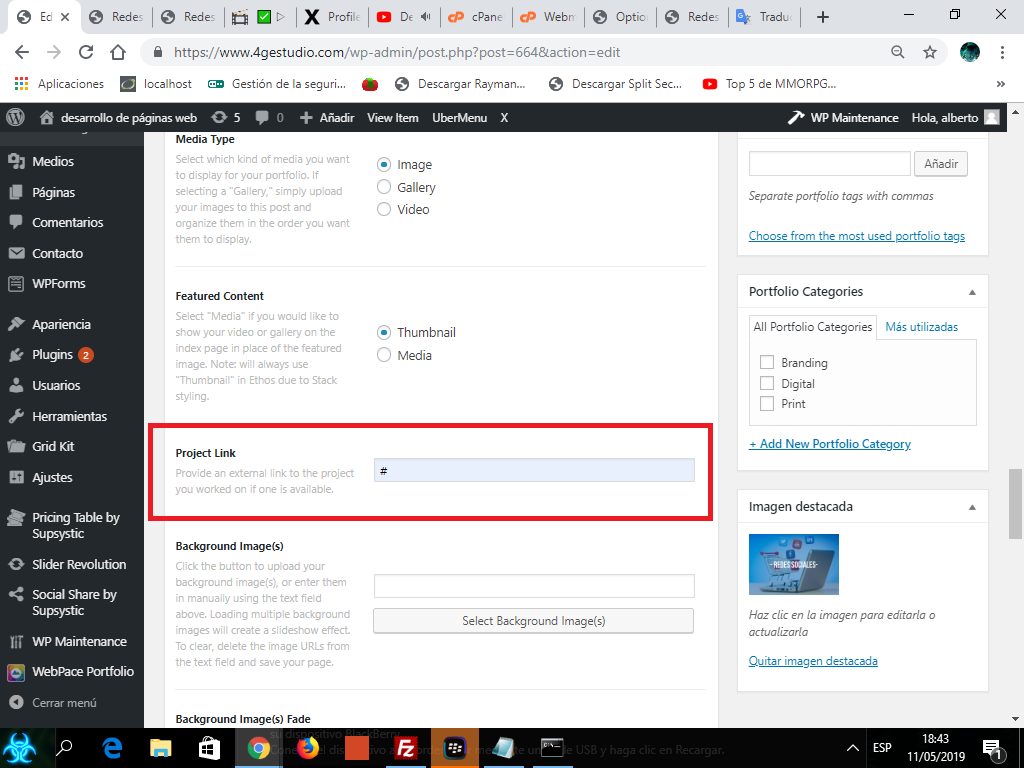
the option of project link is the one that interferes, that’s what I want to eliminate, and so I can center all the information
Hi Alberto,
I see, in that case, please change that CSS to this
.x-portfolio .entry-extra {
 display: none !important;
}
Hope this helps.
thank you friend, but the information was not focused, like the center? Thank you
Hi Alberto,
I replied to your other thread 
Thanks!
This topic was automatically closed 10 days after the last reply. New replies are no longer allowed.