Help Centering a Text Element in Pro

Hi,

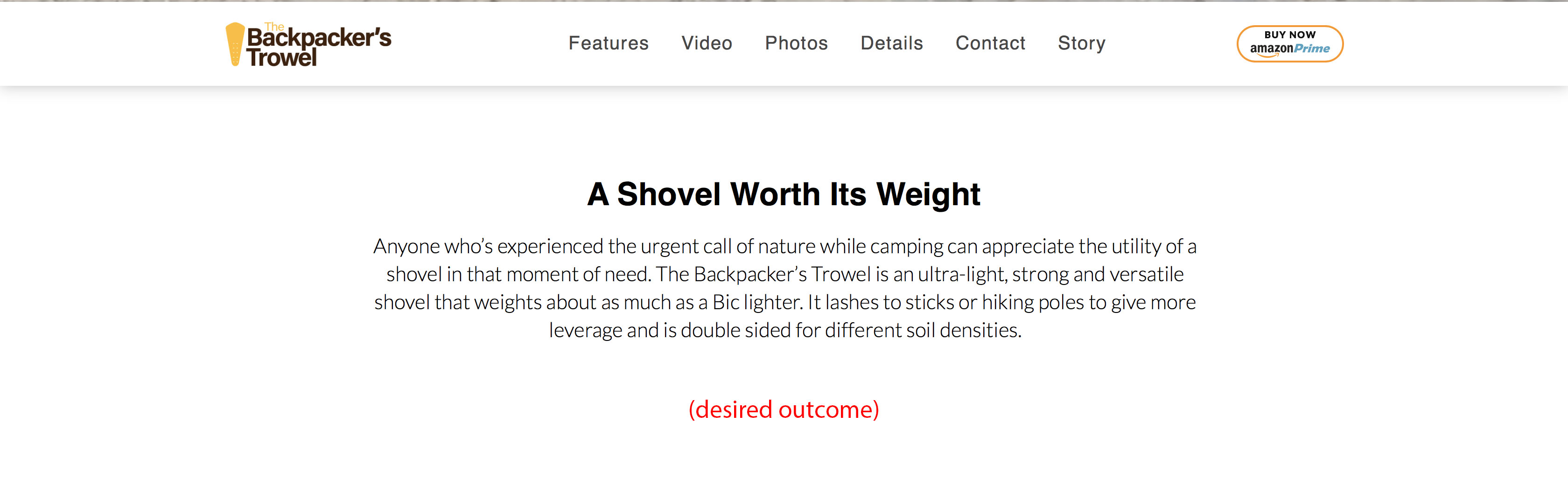
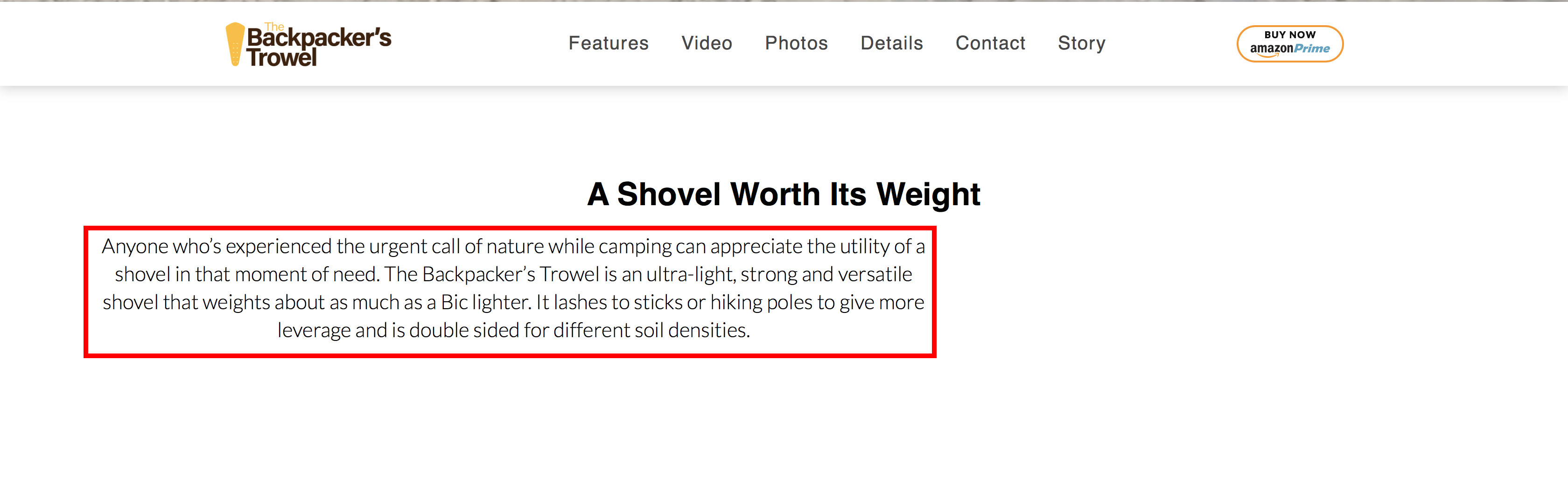
I’m trying to center the text element outlined in read without using padding or margins. Adding padding or margins breaks down in the mobile version making a long narrow text field.

Is there a way to center all the content in that row or column without adding margins or padding?

URL: thebackpackerstrowel.com
Using X-Pro
Thank you,
Matt
Hi @Mattchenot,

Thanks for writing in.

I could not be able to load your setup. Probably your URL is incorrect.

You could try this solution below.

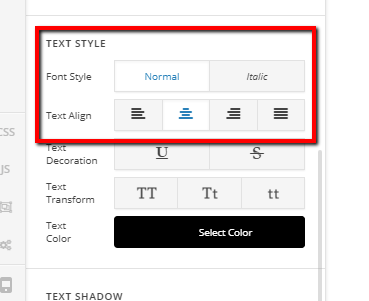
Text align the text to center so that it will be positioned in the middle.

Hope it helps.

Thanks.

Thanks for the quick response. The URL is correct, for some reason the site has been intermittently loading very slow. I just checked and it is working again.

I have tried using the Text Align tool to center the content but it only centers the text to itself, the actual element is still aligned to the left of the page. I’ve trie centering in both the Column and Rows without success.

Hi,

Please set left and right margin of your text element to auto.

If you are using Classic text element, you can add it in the style field of your text element.

Hope this helps

So simple, that worked! Thank you!

You’re more than welcome, glad we could help.

Cheers!

This topic was automatically closed 10 days after the last reply. New replies are no longer allowed.