Hi,
I’d like the pricing tables at the bottom of this page: https://getmeetio.com/meetio-view/ to have the same height as on this page: https://getmeetio.com/pricing/
Can you please help?
Hi,
I’d like the pricing tables at the bottom of this page: https://getmeetio.com/meetio-view/ to have the same height as on this page: https://getmeetio.com/pricing/
Can you please help?
Hello @adjusoft,
Thanks for asking. 
I suggest you to please refer solution mentioned in following thread:
Thanks.
Hi Prasant,
Unfortunately that doesn’t work, please see the attached screenshots:
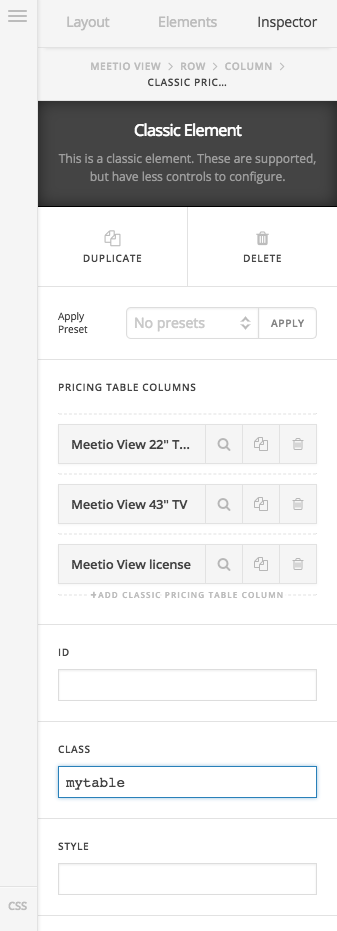
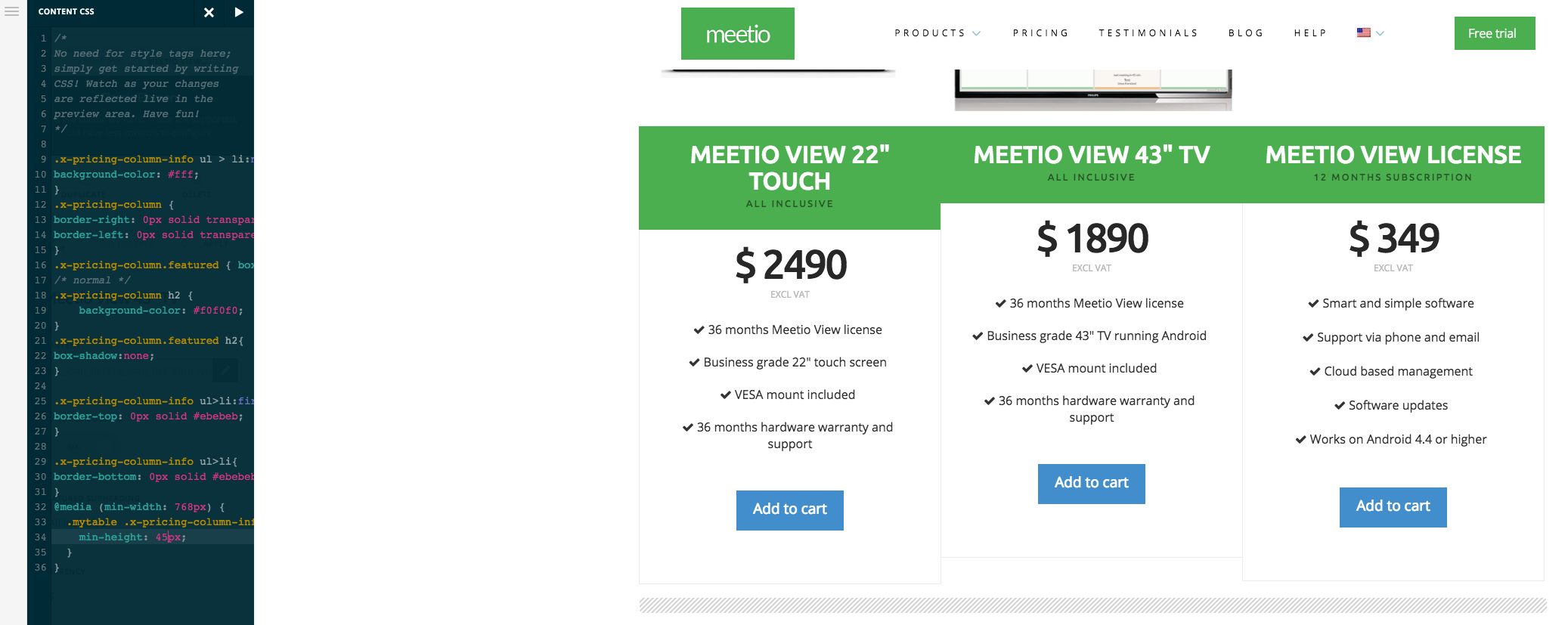
The table in the middle is “shorter” than the other ones and also the green heading field in the first table is larger than the other ones. What am I doing wrong?
Thanks
Hi There,
Sorry but that solution won’t gonna work on your case, because you don’t have uniform number of cell on your columns. And part of the issue is your first column title (MEETIO VIEW 22" TOUCH) is getting wrapped adding to the height of the columns.
Please add this Custom CSS instead:
@media (min-width: 980px) {
	/*reduce the pricing column title*/
	.x-pricing-column.mytable h2 {
		font-size: 18px;
	}
	/*equal height to pricing column content*/
	.x-pricing-column.mytable .x-pricing-column-info {
		    min-height: 500px;
	}
}
Hope it helps,
Cheers!
That worked out perfectly! Thanks
We are delighted to assist you with this.
Cheers!