
How do i create this kind of headline?
Classic Custom Headline does work but its has very very limited options.
How do i create this kind of headline?
Classic Custom Headline does work but its has very very limited options.
Hey Sathis,
Thank you for reaching out to us. Currently that can be done with Classic Custom Headline element only by turning on the Accent option (see screenshot)
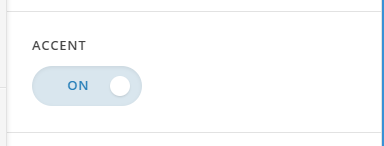
However if you want to use the V2 Headline element then assign your headline element a class e.g custom-accent and then add the following code in the Theme Options > CSS:
.custom-accent  {
	overflow: hidden;
}
.custom-accent .x-text-content-text-primary:before, .custom-accent .x-text-content-text-primary:after {
    content: "";
    position: absolute;
    top: 50%;
    height: 3px;
    width: 9999px;
    display: block;
    margin-top: -2px;
    border-top: 1px solid #f0f0f0;
    border-bottom: 1px solid #f0f0f0;
}

.custom-accent .x-text-content-text-primary:before {
    right: 100%;
    margin-right: 0.5em;
}

.custom-accent .x-text-content-text-primary:after {
    left: 100%;
    margin-left: 0.5em;
}

.custom-accent .x-text-content-text-primary {
	display: inline-block;
	position: relative;
}

.custom-accent .x-text-content {
	text-align: center;
}
Don’t forget to clear all caches including your browser’s cache after adding the code. Hope this helps!
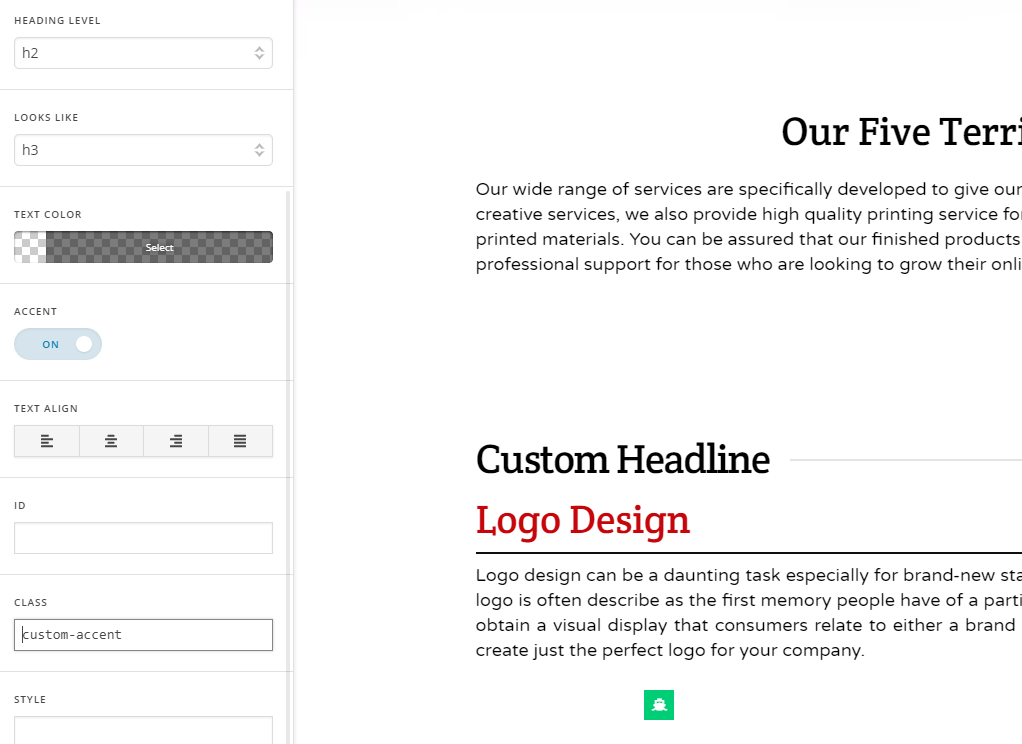
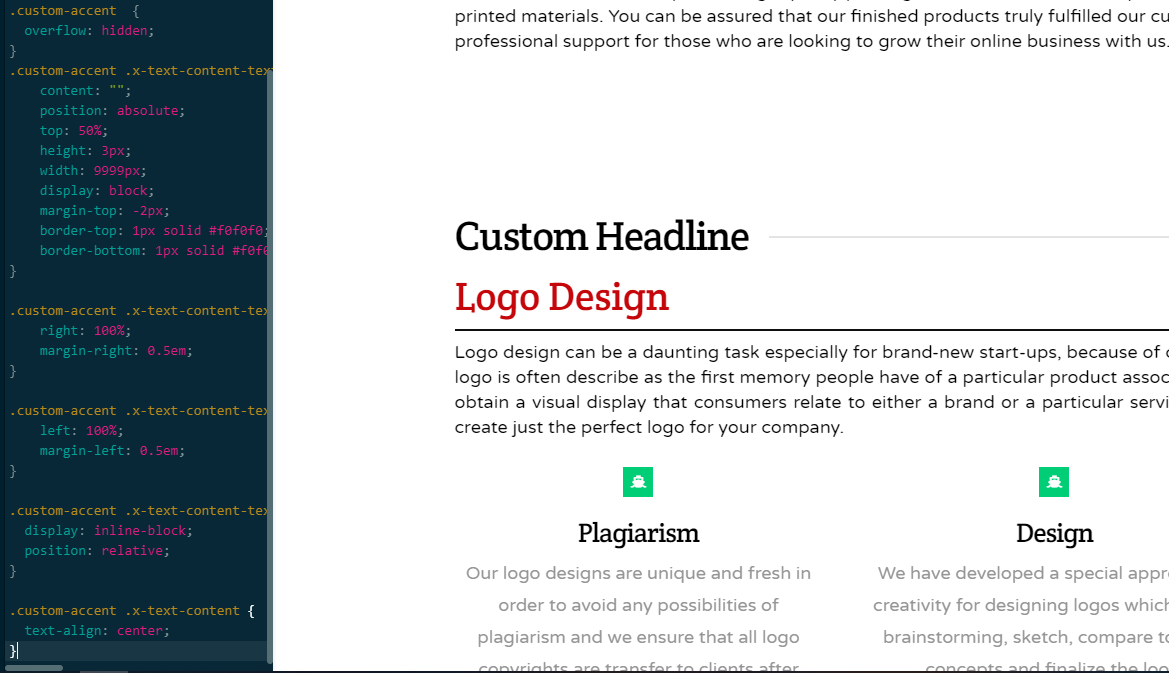
The class selector is not working.
Hey Sathis,
Nabeel said it’s for the V2 Headline element and not the Classic Custom Headline where you applied that class.
Please also note that we do not have support for custom codes. We understand that the Classic Custom Headline element has fewer options as compared to the V2 Headline but that Accent feature is readily available using it. Using that is the official or supported method if you want a headline accent.
The custom CSS provided is only a guide but we will not support issues that will arise from that nor enhance the custom code.
Thank you for understanding.
This topic was automatically closed 10 days after the last reply. New replies are no longer allowed.