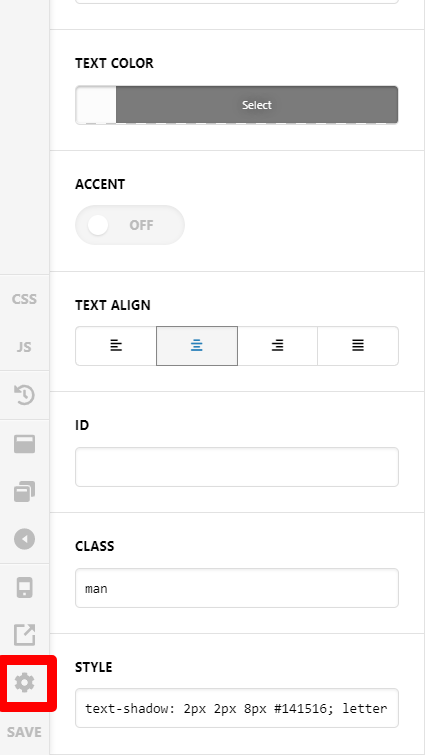
Hi,
I have tried several things that I have seen in the forums, but nothing is working on my particular issue… I have one single headline on a website that is not sizing down properly on mobile. All of the other headlines are working properly and all of the settings match across the site. It looks fine when using the small mobile viewport within X but if I look at it on Chrome Dev Tools it is not working at all. The word “Extraordinary” is cutting off on the right side. I know it’s a long word, but can you please help me get the complete word to display on one line? See attached screenshot. The site was built with X, not Pro.
The issue can be found at https://tgbuilder.com/profile