Hi there,
in Cornerstone my Site looks correct. When I look at the page in the browser, the image is covered by the header. What am I doing wrong?
Thanks for help 

Hi there,
in Cornerstone my Site looks correct. When I look at the page in the browser, the image is covered by the header. What am I doing wrong?
Thanks for help
Hello Stephan,
Actually the image area is showing right under the navigation area but it looks cut off because of the height of the section when the page is in a wider view like it is outside Cornerstone. The background image also adjusts to the width of its container.
What you can do it to set enough height to the section where you set the background image.
You can do this by adding a line element to the section below the navigation area. That way, the section will have more height and the background image will show more on the page.
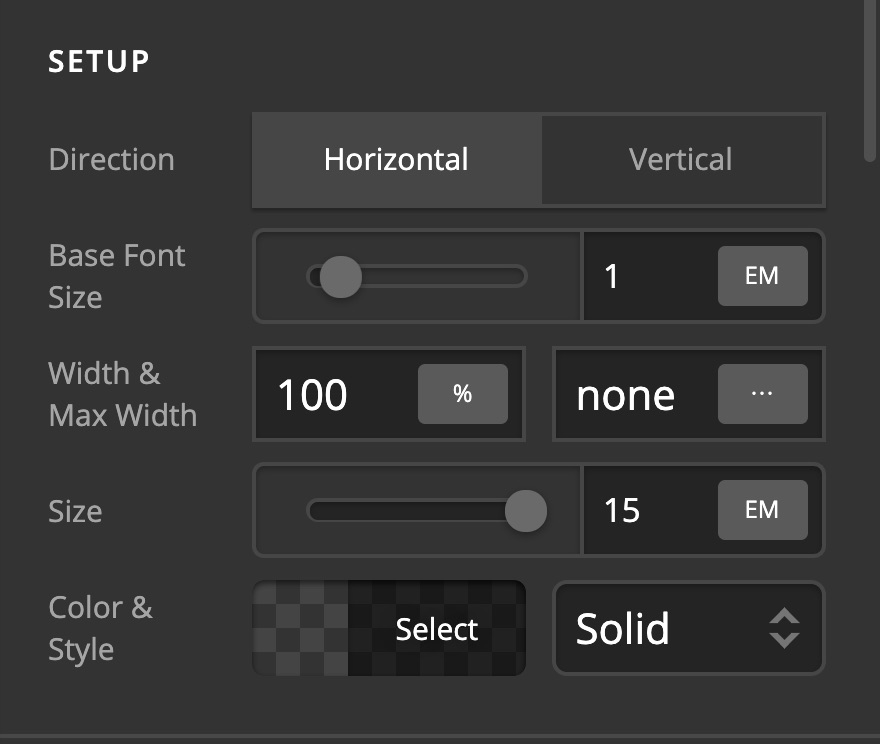
Hope this helps.
Hi Jade,
Unfortunately it does not work.
Is there a CSS command that the image is not covered by the header?
Thanks for help
https://brochmann.de/ueber_uns/

Hi Stephan,
Try adding GAP element. Set the height as intended. Or you might add height on your section with background image. Inspect the section, then go to Custom Tab > Element CSS, try adding the following:
$el {
  height:50vh; /*This this accordingly*/

}
Hope this helps.
Hi Lely,
that works fine, thank a lot
You’re always welcome Stephan!
Cheers.
This topic was automatically closed 10 days after the last reply. New replies are no longer allowed.