All of our intertior pages are not showing the header completely.
Hello Kirk,
Thanks for writing in!
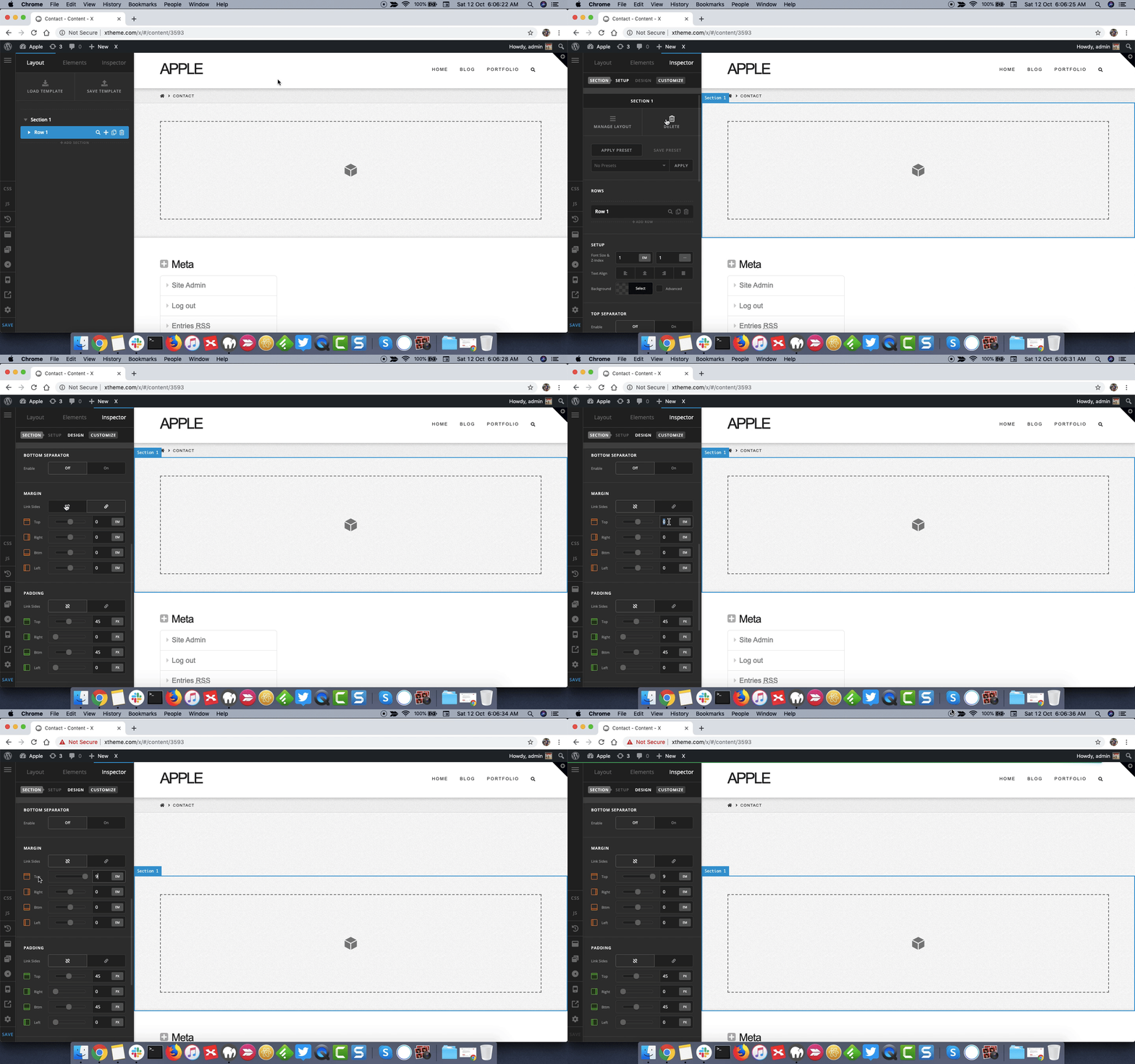
You will have to add some margin-top to the first section to be able to make it visible. Inspect the section and under Margin add some margin top. Here’s a screencast that you can take a look.
Thanks.
I tired it and it didn’t work.
Hello Kirk,
Thanks for updating the thread. 
In that regards please share website login details in secure note for us to take a closer look at the setup.

Thanks.
Sent you the login information.
Hello Kirk,
Thanks for updating the thread.
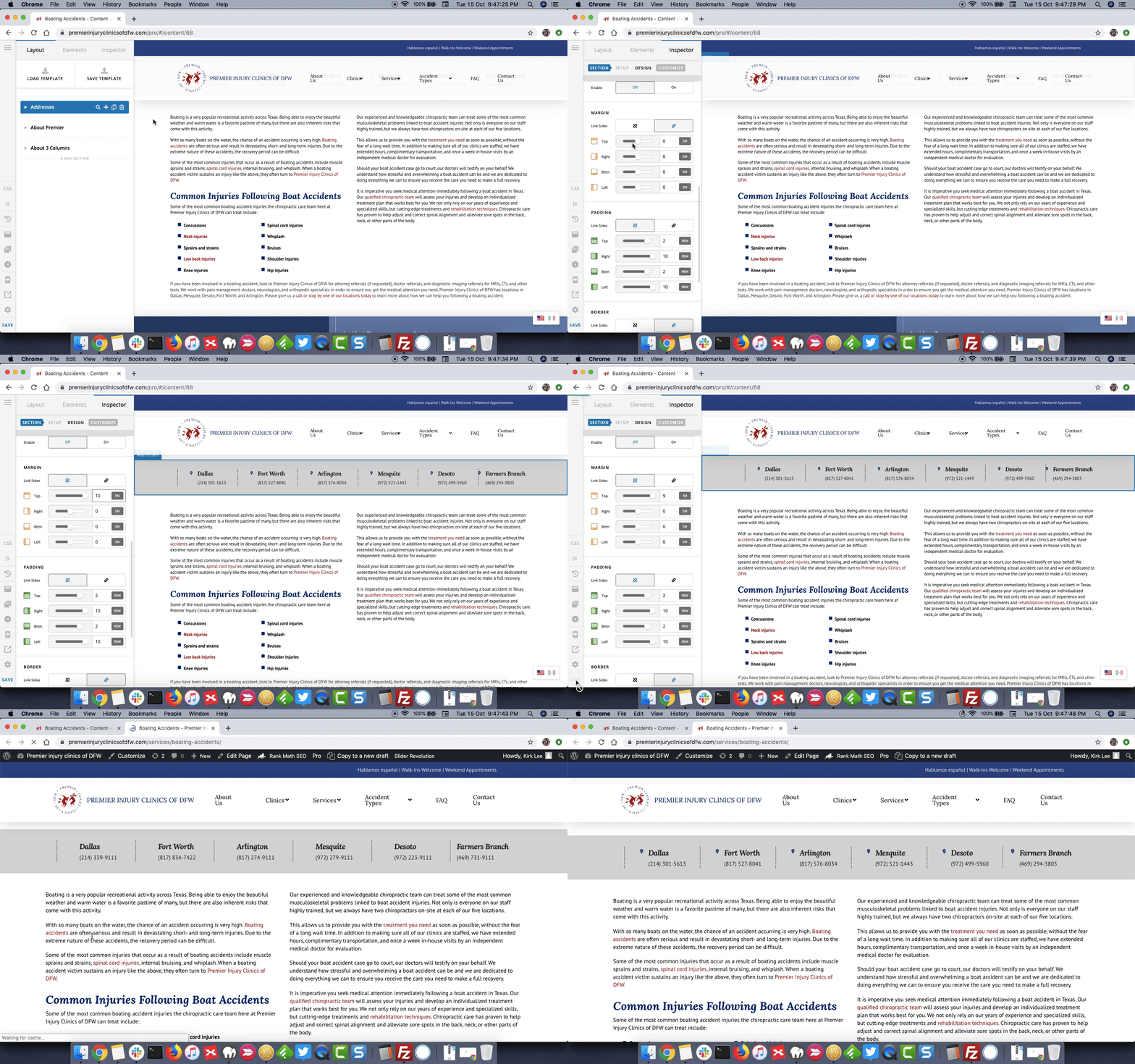
I checked the website and the page, I am able to make the changes by changing the top margin values and header is not showing up fine. Please see screencast. I have rolled back the changes that was made. Please adjust margin top values as per your requirement.
Thanks.
There use to be a header image above the address section and now its hidden behind the menu.
Hey Kirk,
The background image has no height that’s why it isn’t visible, try giving some padding to the header image:
.top-head .entry-thumbnail img {
    padding: 200px 0;
}
Here are some related links for further reading, this could help you in finding and implementing some CSS fixes:
- Intro to CSS - https://goo.gl/mFuWQT
- How to get CSS selectors - https://goo.gl/BmoH39
- Get Started With Viewing And Changing CSS - https://goo.gl/7xFhDa
- CSS Media Queries - https://goo.gl/L3ZHNg
Don’t forget to clear all caches including your browser’s cache after adding the code. Let us know how this goes!
This topic was automatically closed 10 days after the last reply. New replies are no longer allowed.